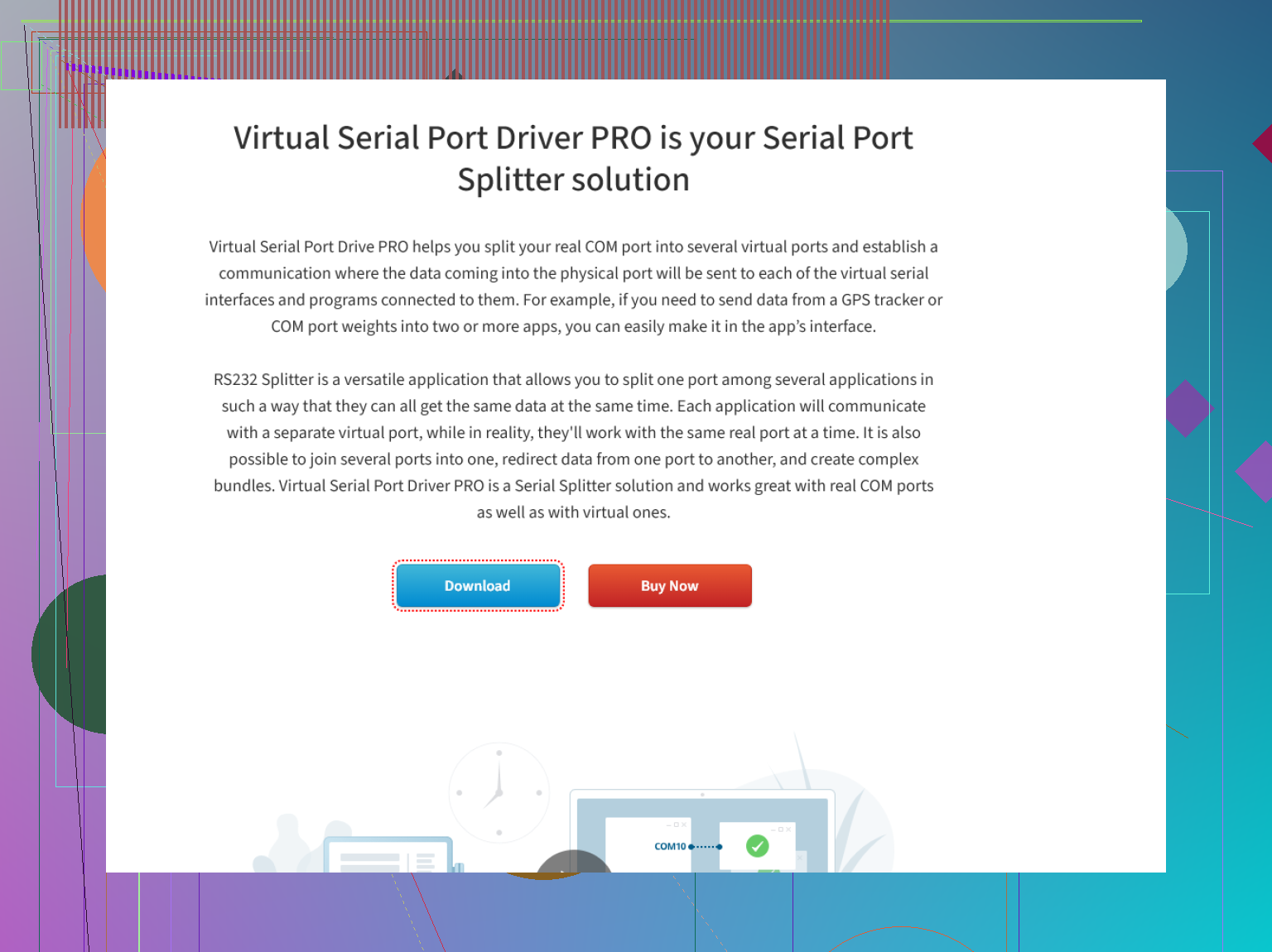
I’m looking for recommendations on the best serial port splitter software for Windows. I need to share one physical serial port with multiple applications at the same time, but I’m not sure which tool is reliable and easy to use. Any suggestions or advice based on your experience would be really helpful.
There are only a handful of options worth mentioning here. In my quest to stop my serial port setup from melting down every time two apps wanted to access the same COM, I’ve gone through a few of these so-called “magical fixers.” Here’s my quick-hit rundown:
- com0com: Old-school and open-source. If you like compiling stuff yourself or wrangling with command prompts, it’ll get the job done, though don’t expect much in the way of bells and whistles.
- fabula serial port splitter: Honestly, it’s fine, but the interface reminds me of 2007 and it’s not exactly rich with advanced options. Maybe good for simple things, but I always hit a wall when trying trickier configurations.
But the real MVP for me has been this Serial Port Splitter. Here’s why: it lets you mash up both physical and virtual serial ports—think of it as the Swiss Army knife of COM port juggling. Useful when you’ve got legacy gear mixed in with virtual devices, or when you’re testing multiple apps that need to see the same data at once. Settings are deep enough for control freaks, but the UI won’t make you want to chew glass.
TL;DR: Options are few, but that splitter linked above covers pretty much every use case I’ve had. If you’re tired of port conflicts, plug it in and stop worrying.
13 Likes
If you want to share one hardware COM port with multiple Windows programs, you’re basically hunting for a reliable serial port sharing solution. @mikeappsreviewer covered some ground, but honestly? While the link they gave is solid and feature-packed (can’t fault it much), it’s not always the easiest on resources if you just want to split a port with zero extras attached.
Let’s talk about the other big contender: Virtual Serial Port Driver. This one’s actually held up for me when others got flaky or threw cryptic “port in use” errors. Not only does it let you split a single physical port among a bunch of apps (so each thinks it’s flying solo), but it’s pretty intuitive—meaning way less time reading FAQ pages or muttering at the screen. Plus, it’s kept up with recent Windows releases, so no sketchy workarounds needed. One bonus: it can create virtual ports in pairs, which is handy if you want to do some app-to-app handshake wizardry.
But heads-up: pricewise, it’s positioned as pro software, so if you’re hoping for free/open-source magic with handholding, this isn’t it. If stability matters, though? It’s worth kicking the tires.
So, if you want a smoother user experience and fewer compatibility headaches, Virtual Serial Port Driver deserves a look. But if you’re more of a “I love tweaking registry settings and reliving the Windows XP era” type, maybe whack away at com0com.
Updated for search ease: “Serial port splitter” software lets you duplicate a real or virtual COM port so multiple applications can access it at the same time—perfect for diagnostics, legacy hardware, or when you want to avoid port access errors without pulling your hair out.
Link for the curious (as suggested above): explore advanced serial port splitting options here
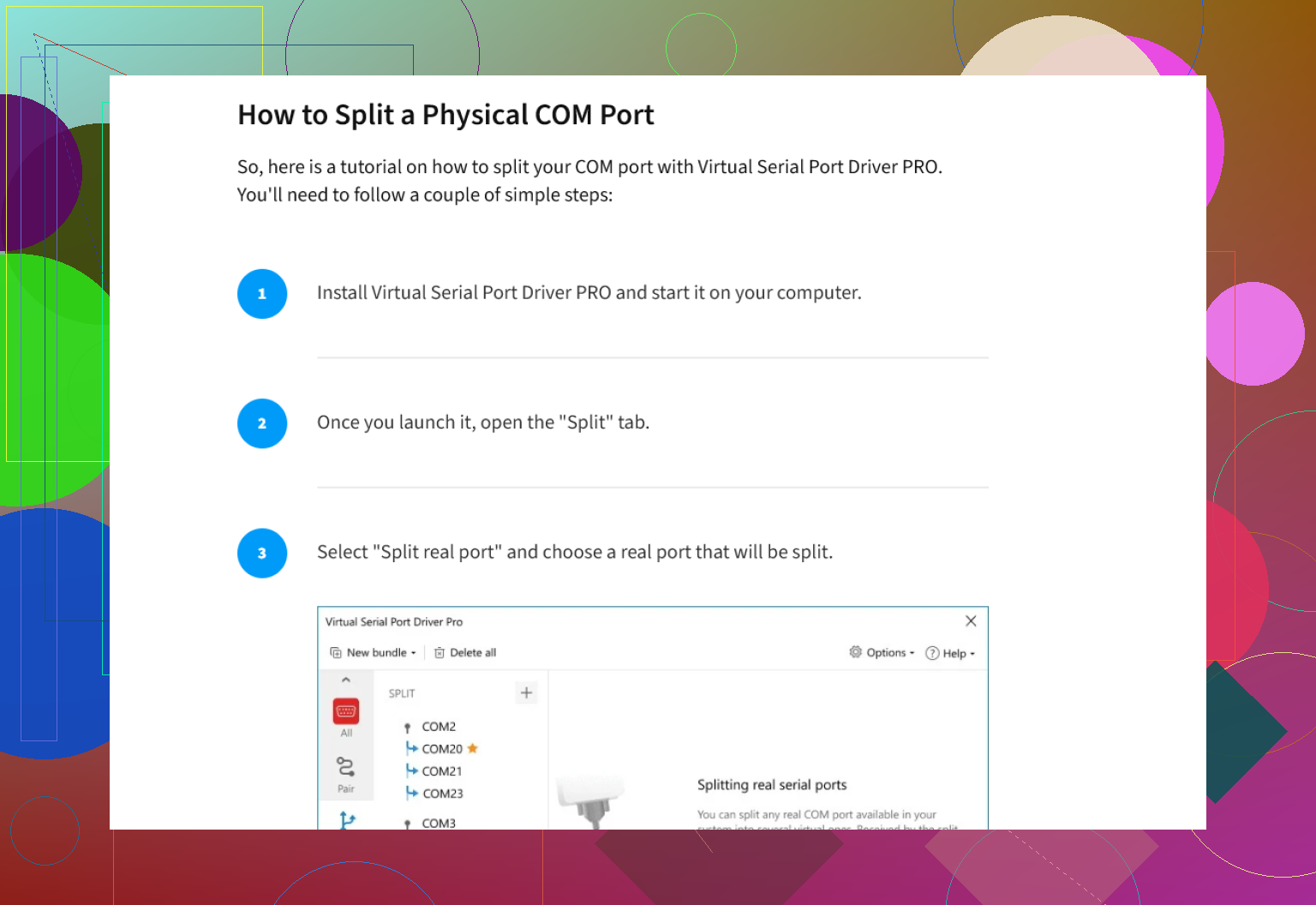
Honestly, serial port splitting on Windows is kind of like that recurring nightmare where you’re stuck choosing between bad and worse: ancient GUIs, command-line gymnastics, or pro-grade software with sticker shock. @mikeappsreviewer and @vrijheidsvogel already nailed the basics, but here’s my two cents as someone who’s literally rage-rebooted a machine after COM port tantrums:
If all you need is dirt-simple: yeah, com0com is free and nerd-approved, but the install process is pure “vintage Windows pain.” It’ll work—if your idea of fun is fiddling with unsigned drivers or batch files when something inevitably breaks. I’ve had it randomly vanish from Device Manager after an update, so beware.
Fabula? Looks like it time-traveled from the Vista era and took its feature set with it. It’s almost charming how basic it is, until you try anything other than basic splitting.
But between the two “real world” contenders, I’d actually go to bat for Virtual Serial Port Driver, especially if you want reliability over penny-pinching. It’s kept my test rigs happy across every flavor of modern Windows, never mind if I’m splitting a single hardware port or building webs of virtual pairs for test automation. Virtual Serial Port Driver basically gives each of your apps their own happy little sandbox. Sure, it’s not free, but ask yourself what your time (and sanity) are worth.
One minor nitpick with the supposedly all-in-one serial splitter linked earlier: if you don’t need its virtual port magic and you’re low on system specs, it might be a tad heavier than you want. Not everyone needs twenty tabs’ worth of advanced routing.
If you want to get started quickly, check out this page for a quick download to streamline port splitting on Windows: try one-click serial port splitting for Windows here.
Bottom line: If “stable, actually works, doesn’t look like a museum piece” are your criteria, Virtual Serial Port Driver by Eltima’s pretty darn hard to beat. But if you enjoy suffering—or just need free/open source—com0com’ll keep you humble. Just don’t expect a walk in the park.