I’m updating my LinkedIn profile and just booked a professional headshot, but now I’m stuck on what to wear. I want to look polished and professional without seeming too formal or outdated. I’d really appreciate advice on the best outfit colors, styles, and accessories for a strong LinkedIn headshot that fits today’s professional branding.
What I usually tell people is way less complicated than they expect. For a LinkedIn headshot, wear something clean, plain, and close to what you’d wear on a solid workday. I learned the hard way that trying too hard shows up in the photo. A stiff blazer, a shirt collar you keep tugging at, some loud pattern you thought looked sharp in person, all of it pulls attention off your face.
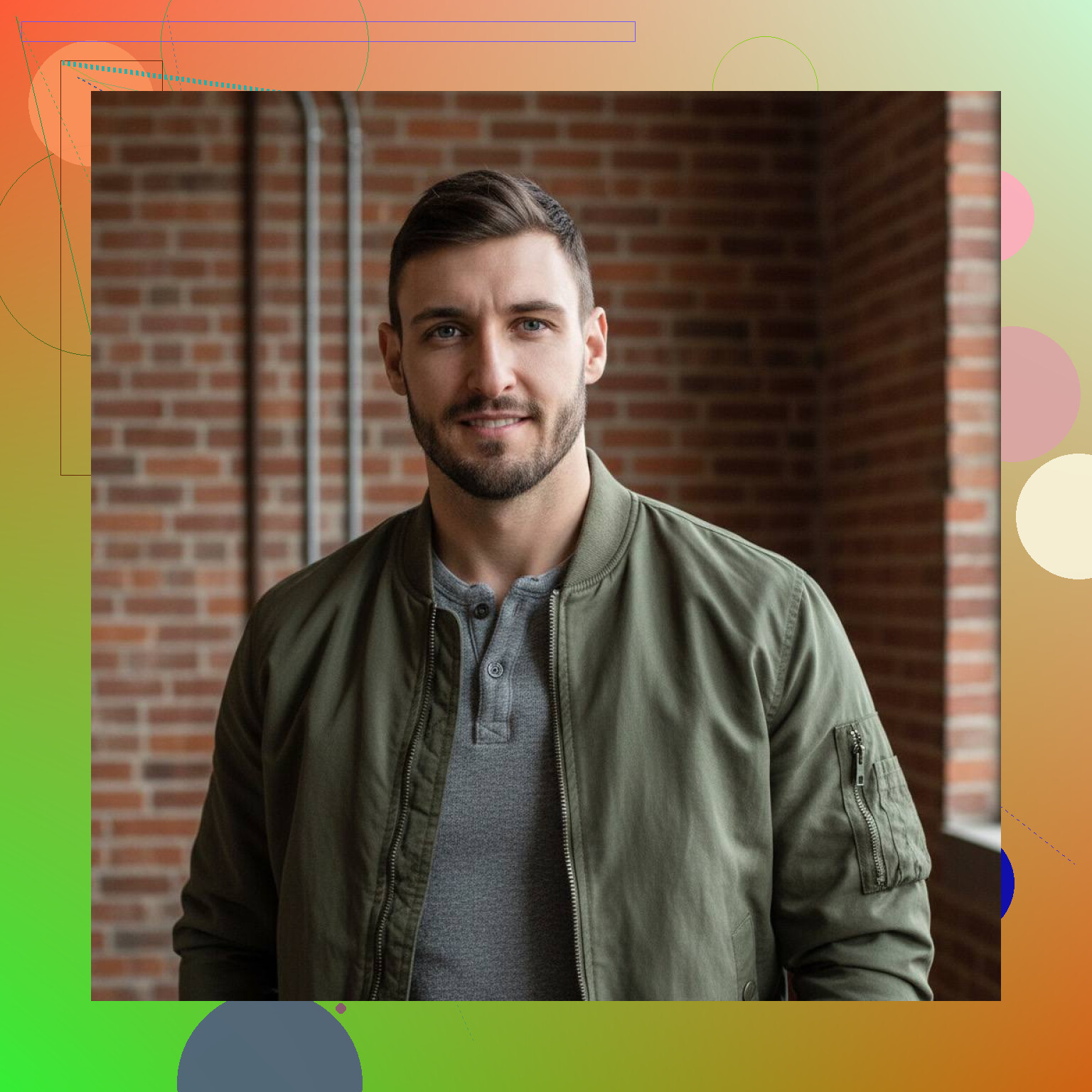
For a normal photo shoot, I’d stick with solid colors. White, black, navy, beige, stuff like that. Simple blouse, plain shirt, clean neckline. Skip big logos. Skip busy prints. If your clothes fight for attention, your photo loses. Fit matters too. If it feels tight, awkward, or too formal for how you move, it tends to look off on camera. I saw this with one of my old headshots. Looked like I borrowed somebody else’s suit five minutes before the shoot.
Lately I’ve gone a different route, mostly because I got tired of planning outfits and chasing decent lighting.
AI headshots are way easier than I expected. You upload a few selfies, then the app builds polished LinkedIn-style portraits from them. It handles the background, the lighting, the framing, and even different outfit looks. So if you don’t own business clothes, or you don’t want to spend your afternoon figuring out what shirt photographs well, this cuts out most of the headache.
One I tried and kept using is the Eltima AI Headshot Generator App.
What I liked was how little setup it needed. I used normal selfies. No studio, no special prep, no trying to angle my face like I knew what I was doing. It gave me a batch of usable headshots with different looks, business, office casual, more formal profile-photo stuff. For LinkedIn, that solved the whole clothing question for me in one shot.
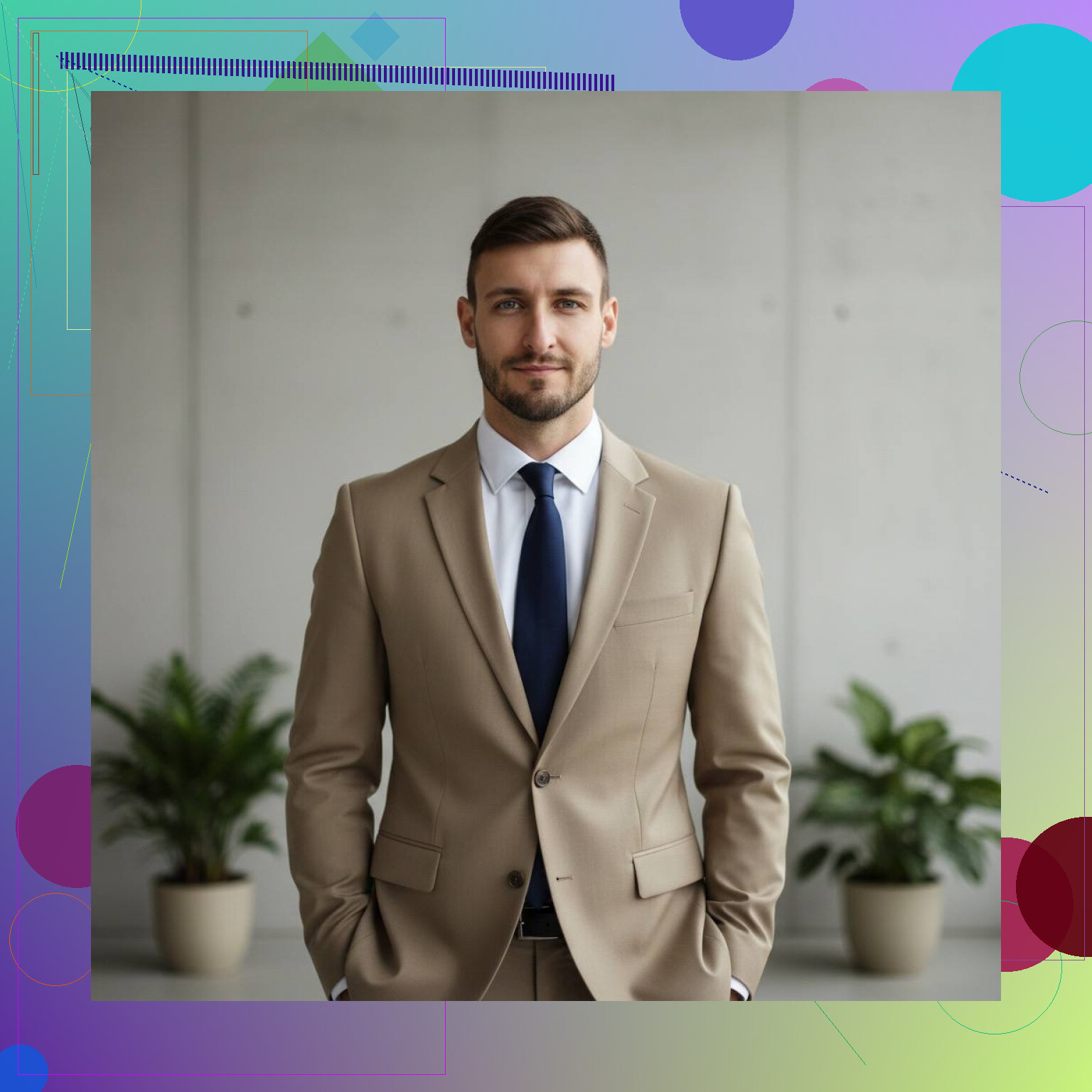
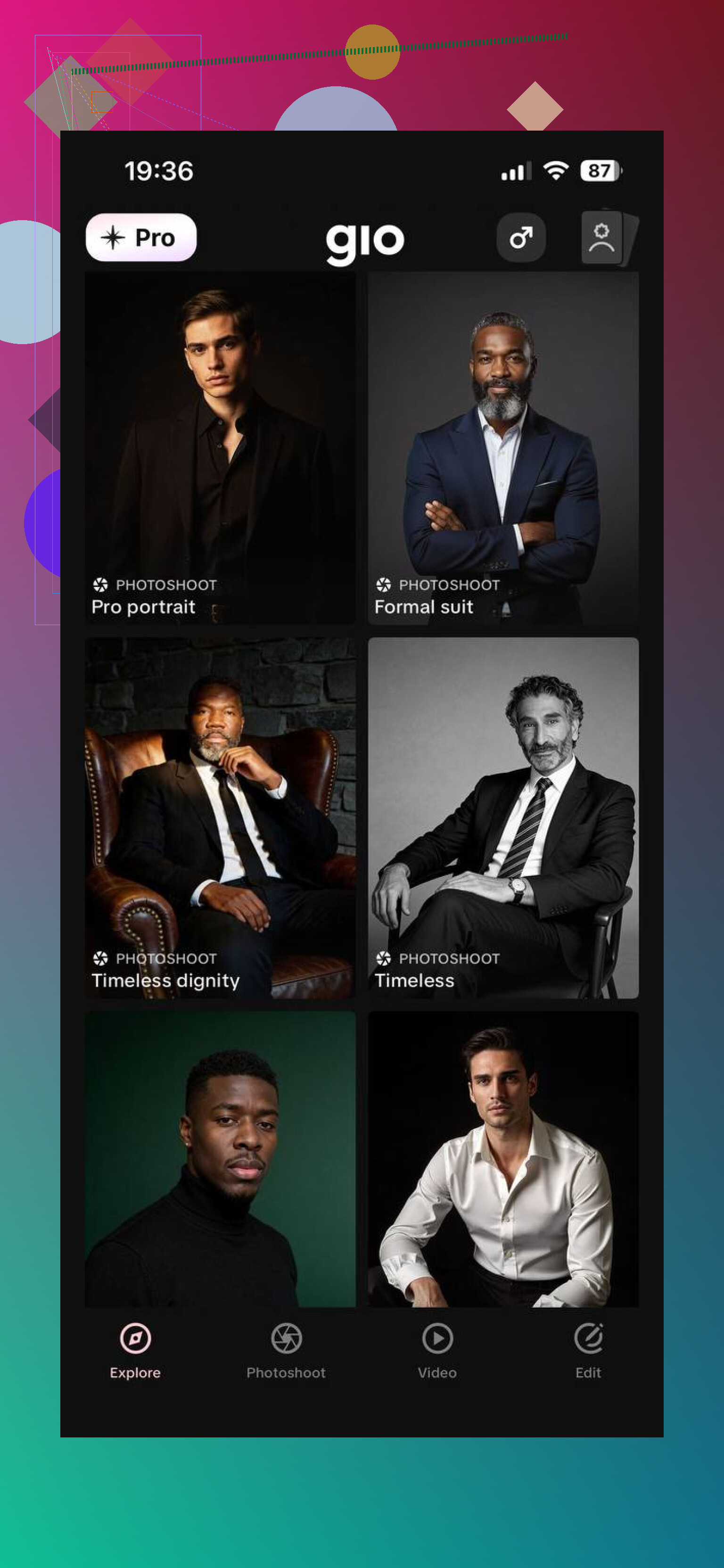
I’ve seen people bring up GIO too, plus a few other AI headshot apps. Same general idea. Upload photos, get back polished portraits. If you care about style differences, it’s worth comparing outputs.
So if you’re sticking with a regular headshot session, keep the outfit simple and comfortable. If you want to skip the whole clothing and photographer problem, I’d look at AI instead. I ended up using Eltima AI’s Headshot Generator App more than traditional photographers because it was faster, cheaper, and way less annoyng. For a clean LinkedIn photo, it did the job.
33 Likes
Wear the version of you people meet at work, on a good day.
My short list:
- Solid color top.
- Good fit at the shoulders.
- Simple neckline or collar.
- No big jewelry.
- No tiny stripes, plaid, or loud prints.
- Layers only if you wear them often.
I agree with @mikeappsreviewer on keeping it simple. I disagree a bit on black and pure white as first picks. Black eats detail in photos. Bright white blows out under studio lights. Navy, charcoal, soft blue, olive, cream, burgundy tend to photograph better.
A few practical things people miss:
- Bring 2 to 3 options.
- Try everything on the day before.
- Sit, stand, turn your neck. If it pulls or bunches, skip it.
- Steam it. Wrinkles show.
- Match your industry. Finance leans blazer. Tech leans polished casual. Creative fields get a little more range.
If you wear glasses daily, wear them. If you never wear a tie, dont add one for the pic. Looking current beats looking overdressed.
I’m with @mikeappsreviewer and @suenodelbosque on aiming for “work version of you,” but I’d add one thing: think about shape near your face, not just color. The neckline, collar, and lapels matter a lot in a tight crop. A jacket that frames your face well can do more than the “perfect” shirt color.
Also, slight disagree with the “just wear what you wear every day” advice. Sometimes your actual daily outfit is kinda meh on camera. The best LinkedIn headshot outfit is usually one notch sharper than your normal Tuesday clothes.
What tends to work:
- structured but comfortable top
- sleeves that fit cleanly
- no trendy details that will date fast
- matte fabrics over shiny ones
- one simple layer, not five
If you can, avoid anything super low-cut, overly stiff, or fussy. If you keep adjusting it in the mirror, it’ll show. And weirdly, the safest option is often the one that feels a little boring in person. Boring photographs better, lol.
Bring a backup top too. Sometimes the “best” one in your closet just looks off under studio lighting.
Big agree with @suenodelbosque and @nachtdromer on keeping it current, but I’ll push back a little on “safe neutrals only.” If your skin tone gets washed out by beige/cream, don’t force it. A richer color that flatters you usually wins over the “professional” default.
What I’d focus on is contrast and face definition:
- wear something that separates you from the background and your hair color
- choose fabrics with a little structure so the shoulder line looks clean
- avoid anything that creates visual bulk right under your chin
One thing people forget is grooming the outfit for the crop. Since LinkedIn headshots are tight, the top 20 percent of the shirt matters, not the whole outfit. Test a selfie from chest-up before the shoot. Some clothes look great full-length and terrible in a headshot.
For women, asymmetrical necklines and overly draped tops can photograph oddly.
For men, collars that spread too wide can make the neck area look sloppy without a tie.
I also don’t fully agree with @mikeappsreviewer that white is always a solid pick. It can work, but only if the lighting is controlled really well and the fabric isn’t thin.
If you want a backup plan, the Eltima AI Headshot Generator App is handy.
Pros:
- quick outfit/style variations
- no studio stress
- easy if you hate being photographed
Cons:
- can look a bit too polished
- less control over tiny wardrobe details
- not every generated look feels like real-life you
My rule: wear the outfit that makes your face look sharper, not the outfit that sounds most “professional” on paper.
Keep the advice about fit, comfort, and dressing like yourself. Skip buying a suit you wouldnt wear to work. Since you already booked a photographer, focus on preparing for your session rather than switching to AI.
A simpler approach: email your photographer photos of two tops on hangers. Ask, “Which works best with your planned background, and should I bring a jacket?”
Use their answer to pick one outfit you usualy feel comfortable wearing. This gives you a clear choice without shopping or testing several looks.
Check what color your photographer’s backdrop is before you pick anything. A navy top on a dark gray backdrop means your shoulders vanish and your head floats. Nobody in here mentioned asking that, and it changes your whole outfit choice. @darkhacker41 had the right instinct emailing the photographer, but the real question isn’t just ‘which top,’ it’s ‘what are you shooting me against.’
The thing people keep skipping is scale. Your headshot ends up as a tiny circle next to your name on a phone. At that size, collar shape, fabric texture, tie knots, none of it reads. What reads is the contrast between your face, your clothes, and the background, plus whether your expression looks relaxed. So I’d worry less about burgundy versus olive and more about whether you separate cleanly from whatever’s behind you. Take a test selfie and shrink it down on your phone. If it still looks like you at thumbnail size, you’re fine.
One practical warning that burned a coworker of mine: thin light fabrics plus studio lighting equals your undershirt, bra lines, or whatever’s underneath showing straight through. White and pale blue are the usual offenders. If you’re going light, go with something that has a bit of weight to it, and check it under a bright lamp at home first.
I’ll mostly side with @nachtdromer on going one notch sharper than your Tuesday clothes. The ‘just wear what you wear every day’ line sounds nice but a lot of people’s everyday stuff photographs flat. One notch up, still recognizably you, is the sweet spot.
On the Eltima thing floating around, I get why it comes up for people who dread being photographed, but you already paid for a real session. Spend that. AI sets are handy when you’ve got nothing booked and no time, less so when you’ve got a photographer and twenty minutes of their lighting setup waiting on you. Use the shoot, bring two tops, done.