Weirdly enough, every time I think I’ve perfected my video workflow, it gets tripped up in post. You know when you’ve just wrapped a marathon editing session and want to double-check your color grading, but your so-called “media player” makes everything look like you shot it through a muddy windshield? That’s been my reality, especially with QuickTime. If you’ve ever tried scrubbing through a 4K timeline and the thing hard-freezes, congrats—you’ve experienced peak Mac pain.
Testing Out Everything Because I’m Stubborn
Half my nights have been spent rage-installing every player from the App Store (and, let’s be honest, the weird corners of the internet). Eventually, I downloaded Elmedia Player, mostly because the other ones either choked on codecs or popped up with more ads than an old-school torrent site.
Bright Spots (Literally—Video Looks Decent)
- Format roulette? Not an issue. Name a file type—I’ve lobbed everything from ancient AVI encodes to unwieldy MKVs at it, and so far, it chews through them. Even those headaches with random subtitles embedded in obscure containers just… work.
- HD is truly HD. Seriously, forget those stutters like you’re booting up a Pentium 3. Massive 4K files run smooth, and on replay, there’s no random color shift that makes skin tones look radioactive.
- “Send it to the big screen” has never been easier. Caveat: yeah, you have to cough up for the Pro version if you want to push video to Chromecast, smart TVs, or Apple TV. But when it works, it just works—no weird network rituals or command line hacks.
- Actually useful settings. I’m talking drag-and-slide adjustments for brightness, contrast, and even cranking up playback speed so you can get through tutorials faster. If things drift out of sync, boom, there’s an audio delay fix right there.
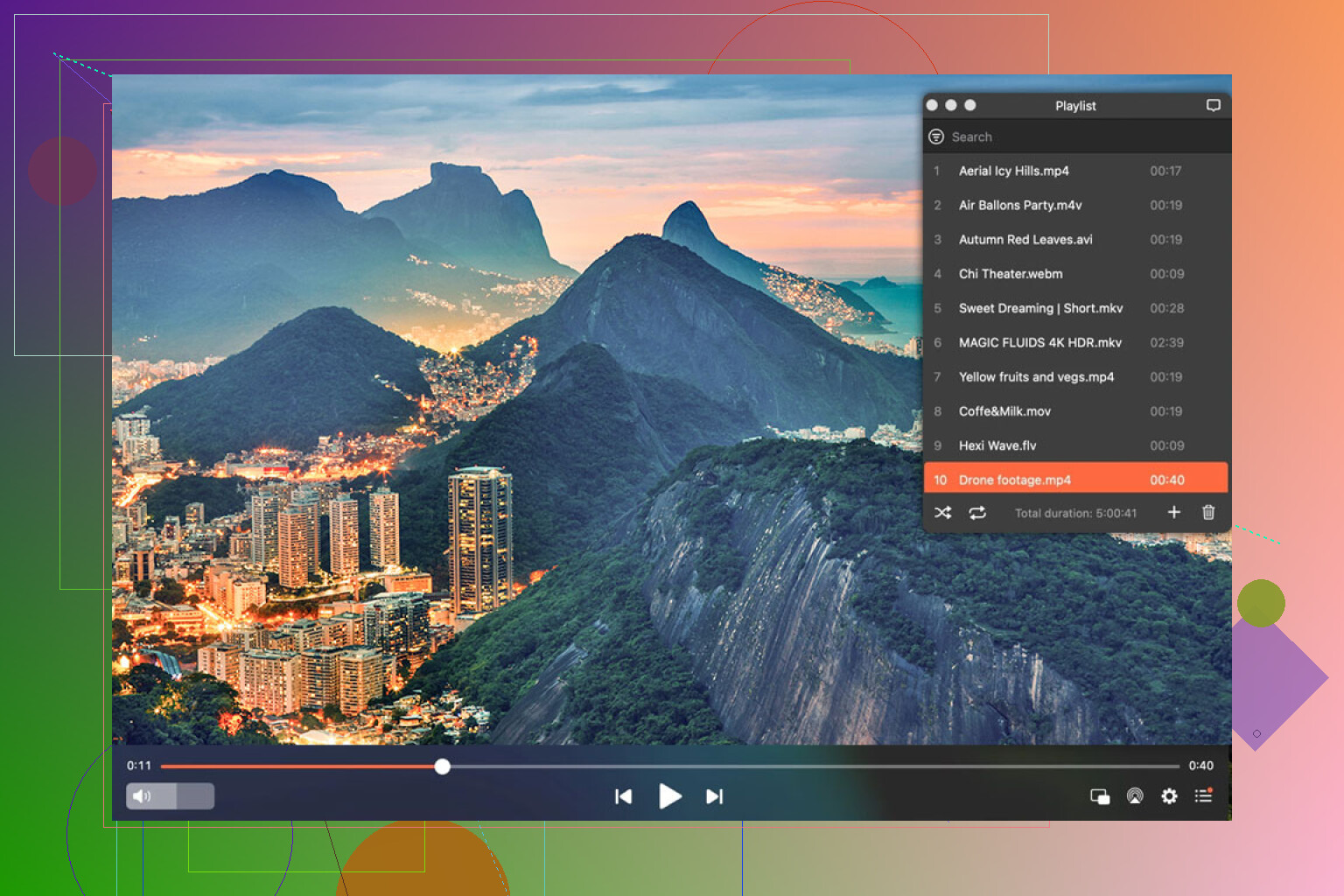
“Why Not VLC?” and Other FAQs
Every time this comes up, someone tries to sell me hard on VLC or some Frankenstein’s monster of open-source plugins. I mean sure, love me some free and open—but if you want something polished, doesn’t give you popups about missing this-or-that, and just launches without drama? That’s where Elmedia quietly wins.
The Annoying Bits (Because Nothing’s Perfect)
- That said, if you want the full streaming feature set, be prepared to pony up for the premium version. Not a dealbreaker for me, but worth flagging.
- UI is actually not offensive. I’ve seen worse, though sometimes I wish they’d just let me scrub through frames with the arrow keys like in DaVinci Resolve.
Elmedia’s become the main player in my dock. I bounce between a bunch of others for niche stuff, but this one’s basically handled everything short of the genuinely weird edge-cases. You want to see your edits in something that doesn’t botch the colors or freeze up—try it out. Not a sponsored plug, just what’s kept me sane. You can try Elmedia Player for free – it’s a reliable way to see how this player provides high performance with minimal CPU.
Want some more options? Then check out what others are recommending in this thread on Reddit.