I’m trying to improve my fashion photography workflow after a recent shoot took way longer to edit than expected. I need help finding the best AI tools for fashion photography for retouching, background cleanup, color correction, and faster post-production without making images look fake. If you’ve used any reliable AI photo editing tools for fashion shoots, I’d really appreciate your recommendations.
If you want AI tools for fashion photography, I’ve tried a few, and the good ones split into three buckets. Some are better for fake-but-believable model shots. Some work better for outfit mockups. Others are more for fast social posts when you need something decent and don’t want to set up lights, makeup, location, the whole mess.
The three I kept coming back to were these.
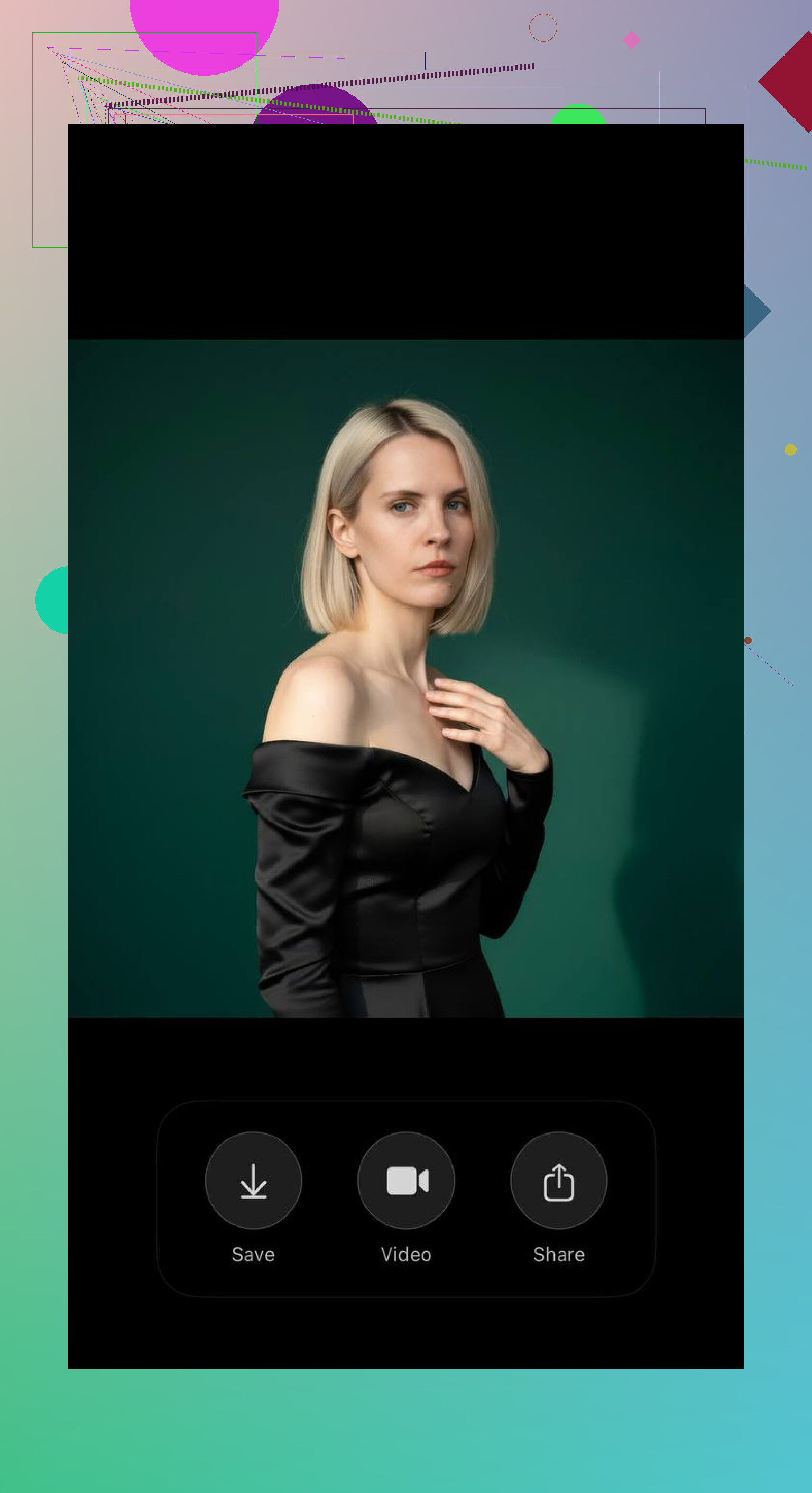
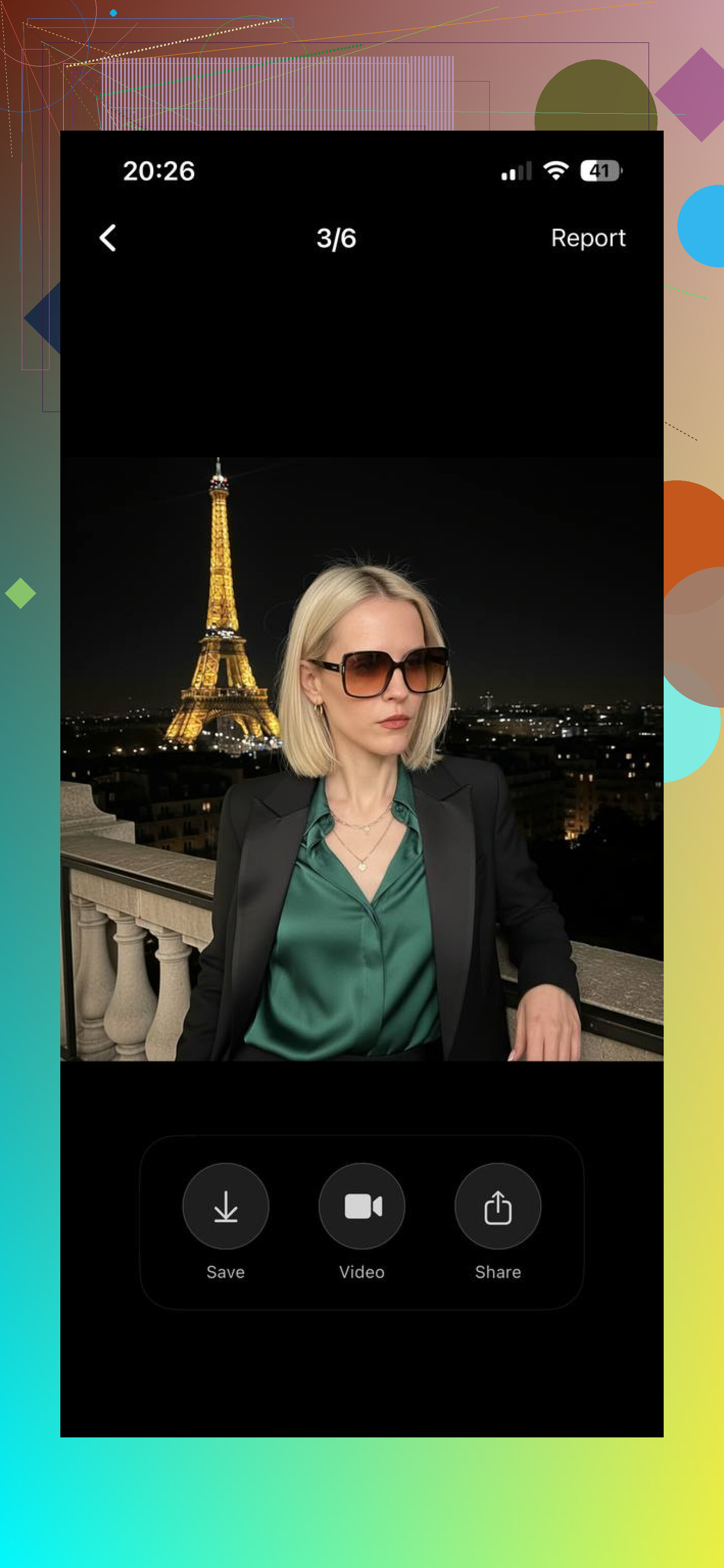
Eltima AI Headshot Generator app
This one felt the most usable to me for fashion-style portraits. I got cleaner results here than with a lot of the usual AI portrait apps. Streetwear worked. More polished luxury looks worked too. Editorial-style shots came out better than I expected, which surprised me a bit.
What stood out for me was the face consistency. A lot of apps drift after a few generations and your person starts looking like their cousin. Here, with a decent batch of selfies, I got images I’d post without needing to explain them away. It also does short AI video clips, which helped when I needed something less static for content.
If your main problem is, “I need fashion visuals, but I do not want to plan another shoot this week,” this is the first one I’d test.
GIO
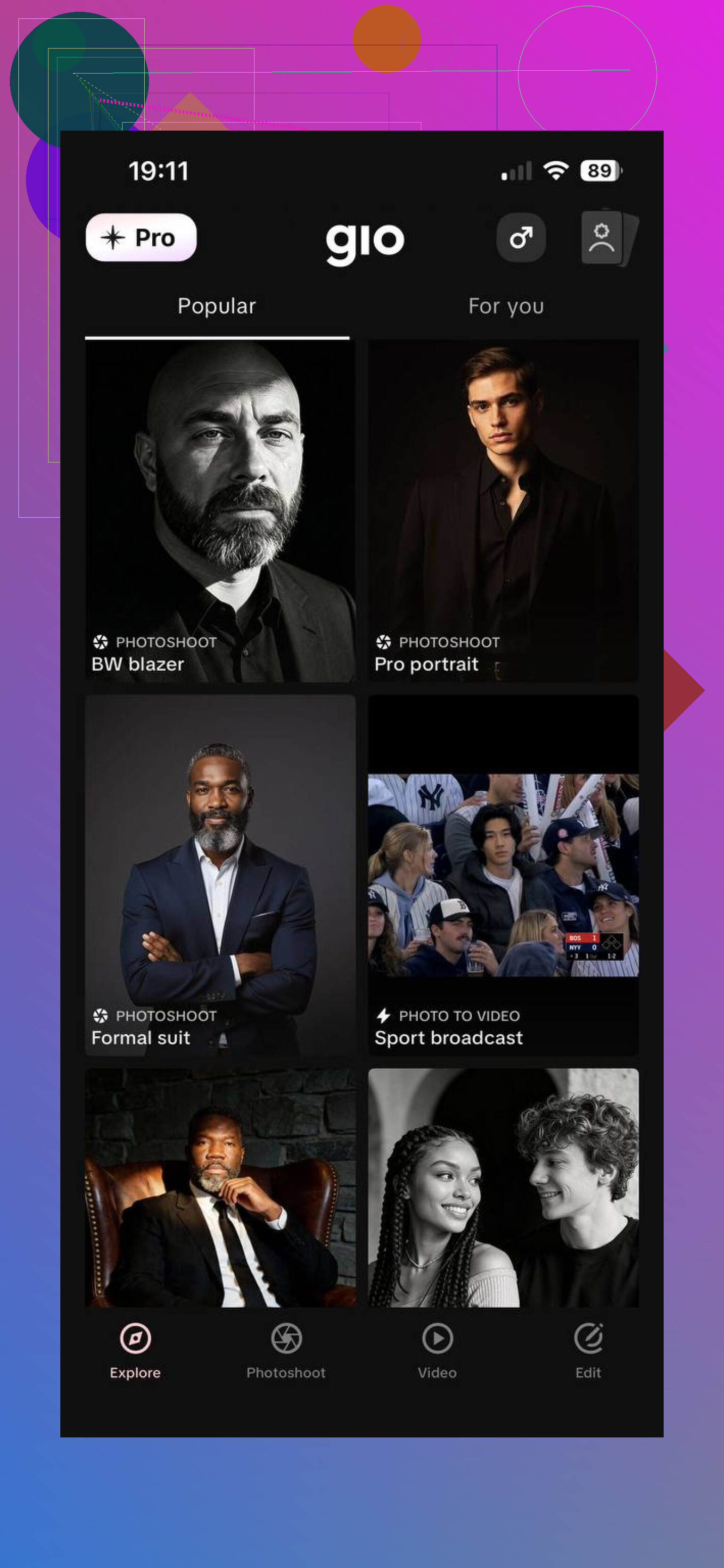
This one leans more into style testing. I used it when I wanted to push looks around and see what fit a vibe before doing anything for real. There are enough templates to keep it from feeling repetitive right away. For Instagram-type content, it’s quick. Bit less grounded, bit more playful.
If you like trying different aesthetics and you care more about variety than strict realism, GIO makes sense.
Momo
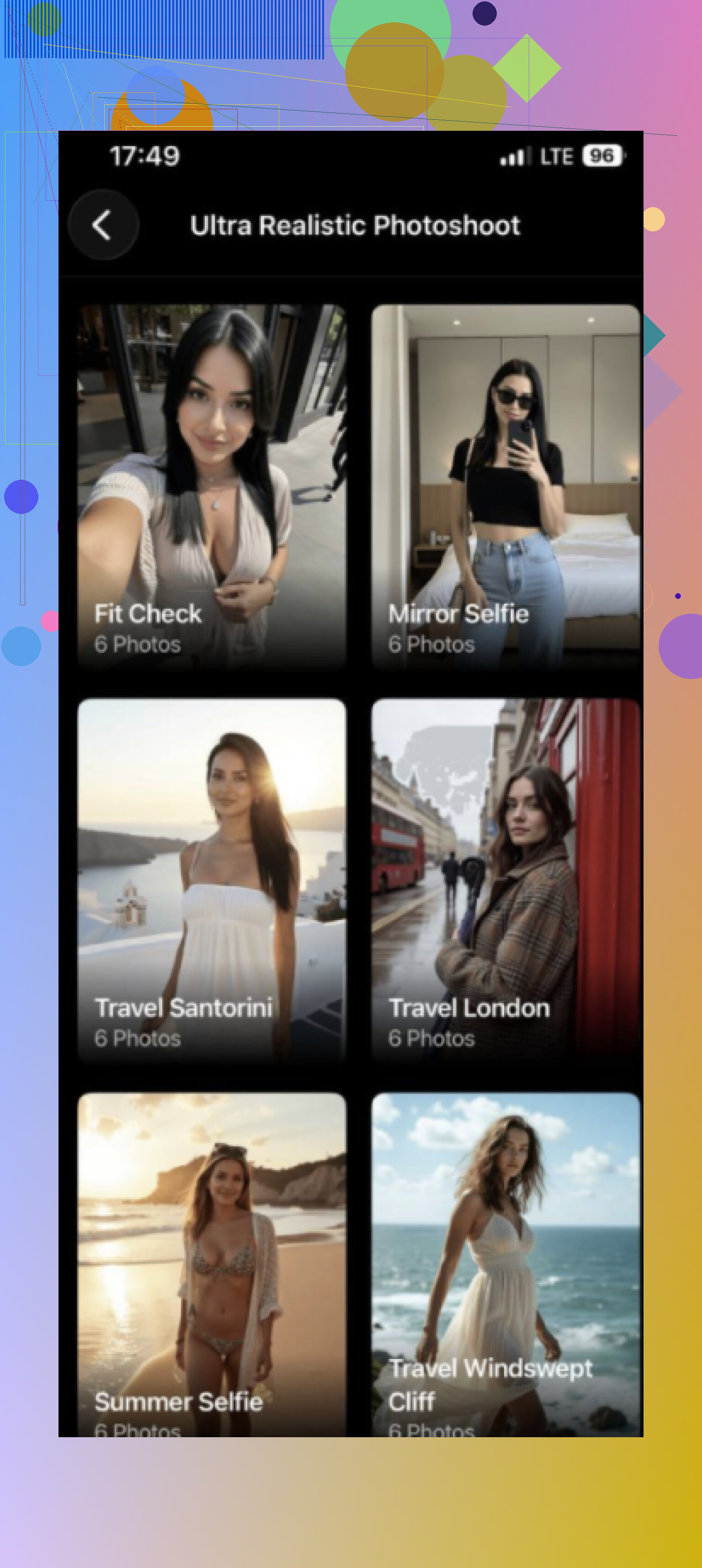
Momo worked better for concepting than for polished final images, at least in my use. I liked it for outfit ideas, styling references, moodboard-type stuff. Some presets push the output into a more stylized direction, so I wouldn’t pick it first if you need plain, natural-looking fashion portraits.
Still useful, though. I kept a bunch of results as references for color combos and silhouette ideas.
If I were starting from zero, I’d begin with Eltima AI. It gave me the most natural-looking photos out of the three, especially after I uploaded a few solid selfies with good lighting and different angles. For Instagram, TikTok, or a starter portfolio, this is the one I’d try first.
10 Likes
If your pain is edit time after a real shoot, I’d look past the image generator apps first. @mikeappsreviewer covered the synthetic image side well. For workflow, the best wins are in post.
My short list:
-
Adobe Lightroom
AI masking is the time saver. Skin, clothes, background, face, hair. One click, then batch sync across a set. For fashion, this cuts color correction time a lot. Adaptive presets help too. -
Photoshop
Best for retouching. Generative Fill helps with background cleanup, set extensions, stray objects. Remove Tool is fast. Neural Filters are hit or miss, so I would not lean on them for final skin work. -
Capture One
Better color for fabric in my experiance. Skin tone editor is strong. Tethering is smoother too, if you shoot in studio. Less AI hype, more control. -
Retouch4me
Good for dodge and burn, skin, teeth, fabric cleanup. Faster than manual retouching. Keeps texture better than a lot of one-click apps. -
Topaz Photo AI
Best for noise and soft images. I use it last, not first.
Best setup for speed:
Cull in Photo Mechanic.
Color in Lightroom or Capture One.
Retouch finals in Photoshop plus Retouch4me.
If your issue is 500 images from one look, batch tools matter more than fancy AI pics tbh.
If your bottleneck is editing a real fashion shoot, I’d actually put Imagen AI and Aftershoot on the list before more image-generator apps. Slight disagree with @mikeappsreviewer’s angle there: synthetic fashion visuals are fun, but they don’t solve the “I have 800 raws and my eyes are melting” problem.
My practical stack:
- Aftershoot for culling. Huge time saver.
- Imagen AI for learning your Lightroom edit style and batching it across a set.
- Evoto AI for fast beauty retouching. Surprisingly solid for skin, under-eyes, flyaways, even some fabric cleanup.
- Photoroom for stupid-fast background removals when ecommerce shots need to move now, not tomorrow.
- Luminar Neo for quick cleanup and relighting when the frame is decent but not perfect.
I mostly agree with @espritlibre on Photoshop/Capture One, but honestly Photoshop can become a time sink if you open too many files “just for one tiny fix.” That’s how 20 mins becomes 3 hrs, ask me how I know lol.
Best split, imo:
- Cull with AI
- Batch color with AI
- Retouch only selects
- Save Photoshop for hero images
If you shoot fashion regularly, that workflow matters way more than chasing the flashiest app. The boring tools save your sanity tbh.