I accidentally deleted important videos from my SD card and realized I never made a backup. The card had family footage I really need to recover, and I’m afraid using it more could make things worse. What are the best ways to recover deleted videos from an SD card without a backup, and is there a good recovery tool that actually works?
I went through this once with a camera card, and the first thing I wanted to know was simple. Is the clip gone for good, or is there still something left to pull back.
Most of the time, there’s still a shot.
When a video gets deleted, the file data often stays on the card for a while. What disappears first is the entry pointing the system to it. The footage itself often sits there until new data lands on top of it. So the next few minutes matter more than people think.
Stop using the card
The second you notice the video is missing, quit writing anything to the card.
Don’t shoot more video. Don’t snap photos. Don’t format it because the menu told you to. I’ve seen people do one short test clip and ruin their own recovery odds.
Pull the card out of the camera or recorder and leave it alone until you’re ready to work on recovery.
Figure out if software is enough
Some cases are fine for a home recovery attempt. Some are not. I’d split it like this.
Software recovery makes sense if:
You deleted the files by mistake.
The card got formatted.
The card shows up as RAW.
You got a file system error.
The videos vanished even though the card still seems to work.
I’d stop and look for a recovery service if:
The card is bent, cracked, or has other physical damage.
Your computer does not detect the card at all.
The card keeps dropping connection.
The device reports hardware failure.
The footage matters enough where a bad attempt would hurt more than the recovery fee.
I would not keep retrying scans on a damaged card. If the hardware is failing, extra reads can make a bad sitation worse.
Make a full copy first
This part gets skipped a lot. I think it’s a mistake.
Before scanning for deleted files, create a disk image of the card. That gives you a full snapshot of the card in its current state. If your first recovery pass goes sideways, you still have the original state saved off somewhere else.
A lot of recovery techs work from the image instead of hammering the card over and over. It’s slower up front, but safer.
Recover the footage with Disk Drill
Photo recovery is usually easier. Video is messier.
On cameras, drones, dashcams, and action cams, one clip is often split into fragments across the card. Older recovery tools tend to find pieces and then hand you a broken file, or a file that opens and freezes halfway through. I’ve had this happen with action cam footage, and it’s annoying in the worst way, because the file looks fine until you hit play.
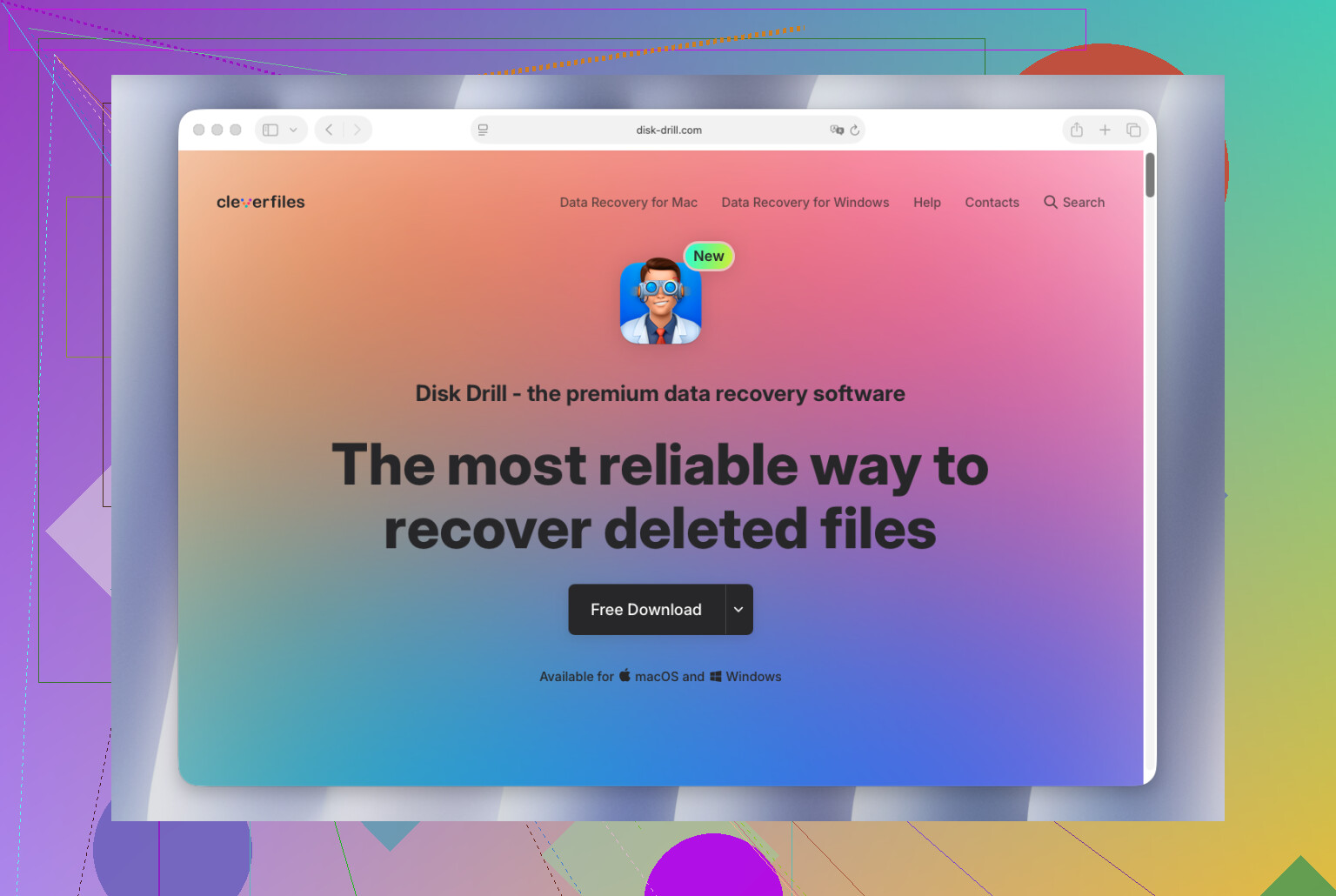
What helped in this case was Disk Drill, mostly because its Advanced Camera Recovery mode is built for fragmented video. Instead of treating the clip like one neat block of data, it tries to piece the file back together from fragments. That matters with footage from devices like GoPro, DJI, Sony, Canon, Nikon, Fujifilm, Insta360, and similar gear.
The basic process looks like this:
Connect the original memory card with a card reader.
Open Disk Drill.
Select the memory card.
Pick Advanced Camera Recovery.
Start the scan.
Wait for the scan to finish.
Preview what it finds.
Save the recovered videos to a different drive.
Don’t restore the files back onto the same card. I know it sounds obvious, but people do it.
Test the recovered videos
Don’t assume you’re done when the scan finishes.
Open a few recovered clips. Scrub through them. Check the beginning, middle, and end. A file name showing up in the results doesn’t mean the footage is clean. I’ve seen recovered videos play ten seconds and then choke.
If a file won’t play, VLC Media Player sometimes helps. A dedicated video repair tool might help too, depending on how damaged the file is.
If you move fast, avoid writing new data, and recover to another drive, your odds are usually a lot better than they feel in the moment.
14 Likes
Yes, possible, if your videos were deleted and not overwritten.
I agree with @mikeappsreviewer on the biggest point. Stop using the SD card now. Every new photo, video, or format attempt cuts your recovery odds.
Where I differ a bit is this. I would not jump straight into a long scan if the footage matters a lot. First, check the card’s health on your computer. If reads are slow, the card disconnects, or file copies fail, stop there. A weak flash card gets worse fast. Repeated scans are rough on it.
My short list:
- Use a card reader, not the camera.
- If the card mounts, copy the entire card to your PC first, or make an image.
- Run recovery from the copy if possble.
- Save recovered files to a different drive.
- Test the recovered videos all the way through.
For software, Disk Drill is one of the better picks for SD card video recovery, espeically if the files came from cameras or action cams and ended up fragmented. Recuva is fine for simple deletions, but it misses stuff on exFAT cards and larger video files more often in my experience.
If you want a quick resource on SD card photo and video recovery, this is useful:
best software to recover deleted files from an SD card
One more thing people skip. Check for hidden files before recovery. On Windows, turn on “Show hidden files” and “Show protected operating system files.” Some cameras and phones mess up the directory, and the videos still sit there.
If the card is cracked, not detected, or asks to be inserted again and again, software won’t do much. At that point, a recovery lab is the safer move. Expensive, yeah, but family footage is hard to replace.

Yes, it’s possible, and no, deleted videos are not always instantly gone. But I’d add one thing to what @mikeappsreviewer and @nachtdromer said: people focus so much on recovery software that they forget to check whether the video was actually finalized by the camera in the first place. If recording got interrupted, the file may be there but broken, which is a diffrent problem than simple deletion.
My take:
- stop using the SD card, obviously
- do not let your phone or camera “repair” it
- if the card still opens, first look for weird folders like DCIM, LOST.DIR, PRIVATE, or hidden AVCHD/MP4 directories
- sort by file type and size, because sometimes the clip lost its name but not the data
- if videos were deleted normally, use recovery software from a computer, not from the camera
I mostly agree with the others, though I’m a little less convinced that every case needs a full image first if the card is healthy and the deletion was recent. It’s ideal, yes. Mandatory every single time? Meh, not always. Still smart if the footage really matters.
For actual recovery, Disk Drill is a solid choice for SD card video recovery, especially with larger camera files that other tools can bring back half-broken. If Disk Drill finds the clips, recover them to your PC or an external drive, never back onto the same card. Then test the whole video, not just the first 5 seconds, bc broken files love to fake being fine.
Also worth reading if you want a cleaner explainer on this kind of situation:
real recovery case of lost video files on a corrupted SD card
If the card is unreadable, keeps reconnecting, or gets crazy slow, skip DIY and go to a lab. That’s the line where “trying one more thing” usually makes stuff worse.
One small disagreement with @nachtdromer and @andarilhonoturno: imaging first is smart, but if the card is perfectly stable, sometimes a single careful read-only scan is fine. The bigger risk is people wasting time and letting another device write to the card.
What I’d check that they barely touched: whether the SD card’s lock switch can be set to read-only before connecting it. Cheap safeguard, but useful.
Also, deleted video recovery and corrupted video repair are different jobs. If the file comes back but won’t play, recovery software did its part. Then you may need repair tools.
About Disk Drill:
Pros
- good at finding deleted videos on SD cards
- handles exFAT cards better than some basic tools
- useful preview and filtering
- better with camera footage than a lot of lightweight apps
Cons
- deeper scans can take a while
- preview is not a guarantee the whole clip is healthy
- paid recovery for larger results
- not magic if data was overwritten
I’d still put Disk Drill near the top for this kind of case, especially if Recuva finds only fragments or nothing useful.
And yeah, save recovered files somewhere else, then actually watch the full clips. A lot of “recovered” videos fail halfway through.