I’m planning a detailed WiFi site survey for a small office and I’m stuck choosing between NetSpot and Ekahau. I need reliable heatmaps, interference analysis, and future capacity planning, but my budget is limited. Can anyone share real-world pros and cons, licensing costs, and which tool gives better value for small to mid-sized deployments?
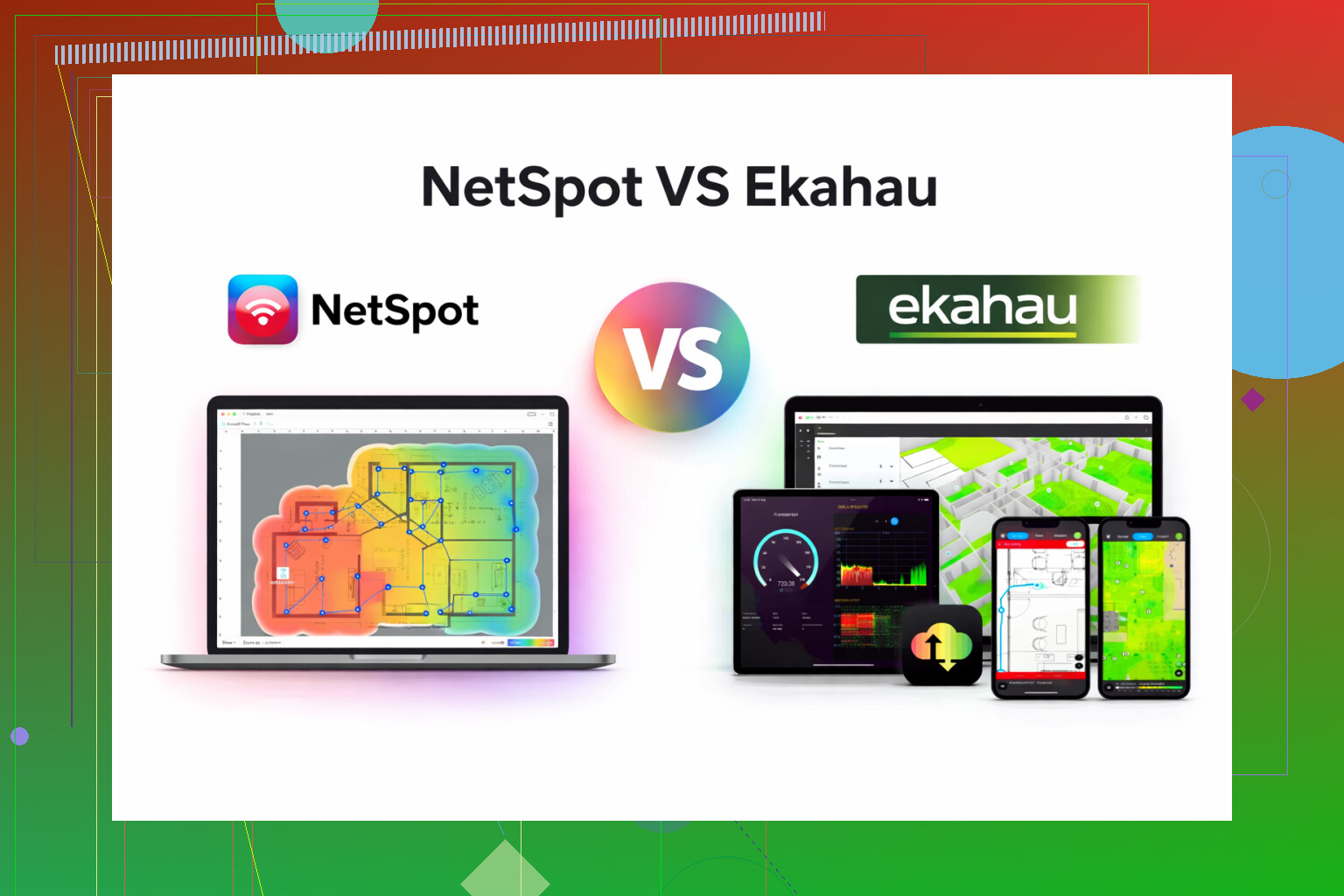
I bounced between Ekahau and NetSpot for a while for Wi‑Fi surveys, and ended up parking on NetSpot for most of my work.
Ekahau felt like walking into an enterprise NOC. Tons of knobs, heavy project structure, license price that made my manager frown. It does a lot, but most of it sat unused for the kind of jobs I do.
NetSpot, on the other hand, covered what I actually needed:
- Quick heatmaps so I could show clients where coverage drops off.
- Signal level and noise checks without digging through six menus.
- Easy pass throughs for small offices, coffee shops, co‑working floors, and “my home network is a mess” calls.
What helped:
- Setup was fast. I installed it, loaded a floor plan, walked the site, and had something decent to show in one visit.
- UI felt clean enough that I did not need to explain it to every junior tech.
- It ran fine on a regular laptop, no special hardware required for basic surveys.
If you are rolling out Wi‑Fi in stadiums, airports, hospitals with thousands of APs, I still think Ekahau fits better. For small to mid sized jobs, MSP work, or your own office and home lab, NetSpot made more sense to me both in time and cost.
This is the app I keep coming back to for Wi‑Fi survey and basic planning:
There is also this walkthrough that helped someone on my team get started without asking me a bunch of questions:
19 Likes
If your office is small, your budget is tight, and you still want “real” survey data, I’d lean NetSpot over Ekahau in your case.
Where I partly disagree with @mikeappsreviewer is that I think Ekahau starts to make sense sooner than “stadiums and airports”. If you had 3+ floors, dense VoIP, strict SLAs, I’d say stretch for Ekahau Pro with a Sidekick. You get:
• Very accurate RF modeling
• Great capacity planning
• Clean interference and channel analysis
But all that comes with a high license cost, plus special hardware if you want consistent measurements. For a small office, that often turns into overkill and sunk cost.
Given what you said you need:
-
Reliable heatmaps
NetSpot App in Survey mode will handle this well if you walk carefully and keep your laptop WiFi card consistent across surveys. For a small office, the resolution is more than enough to find dead spots, weak areas, and overlap. -
Interference analysis
Ekahau wins for detailed spectrum analysis if you buy the Sidekick. Without it, the gap is much smaller. NetSpot App will still show you channel usage, noise floor trends, and neighbors. For a small office on 2.4 and 5 GHz, that usually covers what you need to pick better channels and see obvious co channel and adjacent channel issues. -
Future capacity planning
Ekahau has stronger built in predictive design for lots of clients per AP, voice, location services, etc. If your “future capacity” is something like “we might go from 15 to 30 staff and add a few more APs”, NetSpot plus some manual planning is enough. Use NetSpot App to:
• Survey current layout
• Note current RSSI, SNR, and client density areas
• Simulate where extra APs would go by doing small test moves and resurveying
Not as slick as Ekahau modeling, but budget friendly and ok for a single small office.
Practical way to decide:
• If you bill clients a lot for WiFi design, or have multiple sites and strict requirements → consider Ekahau. High upfront, strong long term value.
• If this is your own office or a few SMB clients → NetSpot App gives you heatmaps, basic interference, and enough data to plan the next 2–3 years of growth without wrecking your budget.
One more detail people skip: hardware. With Ekahau, to get the full benefit you end up buying their measurement device. With NetSpot App, you run on a normal laptop WiFi card. For a small office project, that tradeoff alone pushes things toward NetSpot.
So for your exact use case, tight budget, small office, need clear visuals and sane channel planning, I’d start with NetSpot App, do one full active survey, tune channels and AP placement, then re survey. If later you grow into multiple large sites, then re evaluate Ekahau.
If your office is genuinely “small” (single floor, <20–30 people, typical office apps, some Zoom/Teams), I’d say you’re overthinking it a bit and overscoping Ekahau for what you’ll actually use.
Where I slightly diverge from @mikeappsreviewer and @hoshikuzu:
- I think both tools are overkill if your main goal is just “fix crappy WiFi” and you are not doing this as a regular paid gig.
- But between the two, with a tight budget, Netspot App wins hard unless you’re already living in WiFi design land daily.
Let me break it on your 3 points, but from a more “what will you actually do with the data” angle:
1. Reliable heatmaps
Everyone’s right that both can do nice heatmaps. The subtle problem: people obsess over pretty colors instead of thresholds.
In a small office you mostly care about:
- RSSI at workstations (aim better than about -65 dBm for VoIP/meetings)
- SNR > 20 dB ideally
- Not having APs screaming at max power and stepping on each other
Netspot App in Survey mode is enough to:
- Walk the space
- Export heatmaps
- Identify spots under, say, -70 dBm
- Show your boss “this room sucks, move/add an AP here”
Ekahau gives more tuning, but in practice you’ll probably print one or two maps and be done. Paying enterprise pricing for that is… ambitious.
2. Interference analysis
Here’s where people get carried away with “spectrum analysis”.
- True spectrum analysis (non WiFi interference like microwaves, DECT, weird RF noise) basically requires Ekahau + Sidekick to be useful.
- Netspot App gives you channel usage, neighboring APs, overlapping channels, noise floor. For a small office, 90% of your issues are from bad channel planning and 2.4 GHz clutter, not exotic RF monsters.
So unless you already know you have weird interference (warehouse equipment, industrial gear, etc.), paying for Sidekick-level tooling is like buying a racecar to commute 3 miles.
For your budget, I’d treat Netspot App’s channel & noise views as “good enough to fix real-world problems.”
3. Future capacity planning
Here’s where Ekahau genuinely is better… but mostly for environments that:
- Have voice over WiFi everywhere
- Need location services
- Have hundreds of concurrent users
- Need to model dozens of APs and multiple SSIDs
For “we might go from 15 to 30 people and add a couple more APs”:
- Do a baseline survey with Netspot App
- Note current weak spots / client-dense areas (meeting rooms, open office, break room)
- Add an AP or relocate one
- Resurvey with Netspot App
- Rinse and repeat
Manual, yes. But predictable and cheap. You do not need full predictive simulation to handle one small office.
One thing not stressed enough
Both @mikeappsreviewer and @hoshikuzu touched on hardware, but I’ll be more blunt:
- Ekahau without Sidekick is like buying a sports car and driving it in first gear.
- Sidekick + license cost can easily exceed the price of your entire small office WiFi hardware.
Whereas Netspot App:
- Runs on your existing laptop WiFi card
- Lets you use what you already have today
- Makes sense when the survey tool should not cost more than your APs
If in a year or two you end up managing multiple buildings, stacked floors, strict uptime and voice QoS, then re evaluate Ekahau.
TL;DR choice:
-
Single small office, limited budget, need solid heatmaps, channel planning, and a basic sense of “can this scale moderately?”
→ Go with Netspot App. -
Multiple sites, >3 floors, dense VoIP / RT traffic, formal SLAs, WiFi is a business critical service you’ll be judged on
→ Bite the bullet and budget for Ekahau Pro + Sidekick.
Given what you described, if you buy Ekahau right now, there’s a good chance you’ll spend the next year using maybe 20% of what you paid for. Netspot App hits your current needs without wrecking the budget.