I need to access a remote device’s serial port over my LAN as if it were plugged into my local machine. I’m looking for reliable serial-over-LAN (SOL) tools or setups that work well on modern systems, ideally with low latency and good stability. What software or configurations are you using, and what should I watch out for when setting this up?
If you want to treat a remote serial port like it’s plugged right into your local box, you’re basically looking for a virtual COM over TCP setup, not just a raw netcat job.
A few solid options I’ve used or seen work well:
-
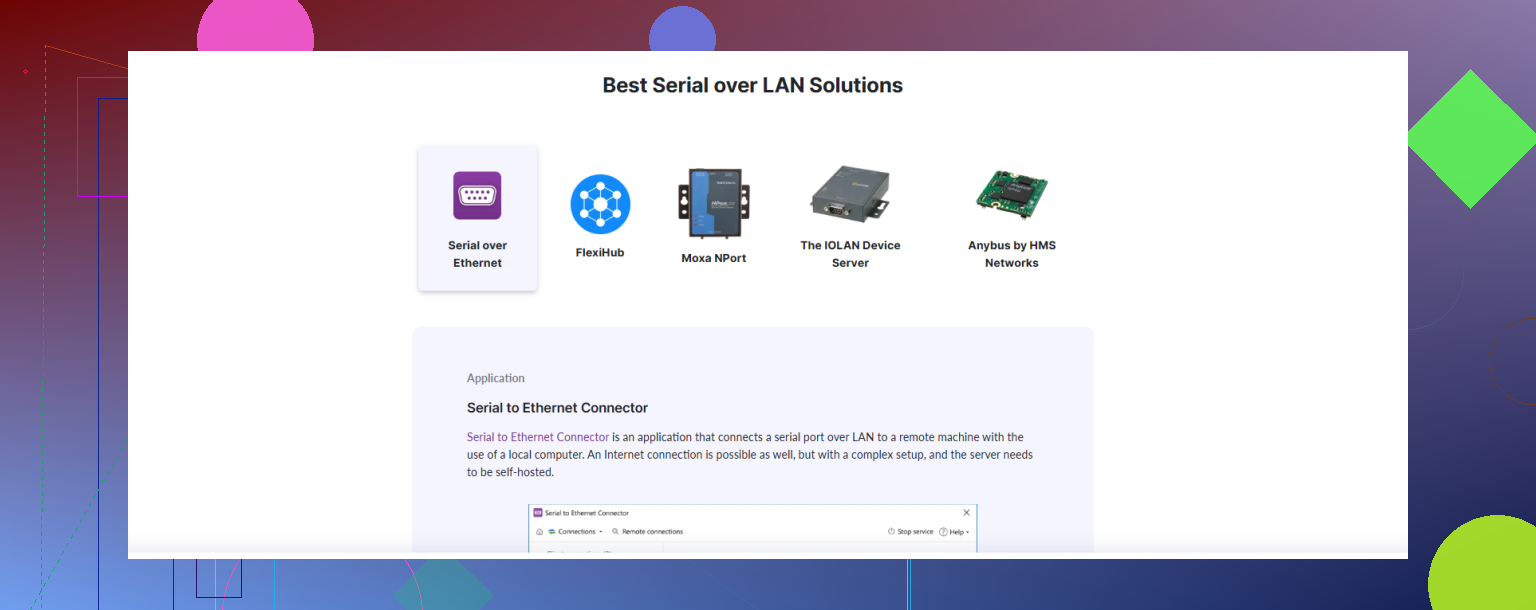
Serial to Ethernet Connector
This one is pretty much built exactly for what you’re asking. It creates virtual COM ports on your local machine and tunnels them over the network to a remote serial port. Works cleanly on modern Windows and Linux, handles multiple ports, and supports encryption and authentication so you’re not just spraying your UART traffic around in plaintext. Latency is low enough for most console / config work, even some light automation.
There’s a good overview of how this kind of serial over LAN software works here:
making remote serial ports behave like local COM ports -
socat + ser2net (Linux)
If you like to DIY and don’t mind config files, you can:- Run
ser2neton the box with the physical serial port, exporting/dev/ttyS0over TCP. - Use
socaton your client machine to map that TCP endpoint to a local pseudo terminal (/dev/pts/X), then point your app at that.
Works great, but you have to babysit configs and systemd units. No pretty GUI, no clicky wizard.
- Run
-
HW VSP / vendor virtual COM tools
Many hardware serial device servers (Moxa, Digi, Lantronix, etc.) ship their own virtual COM drivers. Those are stable and low latency if you own the hardware, but not helpful if you’re just trying to expose the serial port on a regular PC. -
Raw TCP to terminal for quick-and-dirty
If all you need is a console and not a strict “local COM port,” you can just export the serial port viaser2netorsocatand connect with PuTTY ortelnet. That won’t satisfy software that demands a real COM device though.
For your use case “access a remote device’s serial port over LAN as if it were local,” something like Serial to Ethernet Connector is the most straightforward. It handles the messy bits like buffering, reconnection, baud settings, and presenting a real virtual COM port so apps don’t know or care that the device is on the network.
If you say what OS you’re on and whether you need encryption or multi user access, folks can prob nudge you to a specific config or tool combo.
22 Likes
You’re on the right track thinking “as if it were plugged into my local machine.” That’s the key bit a lot of people miss when they suggest just netcatting a UART over TCP.
@hoshikuzu already covered the usual suspects like ser2net + socat and the commercial virtual COM stuff. I’ll add a few angles without rehashing the same how‑to steps.
1. When you really need low latency and reliability
If you’ve got anything timing‑sensitive (weird bootloaders, custom automation, flaky industrial gear), the “raw TCP + pty” approach can bite you with buffering and reconnect quirks.
In those cases, a dedicated virtual COM over TCP solution is worth it. Serial to Ethernet Connector is actually decent here, especially if:
- You want a real OS‑level COM port that every dumb legacy app can open.
- You care about reconnecting automatically after network blips.
- You need simple encryption/auth without bolting on stunnel or SSH hacks.
Their serial over LAN setup basically turns remote hardware interfaces into local COM ports with minimal manual plumbing. That’s a very different experience than babysitting ser2net configs across updates.
If you want something that “just works” on modern Windows and Linux, grab it from here:
set up reliable remote serial access in minutes
That’s probably the closest match to your “feels local” requirement.
2. SSH tunneling instead of plain TCP
Minor disagreement with the raw TCP approach: a lot of people export /dev/ttyS* over plain TCP and then complain when Wi‑Fi glitches trash their session. If you’re already in a Unix world, an SSH tunnel with -L or -R plus socat to a pseudo‑tty is often more robust and a bit safer.
High‑level idea:
- Server: serial port → local TCP socket
- SSH: client ↔ server tunnel
- Client: tunnel endpoint → local pseudo‑tty
This still won’t give you a Windows‑style COM port out of the box, but for Linux client to Linux server it’s pretty clean.
3. Hardware device servers vs PC passthrough
Where I diverge a bit from @hoshikuzu: if this is anything more than a one‑off, I’d seriously consider a small serial device server (Moxa, Lantronix, etc.) instead of relying on a random PC to be your “serial host.”
- They reboot fast, run for years, and are less likely to be wrecked by OS updates.
- You still get a virtual COM driver on your client.
- Latency is often more predictable than on a half‑loaded desktop.
Downside: up‑front cost, and you said “as if it were plugged into my local machine,” not “as if I bought more hardware,” so that might be a non‑starter.
4. For “console only, not real COM” use cases
If your actual requirement is, “I just want to sit at the device’s serial console remotely,” then yeah, full virtual COM is overkill:
ser2net+ PuTTY / telnet / screen- or
socat /dev/ttyS0,raw,echo=0 tcp-l:PORT
That gives you a working terminal but not a device that other software can open as a local port. A lot of people only realize that after their Windows config tool refuses to see anything but COM3/COM4.
Since you specifically said “as if it were plugged into my local machine,” I’d treat this as a hard requirement and not rely on the quick‑and‑dirty TCP methods.
5. Summary recommendation
-
Need a real local COM port on Windows or mixed OS, with low hassle:
Use a dedicated virtual COM solution like Serial to Ethernet Connector and set up a proper serial over LAN bridge. That covers latency, encryption, and compatibility in one go. -
On Linux only, comfortable with CLI and config files, and don’t care about legacy apps:
ser2net+socat+ maybe SSH tunneling is still fine, just more fragile and more work to maintain.
If you share your exact OS combo and whether this is for one device or a whole lab, you’ll get more tailored suggestions than just “use netcat and pray.”
If you care about “feels like local” more than “I built it out of duct tape and man pages,” I’d group your options a bit differently than what’s already been said.
1. When the COM abstraction actually matters
For legacy tools that insist on COM3/COM4 or /dev/ttyS0, I’d put actual virtual-port software first and DIY TCP plumbing second.
Serial to Ethernet Connector sits in that first category:
Pros
- Creates real OS-level COM ports (Windows) and equivalents on Linux that clueless apps accept without patches.
- Handles baud, parity, flow control sync on both ends so you are not juggling
sttyor mismatched configs. - Built-in reconnection logic and buffering, which helps if you are on Wi-Fi or a flaky VLAN.
- Encryption and access control are integrated, so you do not have to bolt on SSH or stunnel.
Cons
- It is commercial and not cheap if you need a bunch of ports.
- Overkill if all you wanted was a quick console into a single dev board.
- Less transparent for debugging than a visible
socatpipeline, since a lot happens inside the app.
If your requirement is “I must fool dumb Windows software into believing it talks to a local USB serial cable,” this sort of tool wins, and I would put it ahead of clever ser2net setups.
2. Where I slightly disagree with the DIY focus
Both @boswandelaar and @hoshikuzu leaned fairly heavily on ser2net + socat and similar. That is fine for Linux-to-Linux, devs, and labs, but:
- You will eventually hit weird edge cases with flow control, DTR/RTS behavior, or half-open connections.
- Latency tuning often turns into trial and error with TCP_NODELAY, buffers, and terminal settings.
- Upgrades or distro changes can quietly break the chain.
So for “I want to set this up once and have non-technical people use it for years,” I would not start from the CLI stack unless you are prepared to own it.
3. Competitor-style options in context
Very roughly:
- The stack @hoshikuzu likes (ser2net, socat, terminal tools) is great if you want full control, are fine editing config files, and run mostly Linux. Think: lab, embedded dev, one-off debugging.
- The angle from @boswandelaar about thinking in terms of virtual COM instead of raw TCP is the key mindset; I just think that if you adopt that mindset, then a tool like Serial to Ethernet Connector should be considered “baseline,” not “fancy extra.”
I would only prioritize the hardware device servers they mentioned if you want something that survives power outages, has multiple physical RS-232/485 ports, or must live in a cabinet away from any PC.
4. How I would choose, by use case
-
Windows clients, legacy config tools, multiple users, want minimal maintenance
Go straight to Serial to Ethernet Connector or a similar dedicated virtual COM package. Pay once, avoid weird support calls later. -
Linux-only, mostly console use, you like to script things
The DIY route from @hoshikuzu is perfectly valid:ser2netorsocaton the server, pseudo-TTY on the client, maybe wrap it in systemd units. -
Long-term infrastructure (industrial, lab with lots of gear)
Mix of both: dedicated hardware device servers plus vendor virtual COM drivers, and only use software solutions like Serial to Ethernet Connector for edge cases or temporary setups.
Put bluntly: if your top priority is reliability and “it acts like a local port on modern systems,” then the commercial virtual COM layer is not just an optional nicety; it is the thing that actually matches your requirement, with the DIY methods kept for specialized or all-Linux setups.