I lost my Sony TV remote and need a free iPhone app that actually works as a replacement. I’ve tried a couple of remote apps, but they either don’t connect to my Sony TV or want a paid subscription. Looking for help finding a reliable free Sony TV remote app for iPhone.
If you need a free Sony TV remote app on iPhone, the short version is this. Most newer Sony TVs, mostly Bravia sets running Google TV or Android TV, connect without much drama. The annoying part is sorting through apps which look free, then block volume, keyboard input, or setup behind ads or a subscription screen.
I went through the common options. These stood out.
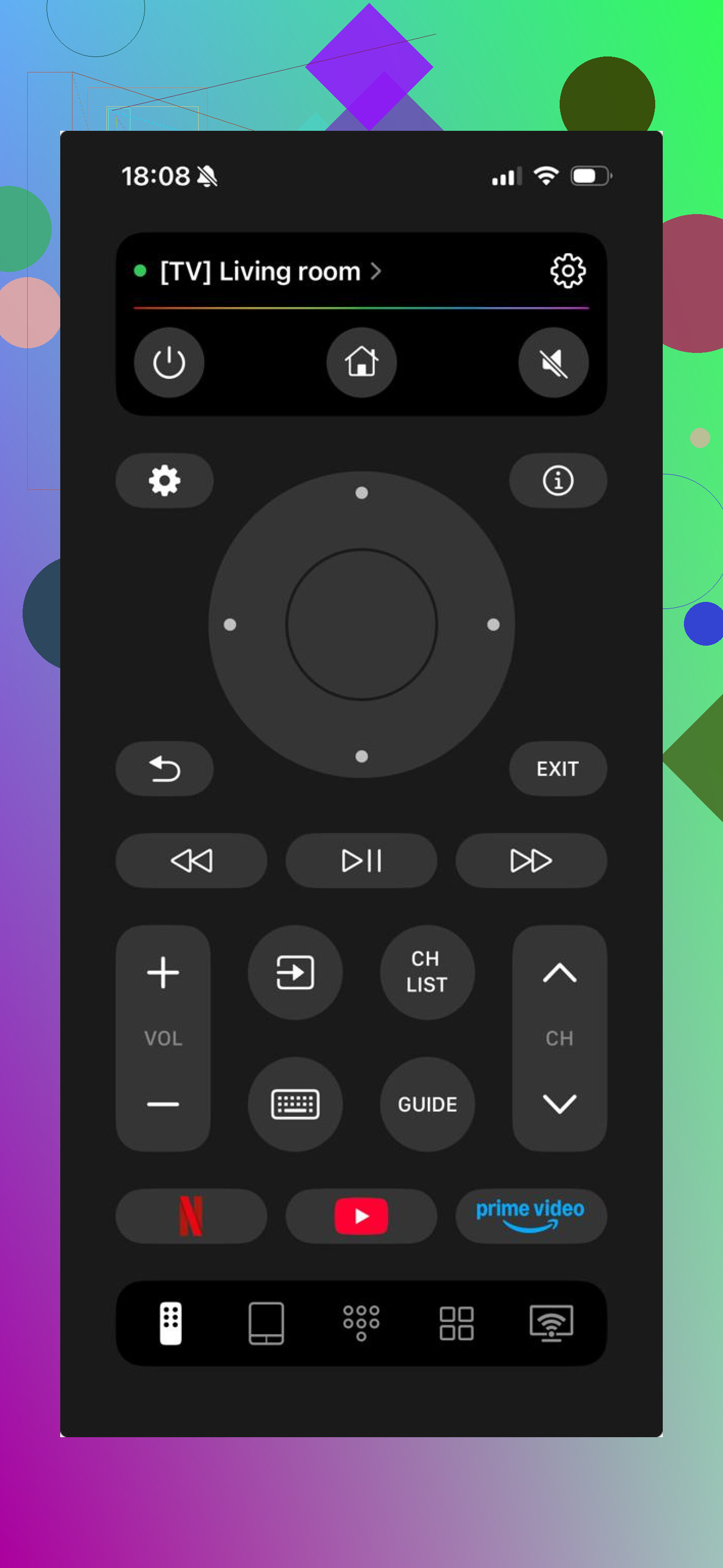
This one felt the least restricted. If your Sony TV uses Google TV or Android TV, which covers a lot of newer Bravia models, it usually connects over Wi-Fi fast. I saw it detect the TV without me poking around in menus for ten minutes.
What I liked was simple. It behaved like a full remote, not one of those fake-free apps where power works and everything else gets blocked.
What it includes:
Volume, and navigation controls
Touchpad input for scrolling
On-screen keyboard for searches in YouTube or Netflix
Voice search
Shortcuts for apps like YouTube and Netflix
Auto-detection for supported TVs
Support for Google TV and Android TV devices
What stood out:
Free use without locking the basic remote stuff
Works with Sony and other brands, which helped if you have more than one TV at home
Setup was quick
What bugged me:
It is not built only for Sony. I did not mind, but if you want a Sony-branded layout, you might care.
- Remote Control for Sony TVs
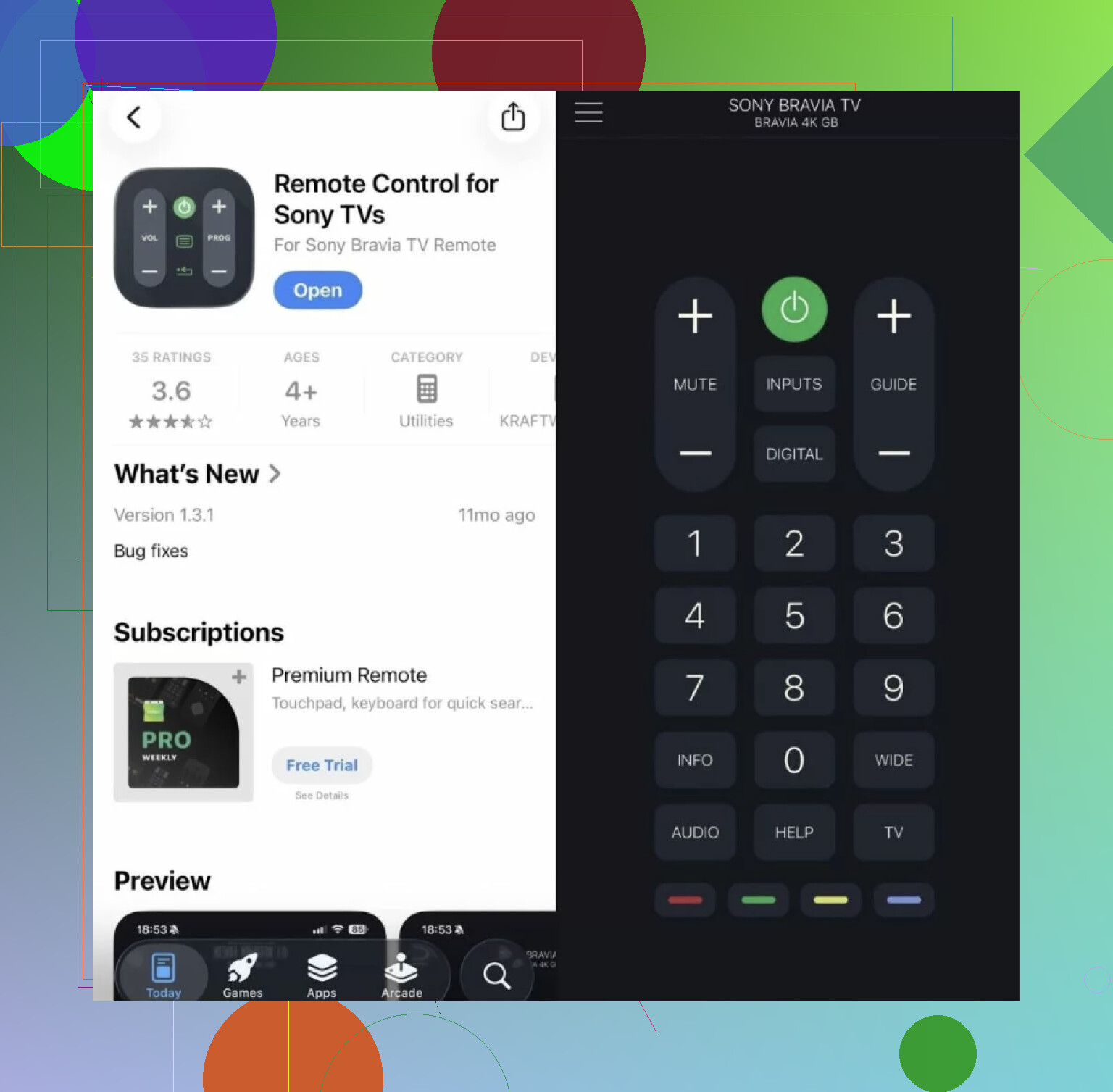
This one goes the old-school route. More like a standard remote on your phone screen. If all you want is arrows, volume, input, and power, it does the job. Pairing is usually easy if the iPhone and TV are on the same Wi-Fi.
What it includes:
Directional controls
Volume and power
Input switching
Basic smart TV movement
Simple pairing
Good parts:
Sony-focused layout
Easy to figure out right away
Fine for daily basic use
Less good:
Not much depth
Keyboard and voice features felt weaker or missing compared with newer apps
More limited than the better universal options
- TV Remote – Universal Remote
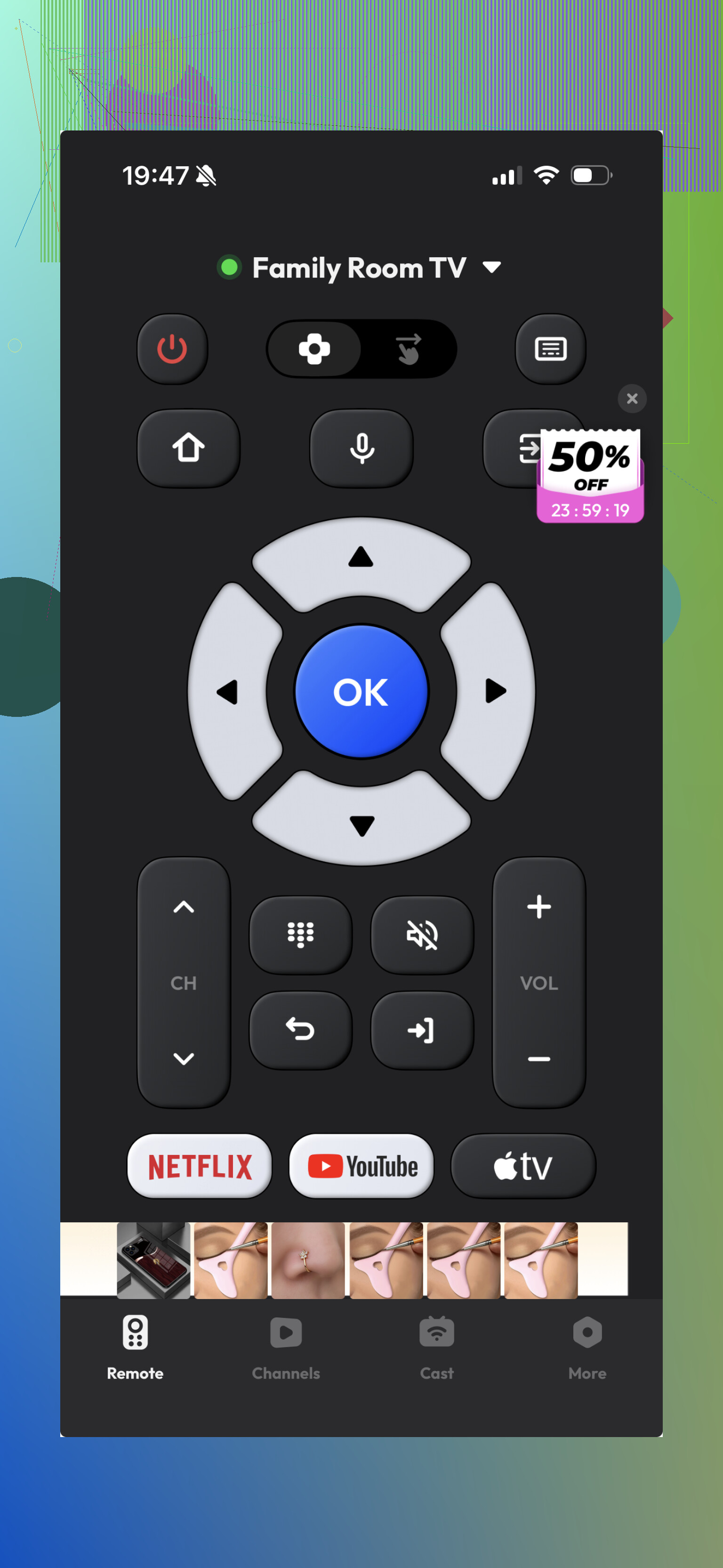
This is the one I would call okay. It supports Sony TVs and installs fast, so if you want something to test in two minutes, sure. Still, the experience depends a lot on your TV model. I ran into the usual issue with this type of app. Some parts worked fine, then other bits felt gated or clunky.
What it includes:
Standard remote buttons
Touch navigation
Keyboard input
Basic smart TV controls
Upsides:
Works with different TV brands
Quick to install
Downsides:
Some features get buried behind ads or subscription prompts
The whole thing felt less smooth
My take after trying them:
If you only need a plain remote replacement, the Sony-focused app is enough. No flair, no extras, done.
If you want something which feels closer to a real everyday remote on iPhone, universal apps make more sense, but a lot of them do the half-free thing and it gets old fast.
Out of these three, TVRem felt like the easiest one to keep using. It connected fast, covered the usual controls, and the keyboard and voice input mattered more than I expected. Typing on a TV with arrow keys gets old realy fast.
Why it landed first for me:
Full remote controls without a paywall
Works with Sony and other TV brands
Keyboard and voice search are included
Setup is quick
Connection felt stable
No stripped-down free mode
If your plan is to install one app, pair it, and move on, TVRem is the best overall free Sony TV remote app for iPhone from this group.
12 Likes
Free iPhone remote apps for Sony are hit or miss, and a lot of them fail for one simple reason. Your TV type matters more than the app name.
If your Sony is a Bravia with Google TV or Android TV, use an app over Wi-Fi. If it is an older Sony, many iPhone apps will fail because iPhone has no IR blaster. No app fixes that. You would need a physical remote, or a streaming box app if one is connected.
I partly disagree with @mikeappsreviewer on one point. I would not start with random Sony-only apps. A lot of those are thin wrappers with ads. I’d first try the built-in Google TV app on iPhone. It is free. No subscription. If your TV runs Google TV or Android TV, it often works better than third-party apps. Open the Google TV app, tap the remote tab, and pair it with the code shown on your TV. Typing is easier too.
If your TV does not show up, check this first:
- iPhone and TV on the same Wi-Fi.
- TV remote feature enabled in settings.
- VPN off on your phone.
- TV restarted once. Sounds dumb, helps a lot.
If Google TV fails, then test one universal app like the one @mikeappsreviewer listed. If none connect, your TV is prolly an older model, and the apps are not the problem.
I’d actually check one thing before chasing more apps, because @mikeappsreviewer and @ombrasilente are both assuming the TV itself is ready for network control. Sony sets can be annoyingly picky about that.
On the TV, look for settings like:
- Remote start
- IP control
- Simple IP control
- Control via mobile apps
If that stuff is off, even legit apps act broken and you end up thinking the app is trash.
Also, slight disagreement with the “just use universal apps first” advice. Sometimes the easiest free option is not a remote app at all. If you have an Apple TV, Roku, Fire TV, or Chromecast plugged into the Sony, use that app instead. It won’t control every TV function, but it’ll get you back into Netflix/YouTube fast, which is probly all you need short term.
One more overlooked trick: if your Sony supports HDMI-CEC, using a streaming device remote app can sometimes wake the TV and control volume/input indirectly. Kinda janky, but it works more often than people expect.
If none of that helps, your Sony is likely one of the older models that just won’t play nice with iPhone-only control. At that point, a cheap replacement remote from Amazon is less annoying than burning 2 hrs testing “free” apps full of ads lol.
If you want the quickest reality check, open your Sony’s network settings and see whether it even has a mobile remote or external control option. If that menu is missing, I’d actually disagree a bit with @mikeappsreviewer and @codecrafter chasing app comparisons first. The app is often not the blocker.
My angle: try the official Sony route before stuffing your phone with ad-heavy remotes. On many Bravia sets, the Video & TV SideView / Sony remote app style options used to work better than random “universal” apps, though support is messy depending on model year. That’s the catch.
About TVRem – Universal TV Remote:
Pros
- fast pairing on newer Wi-Fi Sony TVs
- basic controls are usually usable free
- keyboard input is handy
- works for other brands too
Cons
- generic layout, not very Sony-like
- older Sony models may still fail
So I’d rank it like this:
- Official Sony-compatible app if your model supports it
- Google TV app if it’s an Android/Google TV Bravia
- TVRem – Universal TV Remote if you want one free fallback
- Cheap physical replacement remote if your TV is older
@ombrasilente was right that iPhone having no IR matters a lot. That part kills a ton of “free remote app” hopes instantly.