I lost my Samsung TV remote and need a free iPhone app that actually works as a remote. I tried a couple from the App Store, but they either wanted a subscription or would not connect to my TV. Looking for recommendations for a free Samsung TV remote app for iPhone that is easy to set up and reliable.
If you need a free Samsung TV remote app on iPhone, the App Store gets messy fast. I tried a bunch of them, and the pattern was the same. The listing says free, then you hit ads, trial popups, or a paywall after two taps. Annoying stuff.
What mattered to me was pretty simple. The app had to pair fast, keep working, give me volume and power buttons, and include a keyboard so I was not pecking out Wi-Fi passwords one letter at a time on the TV screen.
I went through several of the common picks. Here’s the short version.
1. TVRem – Universal TV Remote
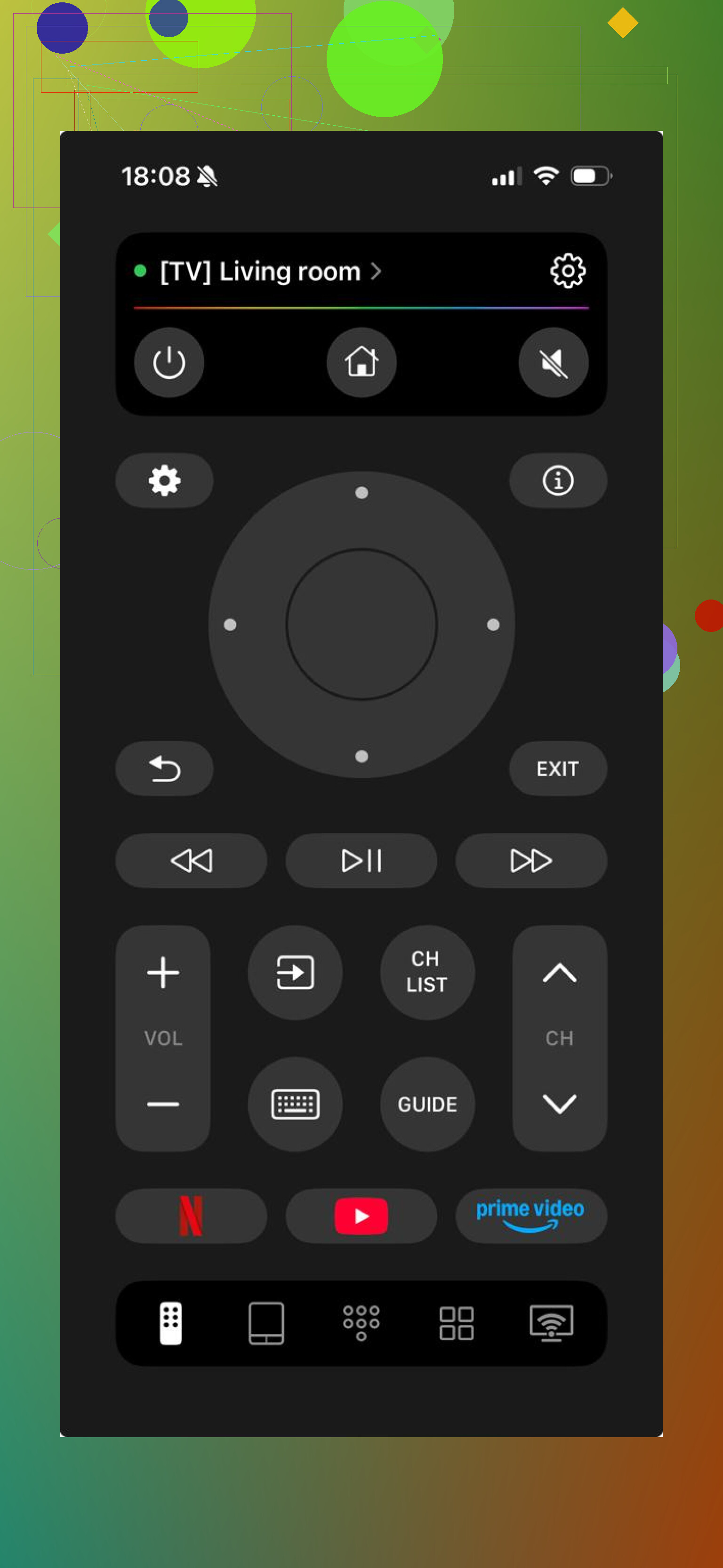
This was the first one I kept installed.
It connected fast on my network, the buttons were where I expected them, and I did not run into the usual trick where the useful parts are blocked unless you pay. For me, that was the big one.
Also, it was not stuck on Samsung only. I saw support for LG, Roku, Fire TV, and Apple TV too. If your place has random devices in different rooms, one app doing all of it feels better than collecting five remote apps you forget about later.
What it includes
- Volume and channel buttons
- Touchpad navigation
- Built-in keyboard
- Voice search
- App shortcuts
- Automatic device detection
Who it fits
If you want one free app that works without drama, this is the easy pick.
2. Samsung Smart TV Remote Plus
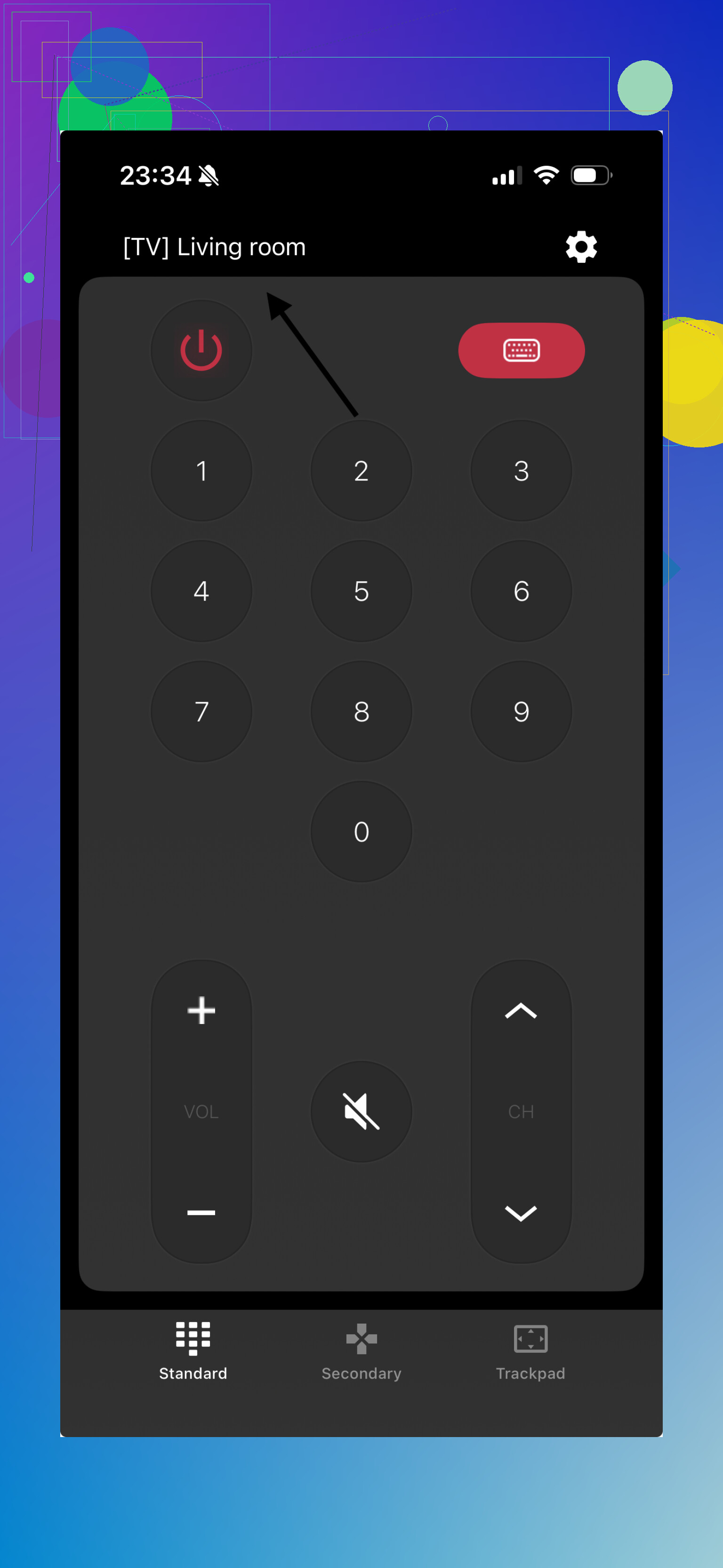
This one stays close to the Samsung look. I noticed the layout felt familiar right away, more like a digital version of the stock remote than a reinvention.
What it includes
- Full button layout
- Keyboard input
- Touchpad
- Smart Hub shortcuts
What I liked
Fast pairing.
Easy to figure out.
Built with Samsung use in mind.
Where it gets old
Some features looked like they were heading toward payment walls.
3. Remote for Samsung Control TV
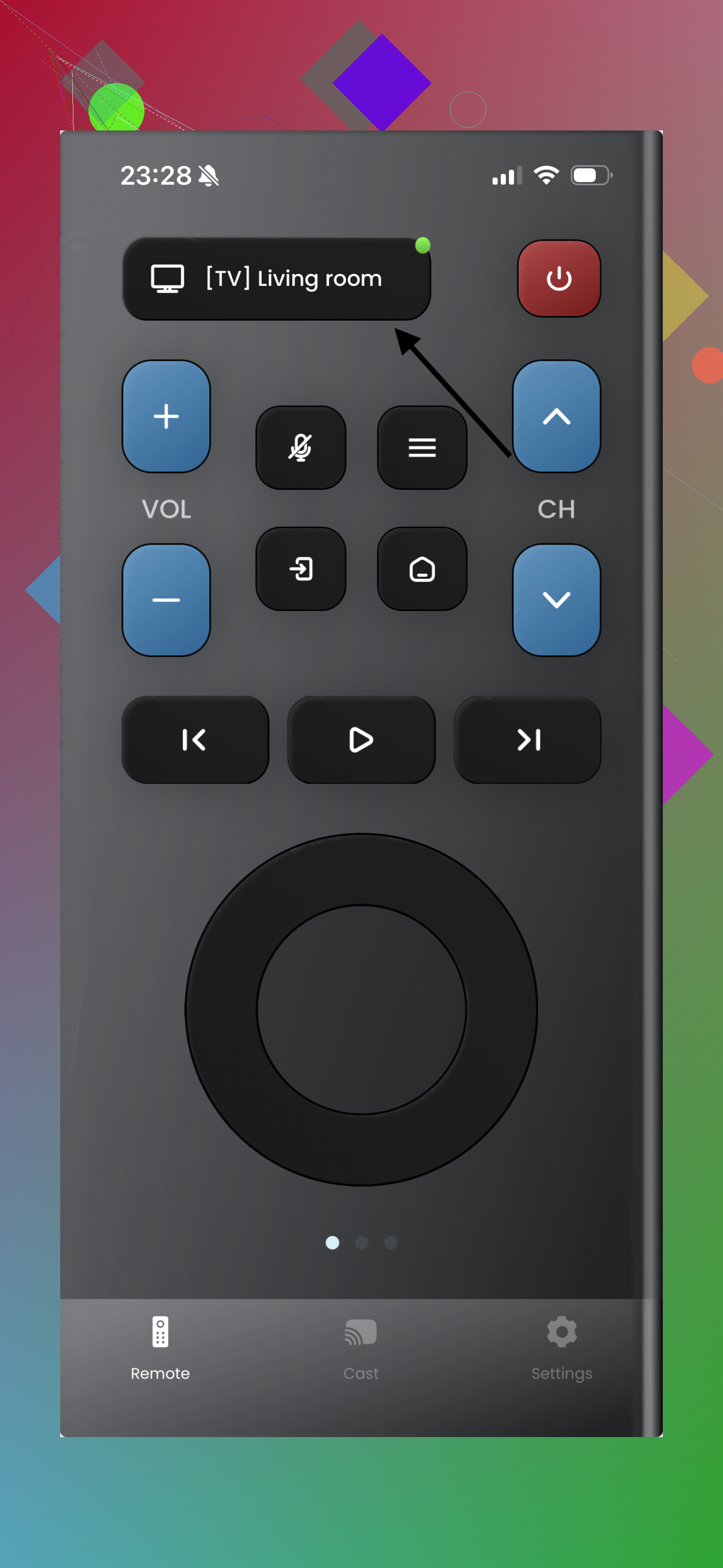
This one felt stripped down, in a good way at first. No clutter, no weird menu maze. I opened it, connected, used the basics, done.
What it includes
- Power and volume buttons
- Navigation controls
- Keyboard
- Basic touchpad support
Good parts
Quick setup.
Simple interface.
Fine if you want the basics and nothing else.
Bad parts
I ran into ads and premium nudges. Not the worst I saw, still there.
4. Universal Remote TV Smart
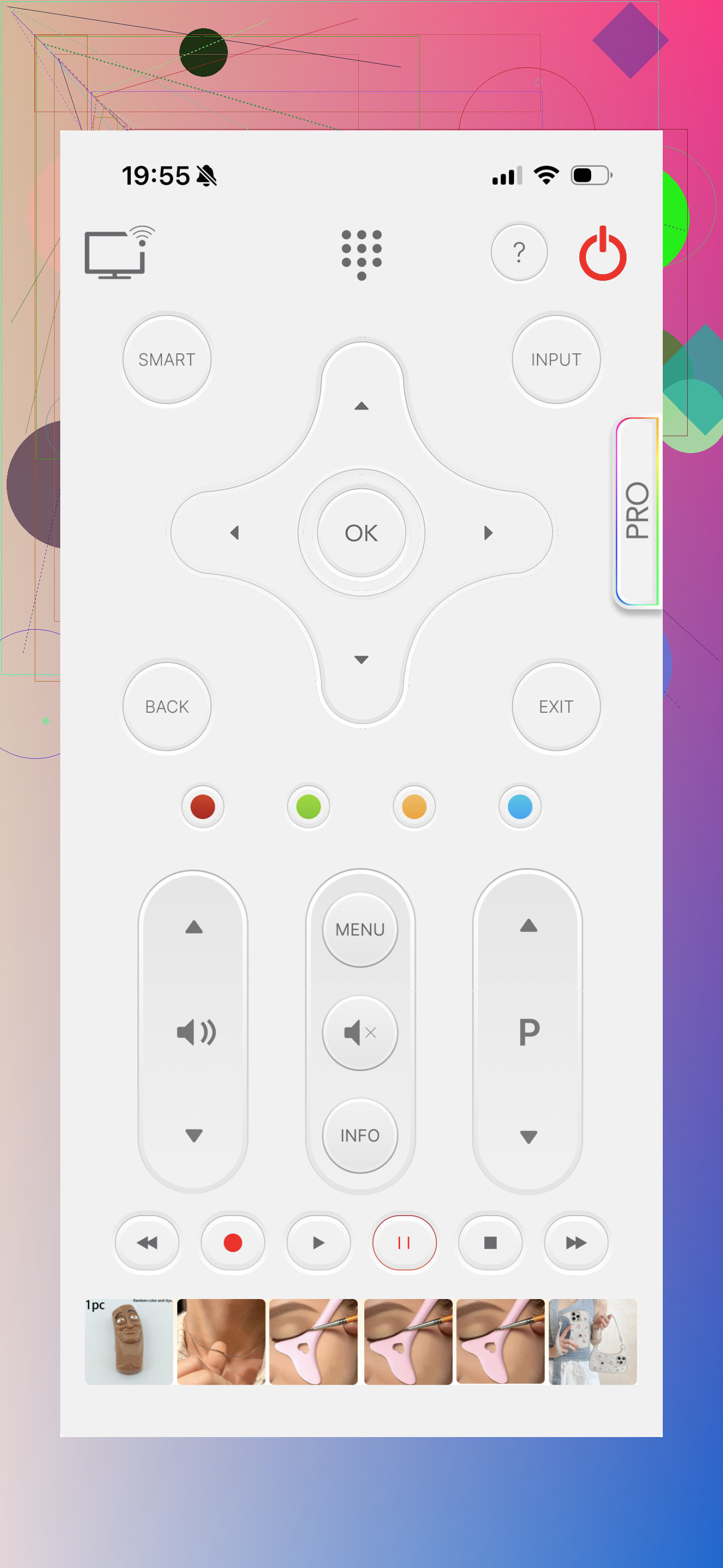
This one goes after the all-in-one crowd. If your home has a Samsung in one room and something else in another, I get why people install this type first.
What it includes
- Standard remote controls
- Keyboard typing
- App shortcuts
- Multi-brand support
Upside
Works across different brands.
Cleaner look than some older remote apps.
Downside
The free tier felt limited. Full use looked tied to a subscription.
5. Smart TV Remote for Samsung
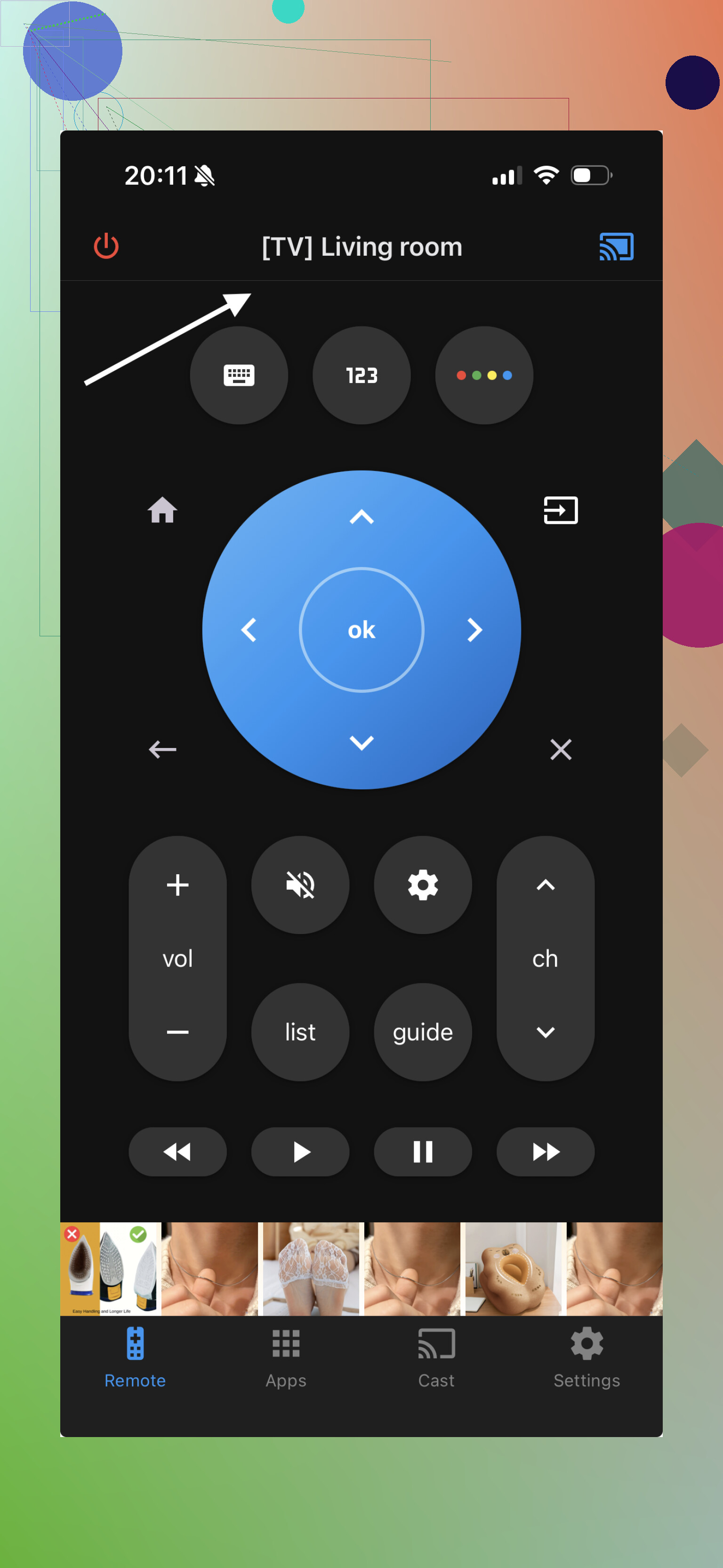
Another Samsung-only option. I found it usable, and it had the stuff most people expect, so it is not a bad fallback.
What it includes
- Power and volume controls
- Touchpad
- Keyboard
- Streaming shortcuts
Good parts
Focused on Samsung.
Setup was easy enough.
Bad parts
Free access felt restricted.
Which one I’d pick
If your goal is simple, replace a lost or dead Samsung remote on iPhone without signing up for another subscription, TVRem came out ahead for me.
Why it stayed on my phone
- It was free in a way most apps in this category are not
- It worked with Samsung plus other TV brands
- It had keyboard input and voice search
- Pairing was fast and stable on my setup
- The app did its job without extra junk
Most of the others were okay for a quick test. TVRem was the one I kept using day to day because it wasted less time.
If your Samsung remote is missing, busted, or sitting somewhere with dead batteries, TVRem is the easiest replacement I found for iPhone.
31 Likes
I’d check one thing before blaming the app. Most Samsung TV remote apps fail because the phone and TV are on different Wi-Fi bands, like iPhone on 5GHz and TV on guest Wi-Fi or ethernet with isolation turned on. Pairing dies there.
My take is a little different from @mikeappsreviewer. I would not chase “universal” first if your only goal is one Samsung TV. Samsung’s own SmartThings app is where I’d start. It’s free, no weird trial wall, and it works on a lot of Samsung TVs from the last several years. It’s not perfect, and the remote layout is a bit more buried than I like, but it’s the least scammy option on iPhone.
What to try:
- Install SmartThings.
- Make sure TV and iPhone are on the same Wi-Fi.
- Turn the TV on with the TV’s physical button.
- Add device in SmartThings.
- Accept the prompt on the TV.
If SmartThings does not see it, check:
- TV model year. Older Samsungs are hit or miss.
- Network isolation on your router.
- VPN on your iPhone. Turn it off.
- TV software update.
If you want a second app to test, TVRem seems to be one of the few people keep mentioning without total rage posts. Still, I’d try the free first-party route before filling your phone with remote apps and popup trash. I did that once, it was anooying fast.
I’d split the difference a bit with @mikeappsreviewer and @viajeroceleste.
If you want actually free, I would check Samsung TV Plus Remote type apps with a one-time ad-supported model, not the ones screaming “FREE” and then smacking you with a 3-day trial. A lot of the “universal” apps do connect, sure, but they can be overkill if all you need is power, volume, arrows, and a keyboard.
One thing people miss: some Samsung TVs simply won’t respond to remote apps until Mobile Device Manager / IP Control / External Device Manager settings are enabled on the TV. Hard to do without a remote, yeah, which is dumb, but if your TV has a joystick button underneath, use that to get into settings first. That solved it for me when 2 apps kept “searching forever.”
Also, if your TV is older, iPhone remote apps can be weirdly hit-or-miss. In that case, honestly, a cheap replacement physical Samsung remote from Amazon/Walmart may be less annoying than burning an hour testing apps that kinda-sorta connect.
So my take:
- Try SmartThings first if your TV is newer
- Try TVRem if you want another free test
- If neither sees the TV, check the TV’s own network/control settings
- If it’s an older model, stop suffering and buy the $10 remote lol
The app issue usually isn’t your phone, it’s the TV being picky as hell.
I’d actually push back a little on the “just use SmartThings first” advice from @viajeroceleste and @mikeappsreviewer. It’s the safest first-party option, sure, but for a lot of people it feels bloated if all you want is a basic remote.
What I’d do is test TVRem – Universal TV Remote right after SmartThings, not after wasting time on five Samsung-only clones.
Pros for TVRem – Universal TV Remote
- fast device detection
- cleaner layout than many free remote apps
- useful if you also have Roku, Fire TV, or LG around
- keyboard input matters way more than people think
Cons
- universal apps sometimes miss niche Samsung buttons
One extra thing not mentioned enough by @chasseurdetoiles: turn off Private Wi-Fi Address for your home network on iPhone just for setup. I’ve seen Samsung TVs fail discovery until that was disabled.
Also, if your TV was added to Apple Home or AirPlay before, remove and re-add it there. Weirdly, that can shake loose stale network discovery issues.
My order:
- SmartThings
- TVRem – Universal TV Remote
- If both fail, buy the cheap physical replacement remote and be done with it
Free TV remote apps on iPhone are a mess, so I’d keep the test list short.
Use your cable box or streaming-device remote instead. Most Xfinity, Spectrum, DirecTV, Roku, Fire TV, and Apple TV remotes control Samsung power, volume, and input through HDMI-CEC or IR.
Open your device settings, choose Remote or Equipment Control, then select Samsung TV. Setup takes around two minutes and avoids subscriptions, Wi-Fi pairing, and app ads.
If control fails, enable Anynet+ in the Samsung TV settings. It sits under General, External Device Manager. This is often the simpest fix if you already own a compatible remote.
Watch out for the power-on problem before you get attached to any of these apps. A Wi-Fi remote can only reach the TV while the TV’s network stays awake. Plenty of Samsung sets drop the network when they go into deep standby, so the app turns off the TV fine but can’t wake it back up. Then you’re standing there tapping a dead power button. If that happens, dig into the TV settings and look for something like network standby or ‘power on with mobile’ and enable it. Otherwise every app in this thread will feel broken through no fault of its own.
@solar_proxy has the most underrated take here. If you already own a cable, Roku, Fire TV, or Apple TV remote, HDMI-CEC handles power, volume, and input without you touching your phone at all. That sidesteps the whole Wi-Fi mess. The only catch is CEC only does the basics, so no keyboard for Wi-Fi passwords, which is probably the one thing you actually needed a remote for in the first place.
On the app side, I think the SmartThings-first advice is right for anything made in roughly the last five or six years. It’s clunky and the remote is buried under menus, but it won’t nickel and dime you. TVRem keeps coming up as a decent backup when SmartThings can’t see the TV, and that’s a fair role for it. Just don’t expect a universal app to map every oddball Samsung button. The number pad and some Smart Hub shortcuts tend to be where those apps quietly fall short.
Honest expectation: if your TV is older than that window, stop testing apps. A generic Samsung replacement remote is cheap, works instantly, and doesn’t care about your router. I’d rather spend ten bucks than an evening babysitting discovery screens.