I recently lost my remote and I’m trying to find a good Insignia Fire TV remote app to control my TV from my phone.
Does anyone have recommendations for an app that actually works well with Insignia Fire TV? Preferably something simple to connect and easy to use.
I went looking for an Insignia Fire TV remote app a while back, and I ended up with two decent picks.
The first one I tried was TVRem. App Store link here.
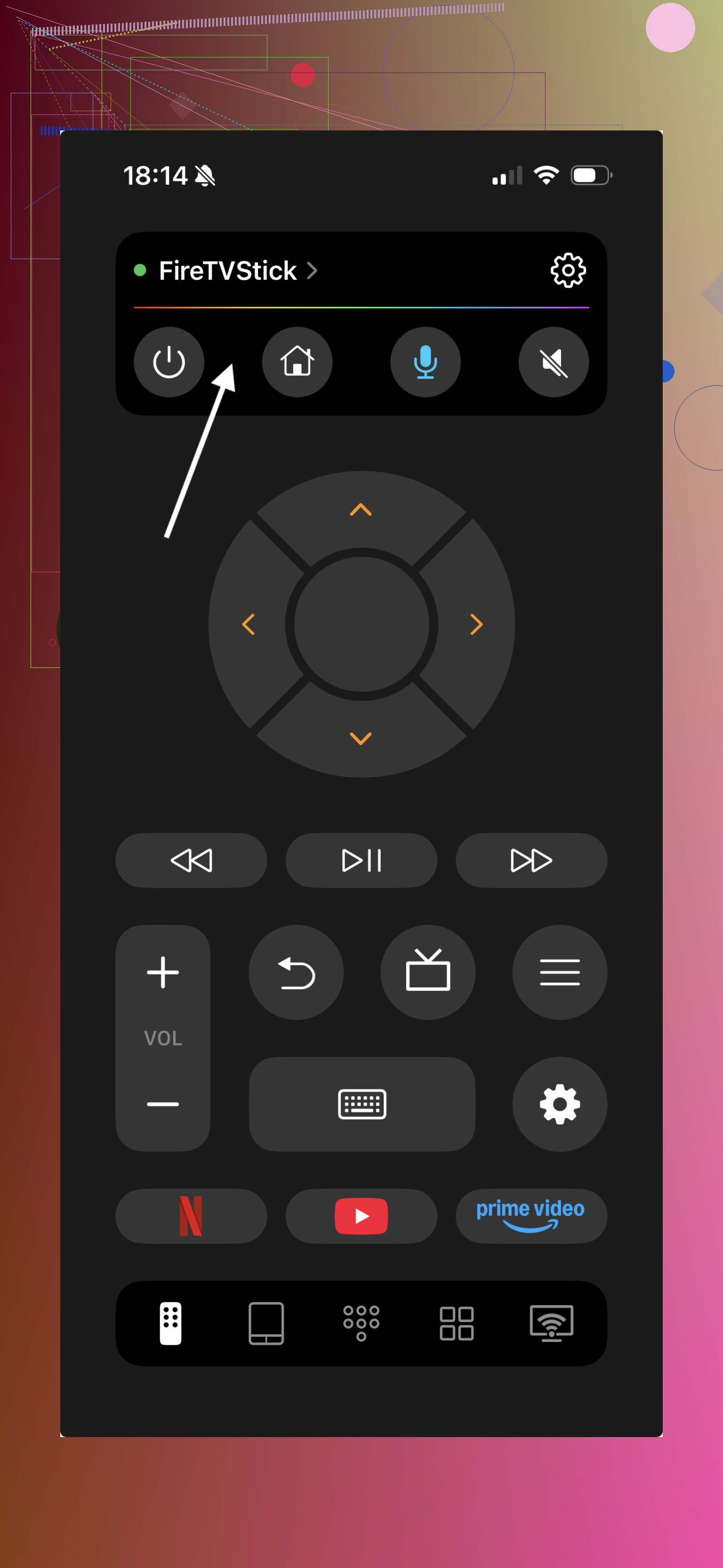
It paired with my Fire TV over Wi-Fi without much fuss. On an Insignia Fire TV, it gave me the usual controls, directional pad, volume, play and pause, plus the two things I cared about most, a touchpad and keyboard entry. Typing a Wi-Fi password with a phone keyboard felt way less annoying than pecking through letters with the stock remote. I also noticed it supports Roku, Fire TV, Android TV, Samsung, and LG, which helped since I’ve got mixed stuff at home.
The other option is Amazon’s own Fire TV app. It is built for Fire TV devices, so setup tends to be pretty painless and the layout stays simple.
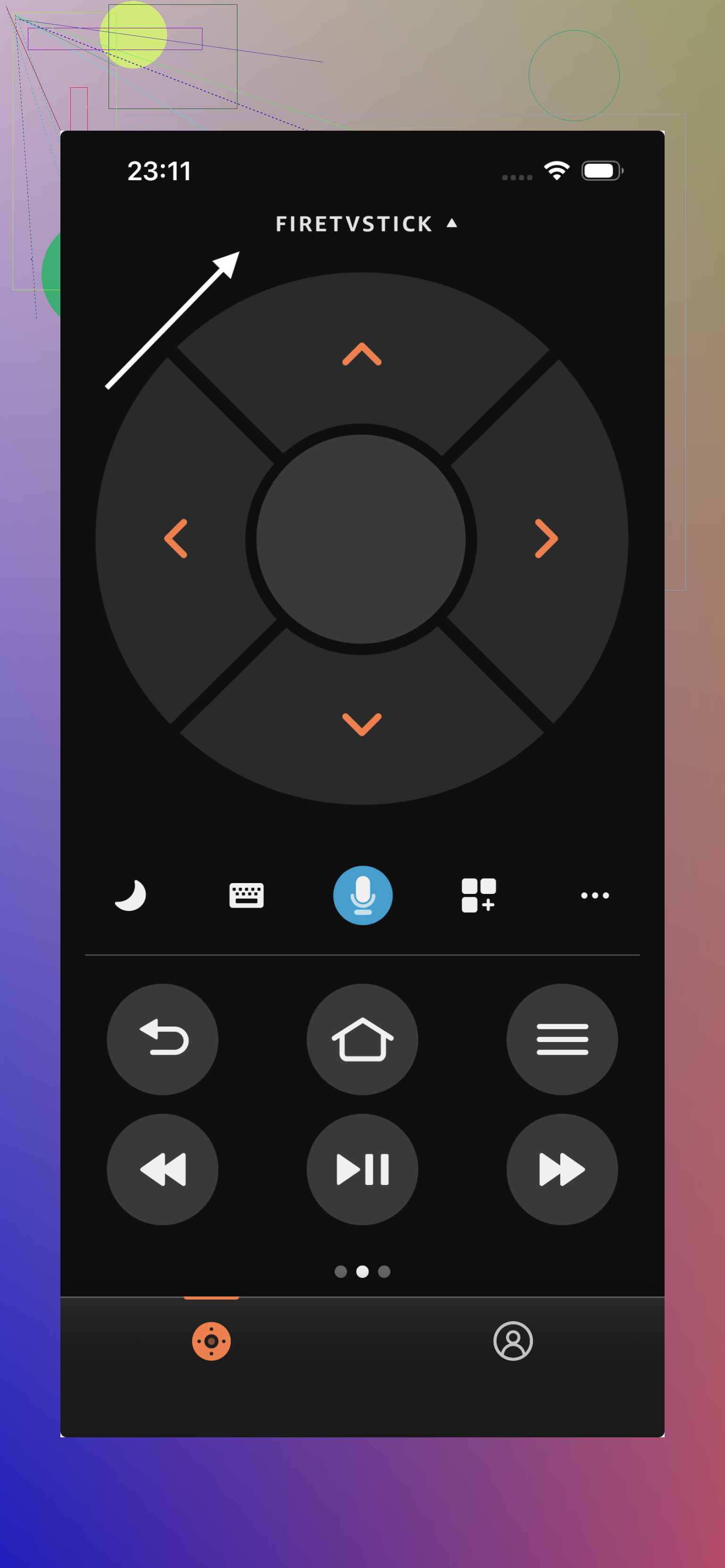
My take after using both, the official app is fine if you want the basic stuff and nothing else. If you want more room to work, I’d start with TVRem. It felt smoother on my end, and I liked not being stuck with one TV brand later if I swapped hardware.
44 Likes
I’d keep it simple. If your Insignia is a Fire TV edition, the official Amazon Fire TV app is still the safest first pick. It tends to pair faster and the keyboard input is solid. I disagree a bit with @mikeappsreviewer on one point, third party apps are fine, but some get flaky after app updates or throw ads in your face.
What matters most is this.
Your phone and TV need to be on the same Wi-Fi.
Your TV needs remote access enabled in settings.
If the TV got disconnected from Wi-Fi, no phone app will help much. You’d need a replacement remote, or a USB keyboard in some cases.
One more tip, check if your phone has IR. Most don’t anymore, but if it does, you’ve got another option. Kinda old school, but it works.
So, my order would be:
- Official Fire TV app.
- A third party one if you want extra layout options.
- Physical replacement remote if the TV is off network.
I lost mine too. Annoying as hell, lol.
If you want a phone app specifically for an Insignia Fire TV, I’d actually check one thing before obsessing over which app: whether your TV still shows up on your network at all. That matters more than people admit.
@jeff is right about the official Fire TV app being the safest first try, but I slightly disagree with the idea that it’s always the best real-world option. Sometimes the official one is weirdly stubborn about discovering the TV, while a universal remote app will spot it faster. So if Amazon’s app doesn’t find your TV in a minute or two, I wouldn’t keep fighting it forever.
What worked best for me was using a remote app with:
- D-pad controls
- keyboard input
- a touch/swipe pad
- power and volume support if your set allows it
That last part is where some apps get janky, btw.
One thing people forget: if the TV was restarted and is sitting on a login or network screen, phone control can be hit or miss. At that point a cheap physical replacement remote is honestly less of a headache. Not the fun answer, but the true one lol.
So my take:
- Try the official Fire TV app first.
- If it acts flaky, try one of the universal TV remote apps @mikeappsreviewer mentioned.
- If the TV isn’t online anymore, stop wasting time and grab a replacement remote.
Kinda annoying, but once it’s connected, the phone keyboard alone makes it worth it.
If you already own an Echo, link your Insignia Fire TV in the Alexa app. Then use voice commands like “Alexa, turn on Fire TV,” “open Netflix,” “pause,” or “volume up.”
This skips phone pairing and works even when your phone is charging. It wont replace every D-pad function, but it handles most daily controls. Setup takes about two minuts if both devices use the same Amazon account.
Don’t waste money on a universal app expecting it to power the TV on and off reliably. That’s the part that breaks most often. On a lot of Insignia Fire TV sets, volume and power over an app only work if CEC is playing nice, and it often isn’t. So the D-pad and keyboard will feel great while the power button does nothing.
@codecrafter’s Alexa tip is the one I’d actually lean on here if you’ve got an Echo, since voice power-on tends to work when app power-on doesn’t. The official app is the sensible first install, and TVRem is fine as a backup if discovery gets stubborn. Just go in expecting the phone to handle navigation and typing, not to be a full one-for-one replacement for the physical remote.