I lost my Samsung TV remote and need a free iPhone app that actually works to control my TV. I tried a couple of iOS remote apps, but they either required payment or would not connect. Looking for help finding a reliable free Samsung TV remote app for iPhone.
I went through the same App Store mess looking for a free Samsung TV remote on iPhone, and most of what I found had the same pattern. You connect your TV, tap around for a minute, then the app throws ads at you or hides basic controls behind a subscription.
The one I kept coming back to was TVRem – Universal TV Remote.
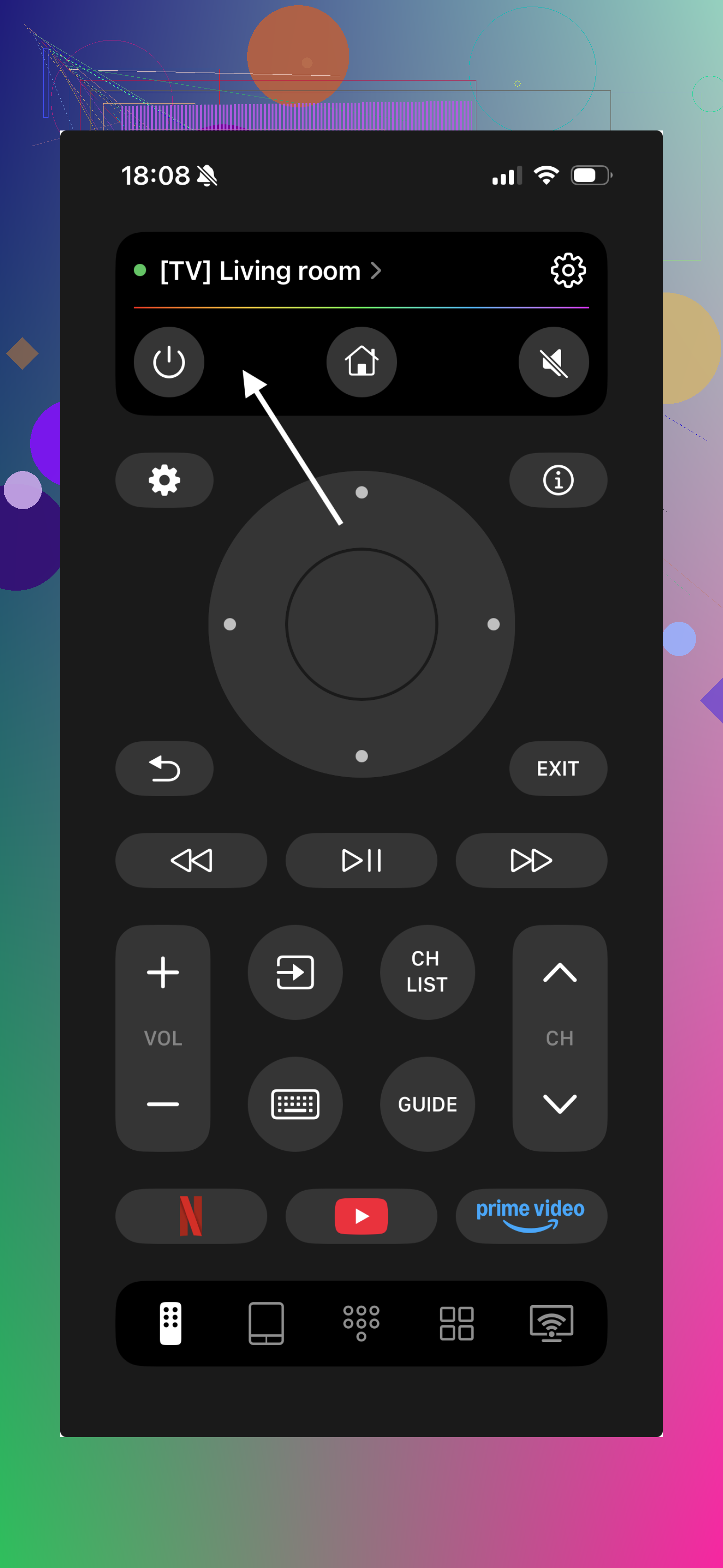
On my end, it felt closer to a full remote replacement than the usual stripped-down apps. It works with newer Samsung Smart TVs over Wi‑Fi and covers the stuff people use every day. Power. Volume. Touchpad navigation. Keyboard input for apps like YouTube and Netflix. Voice input too. One thing I noticed right away, it wasn’t picky about Samsung model years, which saved me some trial and error.
What stood out more was the free version not feeling fake-free. I didn’t get hit with the usual wall where typing or simple navigation gets blocked until you pay. I also saw people mention on Reddit that it keeps the ad spam low and doesn’t shove paywalls into basic use, which lines up with what I saw.
Another one worth trying is Samsung Smart TV Remote Plus.
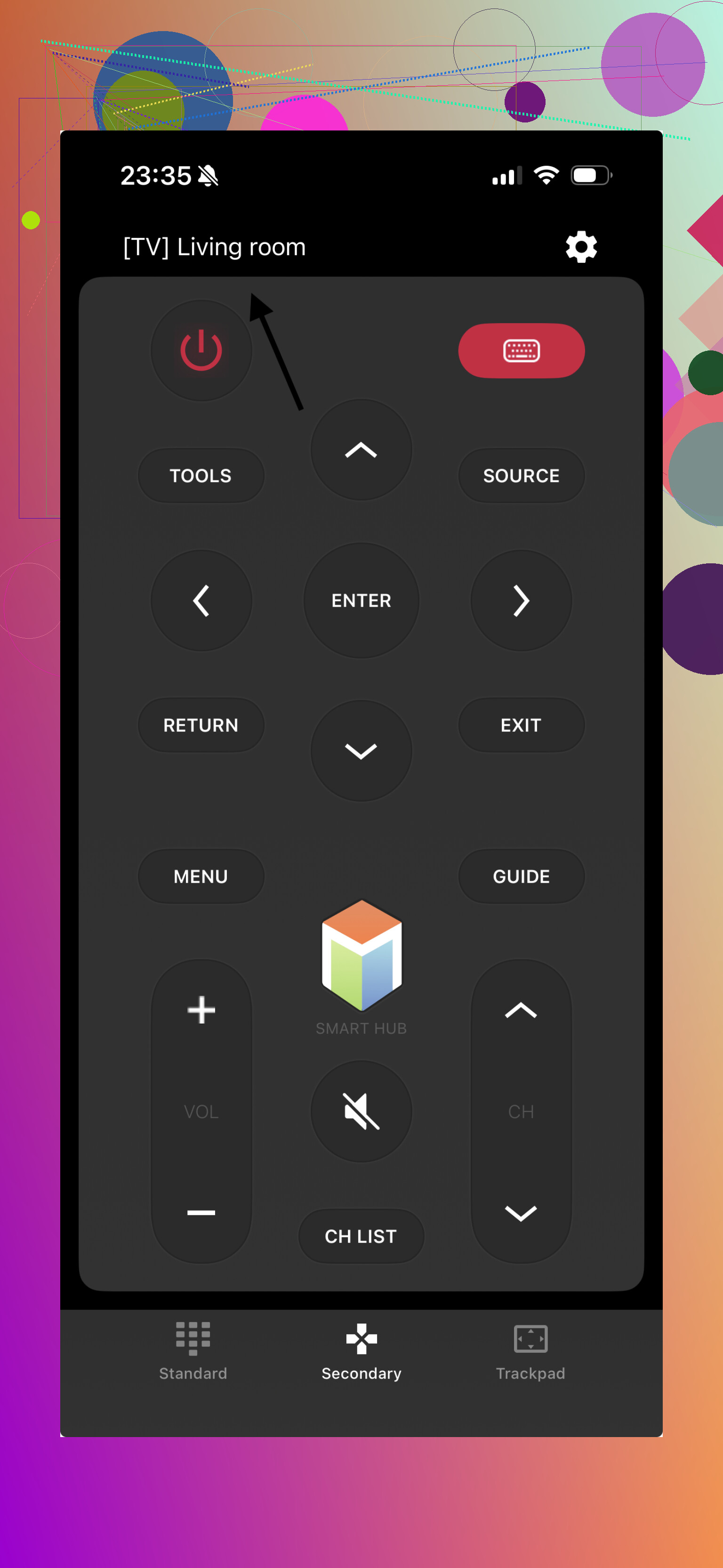
This app leans harder into Samsung-specific controls. Gestures are decent. The touchpad works well. Keyboard entry is there, which matters more than people think once you’re logging into streaming apps with a TV remote. I thought it handled newer Samsung sets better than older ones, but the catch is familiar, some of the better features sit behind in-app purchases or a subscription.
There’s also Remote for Samsung Control TV.
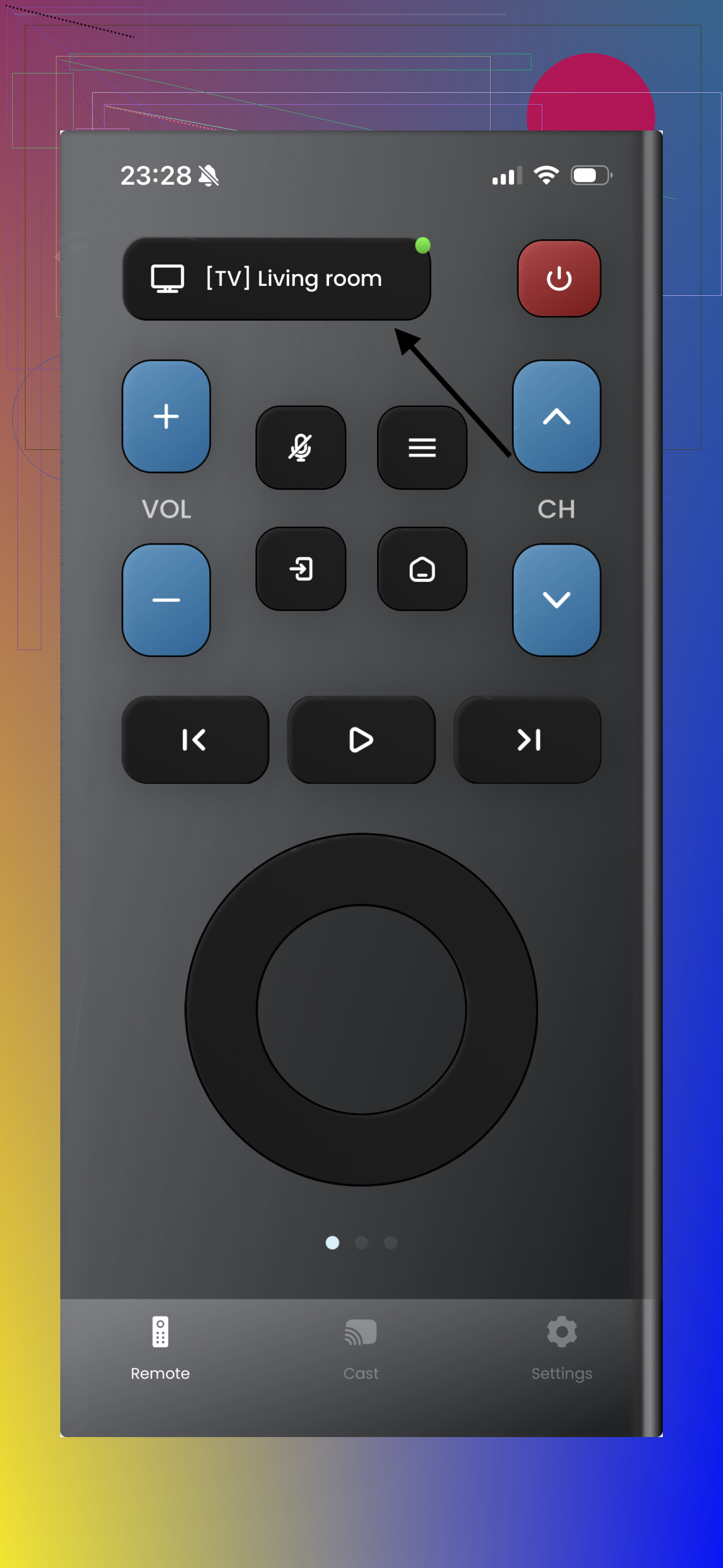
This one covers the basics without much drama. Power, volume, channels, touchpad support, and general smart TV controls. If all you need is a backup remote on your phone, it does the job. Still, same issue as a lot of these apps, extra features tend to drift into paid territory.
If your goal is simple, one iPhone app, stable connection, no constant upgrade nags, then TVRem is probably the best free Samsung TV remote app for iPhone right now.
What pushed it ahead for me was the mix of things most apps split apart. It’s free in a way that still feels usable. It works across different Samsung TV generations. And if you end up needing control for another TV brand later, you’re not starting over with a second or third remote app. That part alone made it less annoying to live with day to day.
9 Likes
If your Samsung TV is a smart model from roughly 2016 or newer, skip random “universal remote” apps first and try SmartThings. It’s Samsung’s own app on iPhone. Free. No trial junk. For a lot of TVs, it handles power, volume, app launch, and navigation over Wi-Fi.
Small catch, your iPhone and TV need the same network. If the TV got kicked off Wi-Fi, no app will help much until you reconnect it. That’s where some people get stuck and think the app is broken.
I don’t fully agree with @mikeappsreviewer on third-party apps being the first stop. Some work fine, sure, but the App Store is packed with fake-free remotes. SmartThings is less annoying to test first becuase you know it’s from Samsung.
If SmartThings fails, then yeah, try one of the remote apps they listed. Before that, check this:
- TV powered on, not in deep sleep.
- iPhone on 2.4 or 5 GHz, same router.
- VPN off.
- Local network permission enabled for the app in iPhone settings.
- Samsung TV software updated, if you still have side buttons to reach settings.
If your TV is older, like pre-smart or early smart, most iPhone apps wont connect at all. Those sets often need IR, and iPhones do not have it. In thta case, a $10 replacement physical remote is the easier fix.
I’d actually split this by TV age, because that’s where a lot of the “app won’t connect” nonsense comes from.
If your Samsung is a newer smart TV, try Roku-style remote aggregator apps carefully, but don’t assume the highest rated one is legit. A lot of those ratings come from people reviewing after 30 seconds of setup, before the paywall hits. I kinda disagree with @mikeappsreviewer a bit there, because “works for me” on day one does not always mean it stays usable free.
Also, a weirdly overlooked option is Google TV app if you happen to use a Chromecast or Google TV dongle plugged into the Samsung. In that case, you don’t even need direct Samsung control for most streaming stuff. Not a full fix, but for Netflix, YouTube, etc, it’s enough to survive until you replace the remote.
Another practical angle: if your TV supports HDMI-CEC, you might be able to use another device’s remote already in your house. Apple TV remote, Fire TV remote, game console media controls, sometimes even a soundbar remote can handle basic navigation and volume. People forget that and spend an hour downloading junk apps.
If every app fails, that usually points to one of three things:
- TV is not on your network
- TV is too old for Wi-Fi remote control
- Samsung blocked remote pairing after an update or reset
At that point, honestly, stop wasting time and buy a cheap replacement remote. Not the fancy one, just a basic compatible Samsung remote. I know that sounds boring, but it’s often the least annoying answer tbh.
So yeah, I’d check what exact Samsung model you have first. That tells you real fast whether an iPhone app is a real solution or just App Store cosplay.
One angle missing from @yozora, @cazadordeestrellas, and @mikeappsreviewer: check whether your Samsung is using Bluetooth-only pairing for the fancy remote, but still allows network remote control separately. On some sets, people assume “no original remote = no app,” but the TV can still accept control from iPhone if that network option wasn’t disabled.
If you want a free shot that is actually worth testing, TVRem – Universal TV Remote is reasonable.
Pros
- 100% free app
- works with Samsung smart TVs over Wi‑Fi
- touchpad and keyboard input are genuinely useful
Cons
- still depends on the TV already being reachable on your network
- older Samsung TVs are hit or miss
Tiny disagreement with the “just buy a replacement now” crowd: that’s smart for old TVs, sure, but for a 2018+ Samsung I’d still try one solid app first before spending anything. If your set appears in AirPlay or Smart View menus, chances are decent an iPhone remote app can work too. If it does not, then stop fighting it and get the cheap physical remote.