I accidentally deleted photos from my CompactFlash card after a camera error, and I don’t have a backup. I’m looking for a free CF card data recovery method or software that can recover lost files safely before I use the card again. Any help would be appreciated.
I shoot events for a living, and yeah, few things feel worse than plugging in a CompactFlash card and seeing it show up blank, unreadable, or half-dead. I’ve had this happen after long wedding days and corporate gigs, and the biggest mistake I see is people poking at the card too much before recovery starts.
If you want the shortest path with the least mess, start with recovery software right away. I’ve had the best results with Disk Drill. What sold me was how it handled large RAW sets, CR2, NEF, ARW, plus high-bitrate video clips split across odd blocks. I tried PhotoRec and Recuva too. PhotoRec pulled files, sure, but dumped them into a giant pile with renamed junk, which is rough when you’re sorting thousands of shots. Recuva did fine on simpler stuff, then fell apart on pro camera formats. Disk Drill felt less chaotic, and the preview step saved me time because I could check files before restoring them.
What I’d do first
- Install the app on your computer’s main drive. Keep it off the CF card. Don’t write anything new to the damaged card.
- Make a full image of the card. If the card is throwing read errors or disconnecting, clone it sector by sector first. I do this whenever a card feels unstable. Scanning the image is safer than hammering the original media over and over.
- Scan the card or its image. Point the recovery tool to the source, run the scan, and wait. Let it go through the full structure and raw blocks.
- Preview the results. Check your photos and video clips before restoring. This matters more than people think. A file name means nothing if the file opens as garbage.
- Recover to a different drive. Save the restored files to your SSD, internal drive, or another external disk. Never put recovered files back onto the same CF card.
While the scan runs, or before you even connect the card again, there are a few rules worth following. Most of the time, the images are still sitting on the card. What broke is the file system map, not the data itself. So the goal is simple, don’t overwrite anything.
Rules I follow when a CF card goes bad
- Stop shooting on it. Right away. Don’t test it in-camera. Don’t take one more frame to see if it still works. New writes wipe old data for good.
- Ignore any format message. If Windows or macOS says the card needs formatting, hit no. Every time. Use a proper card reader too. I’ve had better access that way than through a camera USB connection.
- Check whether the system still sees the card. On Windows, open Disk Management. On Mac, use Disk Utility. If the card appears with the right size, recovery odds are still decent. If it does not appear at all, or the card has physical damage, software might not get you there and lab recovery starts looking like the only path.
- Fix damaged video after recovery, not before. I’ve recovered clips that looked dead but were only missing headers or had broken indexing. VLC sometimes helps if you set file repair to always fix damaged AVI files. Untrunc is worth trying too on Windows for busted video headers.
- Deal with the card only after your files are safe. Once your images are copied and checked, then you can test repairs. CHKDSK on Windows or First Aid on Mac might clean up file system errors. If the card is still flaky after that, I wouldn’t trust it on a paid shoot. I’d format it in-camera only if I planned to test it hard first, and if it acted weird again, I’d retire it.
A couple things I learned the hard way
One bad habit is opening and closing the card over and over in different apps, hoping one of them sees the files. I did this once with a Lexar card after a conference job. Dumb move. Each failed read took more time, the card got hotter, and I ended up cloning it later than I should have.
Another one, don’t judge recovery by folder structure alone. I’ve had cards come back with mangled directories and still recover almost every usable RAW frame. The previews told the real story, not the filenames.
If your computer detects the card and the capacity looks normal, you still have a shot. Stay calm, don’t write to it, clone it if it looks unstable, scan it, preview what matters, and restore somewhere else. That’s the workflow I stick to now.
Hope you get your files back in one piece. I know the feeling, it sucks.
9 Likes
Free? Yes.
If the CF card still mounts, start with PhotoRec. It costs nothing and it pulls deleted JPG, CR2, NEF, ARW, MOV, MP4 from CF cards pretty well. The catch, it strips filenames and folders. For a few hundred shots, fine. For a client shoot, kind of a pain.
I disagree a bit with @mikeappsreviewer on one point. A full image first is smart for a flaky card, but if your card reads clean and stable, one read-only scan is often faster and less work. If it drops connection once, stop and image it.
My order:
- Put the CF card in a reader, not the camera.
- Check if your PC sees the right capacity.
- Run PhotoRec first if you want fully free.
- If the results are messy, use Disk Drill for preview and easier sorting.
- Save recovered files to your computer, never back to the CF card.
Two other free things worth trying on Windows are Windows File Recovery and TestDisk. TestDisk is better if the partition got messed up. PhotoRec is better if files were deleted.
For search terms, use something clear like recover files from a formatted CF card.
Also saw this short explainer, recover files from a formatted CF card.
If the card shows 0 bytes, wrong size, or keeps disconnecting, software odds drop fast. At taht point, stop messing with it.
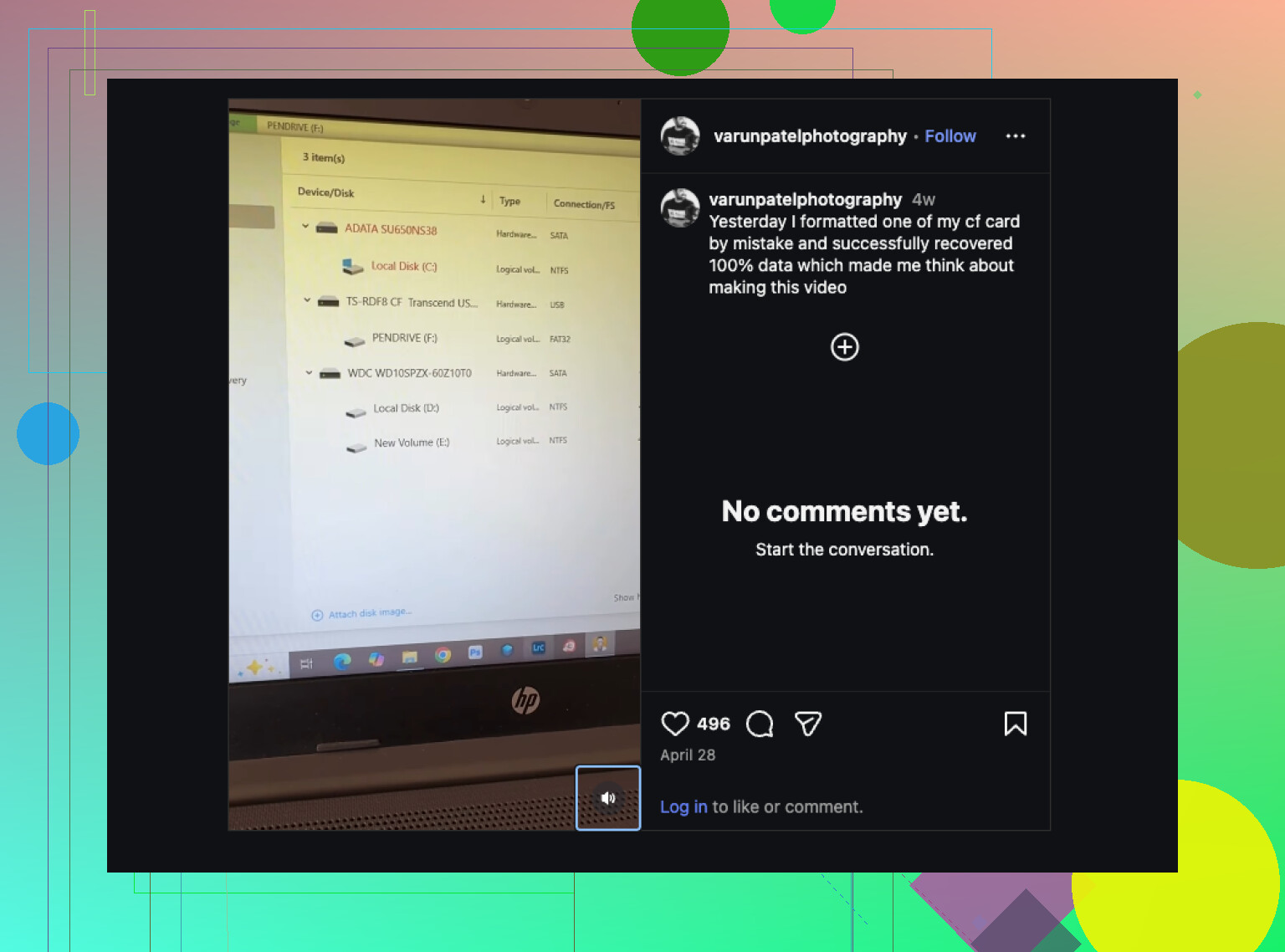
Free, yes, but “best free” depends on what exactly happened.
If it was just deleted photos after the camera error, I’d actually try **R-Photo** before PhotoRec. It’s free for photos/video, way less chaotic than PhotoRec, and you usually keep a saner recovery list. PhotoRec is powerful, but dumping 2,000 files named f1234567.jpg into one folder is its own punishment. So I slightly disagree with @stellacadente there. “Free” is nice, “free and sortable” is nicer.
If the card is still readable:
- use a real USB card reader
- do not format the CF card
- do not run repair tools yet
- recover to your computer, not back to the card
If you want the easiest interface and previews, **Disk Drill** is still worth mentioning even if the totally free part is limited. It’s better for checking what’s actually recoverable before you waste hours.
One extra thing neither @mikeappsreviewer nor @stellacadente really leaned on: try recovery by **file type filter first**. If you only care about JPG/RAW, don’t scan and restore every stray cache/db/system file. Saves time and reduces the mess.
If the card shows wrong capacity, asks to initialize, or disconnects randomly, stop. At that point repeated DIY attempts can make things worse fast.
Also, this thread is pretty relevant if you want more CF-specific experiences: CompactFlash card data recovery tips and real user advice.
Short version:
- **Totally free:** R-Photo, PhotoRec, TestDisk
- **Easier to use:** Disk Drill
- **Worst move:** formatting the card “to see if it fixes it”
Been there, it sucks, but deleted CF photos are often recoverable if you dont keep using the card.
I’d add one thing the others only touched lightly: **check the card’s health before you commit to lots of recovery attempts**. If the CF card is showing read delays, CRC errors, or intermittent disconnects in a reader, every extra scan is a gamble. In that case I would not keep testing different free tools back to back.
Also, slight disagreement with the “just start with raw carving” crowd. Raw recovery is great for getting *something* back, but if your camera error only corrupted the directory structure, a tool that can still parse remnants of the filesystem will usually give you cleaner results and sometimes original names. That matters if this was a real shoot.
For free options, I’d look at:
- **R-Photo** for image/video focused recovery
- **TestDisk** if the partition itself got scrambled
- **PhotoRec** only when structure is toast and you mainly care about the image data
Where **Disk Drill** fits in:
- **Pros:** easy preview, cleaner sorting, can be faster to judge whether the card is worth pursuing
- **Cons:** not fully free for all recovery, and if the card has physical issues, software convenience does not solve that
So I mostly agree with @stellacadente, @caminantenocturno, and @mikeappsreviewer on the basics, but I’d prioritize **diagnosing card stability first**, then choose the recovery method based on whether the problem is deletion, formatting, or filesystem damage. If the CF card starts vanishing from the system, stop DIY there.