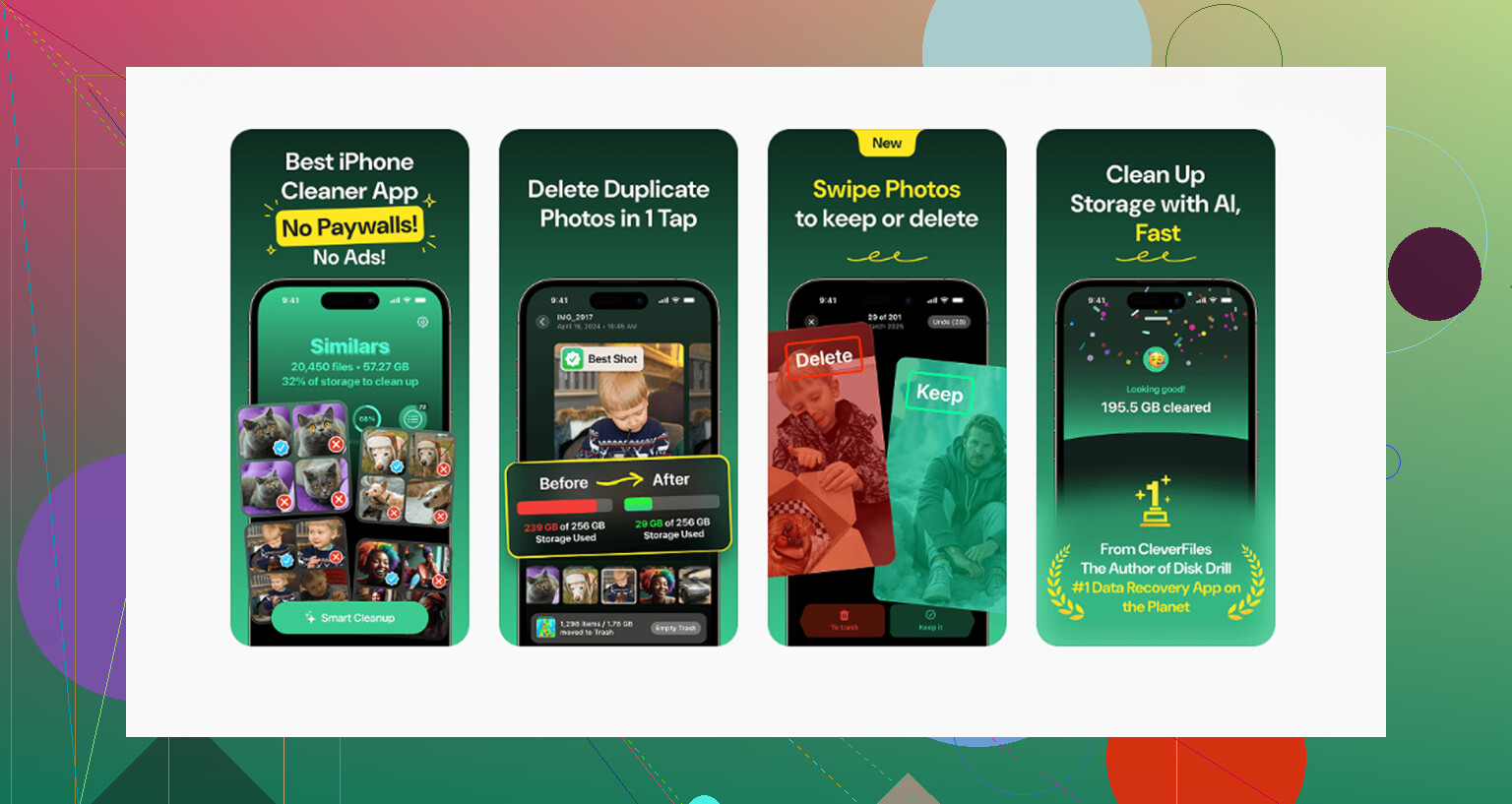
My iPhone storage is completely full, and I’m running out of space for photos, apps, and updates. I don’t want to use iCloud, so I need help finding other ways to add storage or free up space without losing my files. What are the best options for expanding iPhone storage without iCloud?
Yeah, I get why this feels dumb. You pay for iCloud, your phone still screams “Storage Almost Full,” and somehow both things stay true at once.
The part Apple never says in plain English is this. Your iPhone storage is fixed hardware. It sits on the logic board, and it stays what it was on day one. If your phone shipped with 64GB or 128GB, you are stuck with 64GB or 128GB. iCloud does not add physical space inside the phone. It stores copies, syncs stuff, and helps move things off the device, but it does not turn a 64GB phone into a 256GB phone.
If your goal is extra room without another monthly bill, I’d look at external storage first. A Lightning or USB-C flash drive works fine for big videos and photo dumps. The SanDisk iXpand gets mentioned a lot for a reason. You plug it in, move files over, then delete those files from the phone. Done. If you already have spare SD cards lying around, a Lightning-to-SD card reader is another cheap route. One purchase, no subscription, no weird account setup.
Still, I would not buy hardware before checking how much junk is already eating space. I had an iPhone hit the point where it felt half-dead. Camera took ages to open. Apps kept closing. Typing lagged. It looked like a performance issue, but low storage was the main cause. iOS needs breathing room for cache, updates, temp files, all the boring system stuff. Once you creep up near full capacity, the phone starts acting rough.
So I did the slow cleanup first. Settings > General > iPhone Storage. From there I offloaded apps I barely touched, mostly old games. Offloading keeps the app data, which saved me from losing progress. I also cleaned Safari’s stored site data through Settings > Apps > Safari > Advanced > Website Data. Old message attachments were another surprise. Mine had piles of videos and screenshots I forgot existed.
The annoying part is how manual all of this feels. You poke through one category, then another, then some hidden pocket of storage you forgot iOS even had. After doing this more than once, I stopped pretending the built-in tools were enough for a huge photo library.
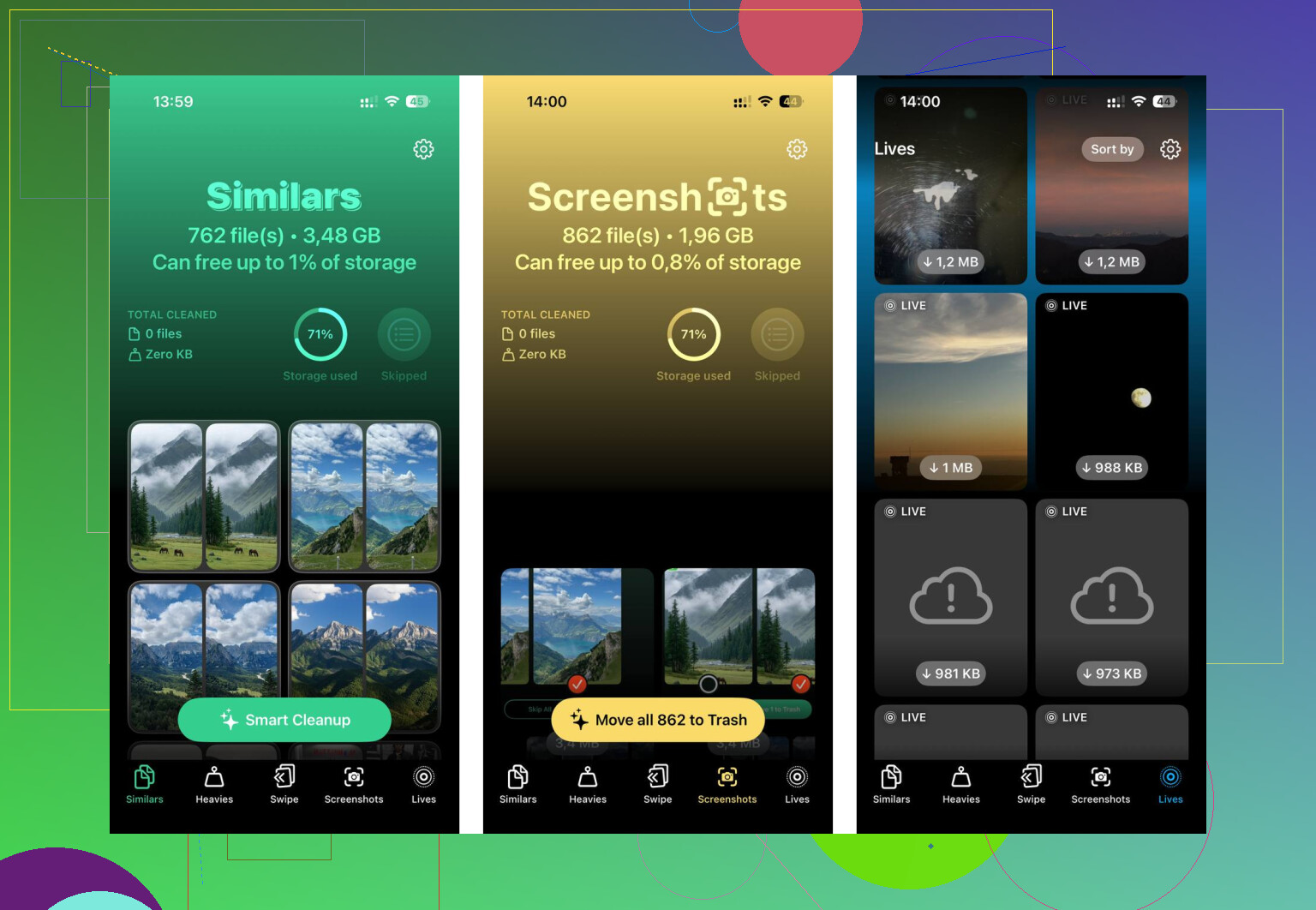
I ended up using Clever Cleaner, mostly because I was sick of the lag and wanted one place to sort the mess. What helped me most was the file-size view. Instead of guessing which video was huge, I saw the worst offenders right away. A random 4K clip, a giant screen recording, ten screenshots I did not need, all listed with the real sizes.
There’s also a duplicate and near-duplicate photo tool. Mine caught those burst-shot type messes where I had eight near-identical pics and only wanted one. I liked that the scan stayed on the device. I’m picky about shoving my photo library onto some unknown server, and this felt less sketchy. After I cleared around 15GB, the phone settled down. Apps opened normally again. Camera stopped hanging. Felt liek the phone got its pulse back.
If you still run out of room after a proper cleanup, then use cloud storage as storage, not as magic expansion. Google Photos gives 15GB free. Dropbox gives 2GB free. Those do not increase internal iPhone storage either, but they do give you somewhere else to park files before deleting them locally.
So no, you cannot buy more internal iPhone gigabytes after the fact. What you can do is free space, move files out, or use an external drive. I’d start with cleanup before spending anything. A lot of “full” phones are packed with duplicates, blurry photos, stale caches, old attachments, and giant videos people forgot months ago.
14 Likes
No. You do not add internal storage to an iPhone after you buy it. Apple solders it in place. So if your phone is 64GB, it stays 64GB.
Where I differ a bit from @mikeappsreviewer is this. I would not rush to buy a flash drive first. A lot of people end up with a drive full of stuff they never look at, and the phone still fills up again a week later.
Best non-iCloud options:
-
Move photos and videos to a computer.
Use the Photos app on Mac, or File Explorer on Windows. Import them, confirm they copied, then delete them from the iPhone. This frees the most space fast. A 1 minute 4K video is often 300MB to 400MB. -
Change camera settings.
Go to Settings, Camera, Formats. Pick High Efficiency.
Go to Record Video. If you shoot in 4K, drop to 1080p unless you need 4K. This stops the problem from comng back so fast. -
Set Messages to auto-delete old chats.
Settings, Apps, Messages, Keep Messages. Set it to 1 Year or 30 Days if you do not need old threads. Message attachments eat tons of space. -
Remove downloaded media.
Check Spotify, Netflix, YouTube, Podcasts. Offline downloads often take 5GB to 20GB and people forget about them. -
Use local cleanup tools.
Clever Cleaner is worth a look if your photo library is the main issue. It helps spot duplicates, similar shots, and large files faster than poking through iPhone storage menus one by one. -
Use external storage only for archives.
If you want offline storage without iCloud, a USB-C SSD on newer iPhones works better than tiny flash drives in my opinon. Faster, more reliable, and cheaper per GB.
If you want a plain walkthrough, this Clever Cleaner review is decent:
watch this Clever Cleaner review for iPhone storage cleanup
If your phone is full and iOS updates fail, aim to free at least 8GB to 10GB first. iPhones get weird when free space drops too low.
Nope. You can’t upgrade an iPhone’s internal storage after you buy it. That part is fixed. So the real answer is either free space, move stuff off the phone, or use external storage as overflow.
I mostly agree with @mikeappsreviewer and @suenodelbosque, but I think one thing gets skipped a lot: check whether Photos is keeping originals on the device because that can silently eat insane space even if you barely install apps. Also look at Voice Memos, GarageBand, CapCut, Instagram drafts, and Files downloads. Those are sneaky little storage goblins.
A few non-iCloud options they didn’t really lean on:
- Use a NAS or home server if you want your own “personal cloud” without Apple. Synology works pretty well.
- Transfer photos/videos by cable to a PC regularly, then back them up to an external hard drive.
- Delete and reinstall bloated apps like TikTok, Instagram, Reddit, or browser apps. Sometimes cache gets ridiculous.
- Check Files app > On My iPhone. People forget this exists, then wonder where 12GB went lol.
If your main problem is photos, Clever Cleaner is probly worth trying since it can surface duplicates and big files faster than hunting manually. Also, if you want outside opinions, this thread is decent: real Reddit feedback on Clever Cleaner for iPhone storage cleanup
Short version: no internal upgrade, yes to external drives/computers/NAS, and yes you can free a surprsing amount without touching iCloud.