I’ve been ripping my music collection and keep seeing people recommend FLAC as the best audio format for sound quality and long‑term storage. I’m confused about whether I should use FLAC, MP3, AAC, or something else for both archiving and daily listening on my phone and PC. Can anyone explain the real-world pros and cons of FLAC vs other formats, and when it actually makes a noticeable difference?
FLAC is a great format, but it isn’t automatically the right choice for everything. It really depends on what you’re trying to do. Here’s how I usually explain it when this question comes up.
What is FLAC?
FLAC (Free Lossless Audio Codec) is an audio format designed to compress music without losing any data. The key word is lossless.
Think of it like a ZIP file for audio. When you compress a WAV file to FLAC, it gets smaller, but when you play it back or decompress it, you get the exact same audio data back – bit-for-bit identical to the original. Nothing is thrown away.
This is different from formats like MP3 or AAC, which are lossy. Those reduce file size by permanently removing parts of the sound that are considered less noticeable to human hearing.
FLAC was created to give people a way to store high-quality audio efficiently without being locked into proprietary formats. It’s open-source and free to use, which helped it gain a lot of support over the years.
Advantages of FLAC
- Perfect audio preservation
The biggest selling point is that FLAC preserves audio exactly. If you rip a CD to FLAC, you have a perfect digital copy of that CD. This makes it ideal for archiving music collections. - Open-source and royalty-free
FLAC isn’t controlled by a company and doesn’t require licensing fees. That’s part of why it’s widely supported and trusted for long-term storage. - Wide support across devices and software
Most modern music players, streamers, DACs, and media apps support FLAC. It’s basically the standard lossless format outside the Apple ecosystem. - Good compression vs WAV/AIFF
FLAC typically reduces file size by about 30-60% compared to WAV or AIFF while keeping identical sound quality. So you get the same audio in a much more manageable size.
This makes it much better for organizing a music library than raw WAV files.
Disadvantages of FLAC
- Bigger than lossy formats
Even though FLAC is compressed, it’s still much larger than MP3, AAC, or Opus. - Not native everywhere (especially Apple)
Apple prefers ALAC (Apple Lossless Audio Codec). FLAC works on Apple devices through third-party apps, but it isn’t as seamless as ALAC in Apple Music. - Often overkill for casual listening
This is the controversial part: most people cannot reliably tell the difference between FLAC and a good 256–320 kbps AAC/MP3 in blind listening tests. Especially on Bluetooth headphones or in noisy environments.
Is FLAC the “best” format?
I’d say FLAC is one of the best formats for certain purposes, but not universally.
Here’s how I usually break it down:
- For archiving or building a permanent music library:
FLAC is excellent. Many people keep a FLAC master library and convert to smaller formats for portable use. - For everyday mobile listening:
High-bitrate AAC or Opus is often more practical. You save space and probably won’t hear a difference on the go. - For Apple users:
ALAC makes more sense if you live entirely inside Apple Music and iOS/macOS workflows. It does the same job as FLAC but integrates better there.
My practical take:
Use FLAC as your source/archive format. Convert to AAC/MP3 for convenience if needed. Storage is cheap, but flexibility is valuable.
Recommended players
If you decide to use FLAC, having a good player makes life easier.
On Mac
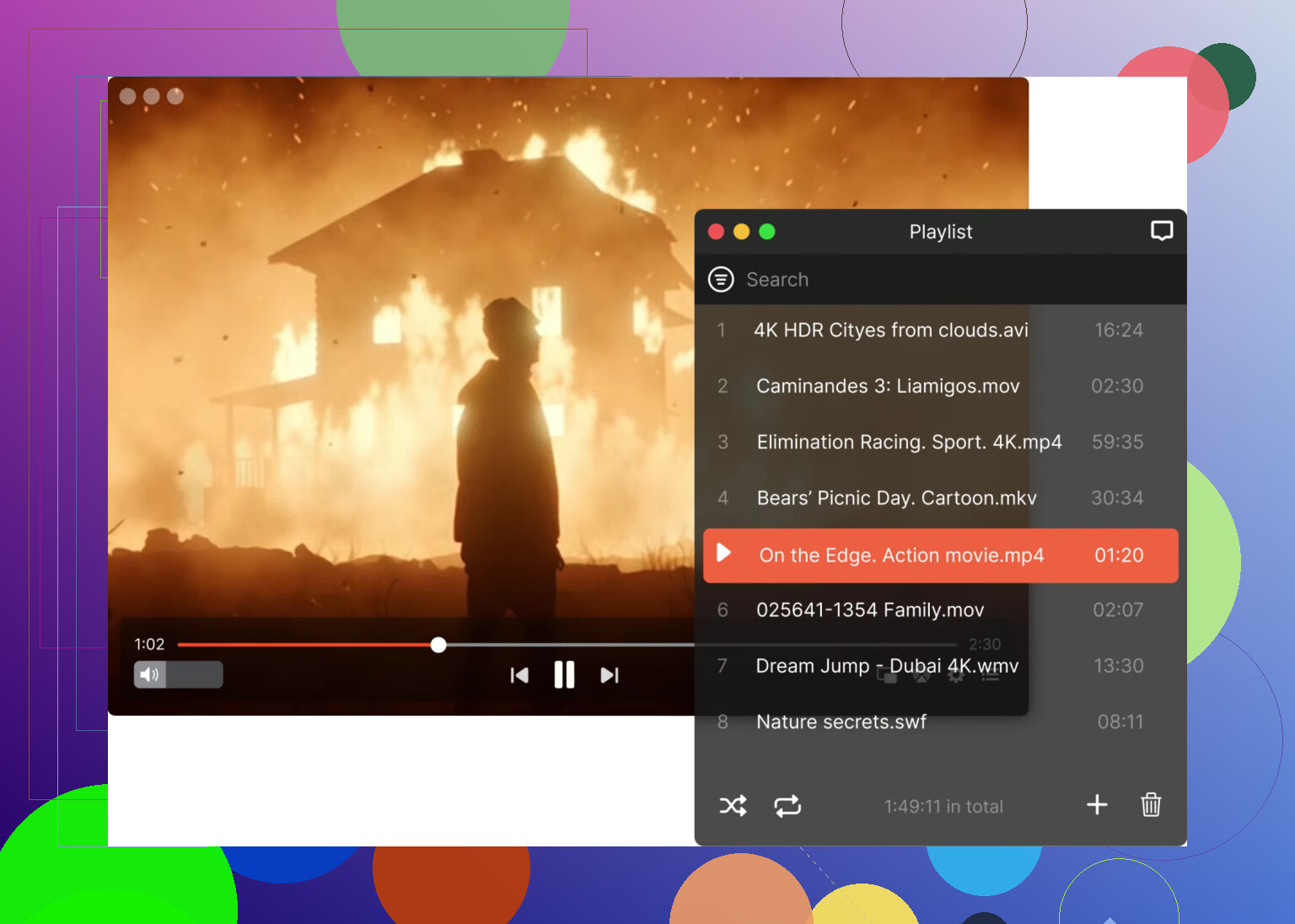
Elmedia Player
Elmedia Player is a solid option if you want something that just plays basically anything you throw at it. It handles FLAC, ALAC, OGG, and a wide range of audio and video formats without needing extra codecs. It also includes useful touches like audio track selection, equalizer support, and a clean macOS-style interface. If you’ve ever hit format limitations with the default macOS player, this kind of player tends to remove those friction points.
QuickTime Player
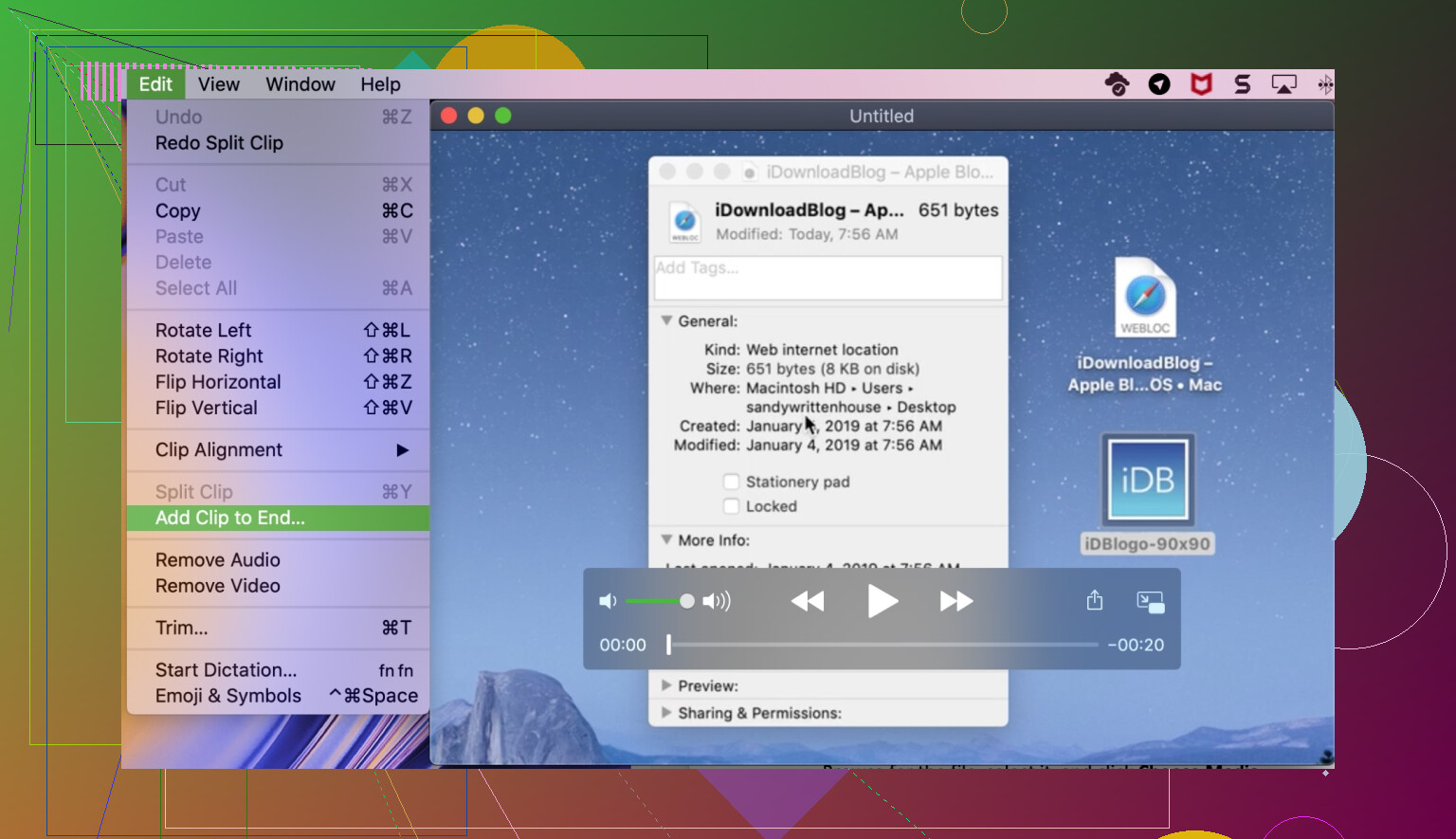
Apple’s built-in player is lightweight, simple, and well integrated into macOS. It works perfectly fine for common formats and basic playback. That said, if you start working with FLAC or more unusual codecs, you may eventually want something more flexible.
On Windows
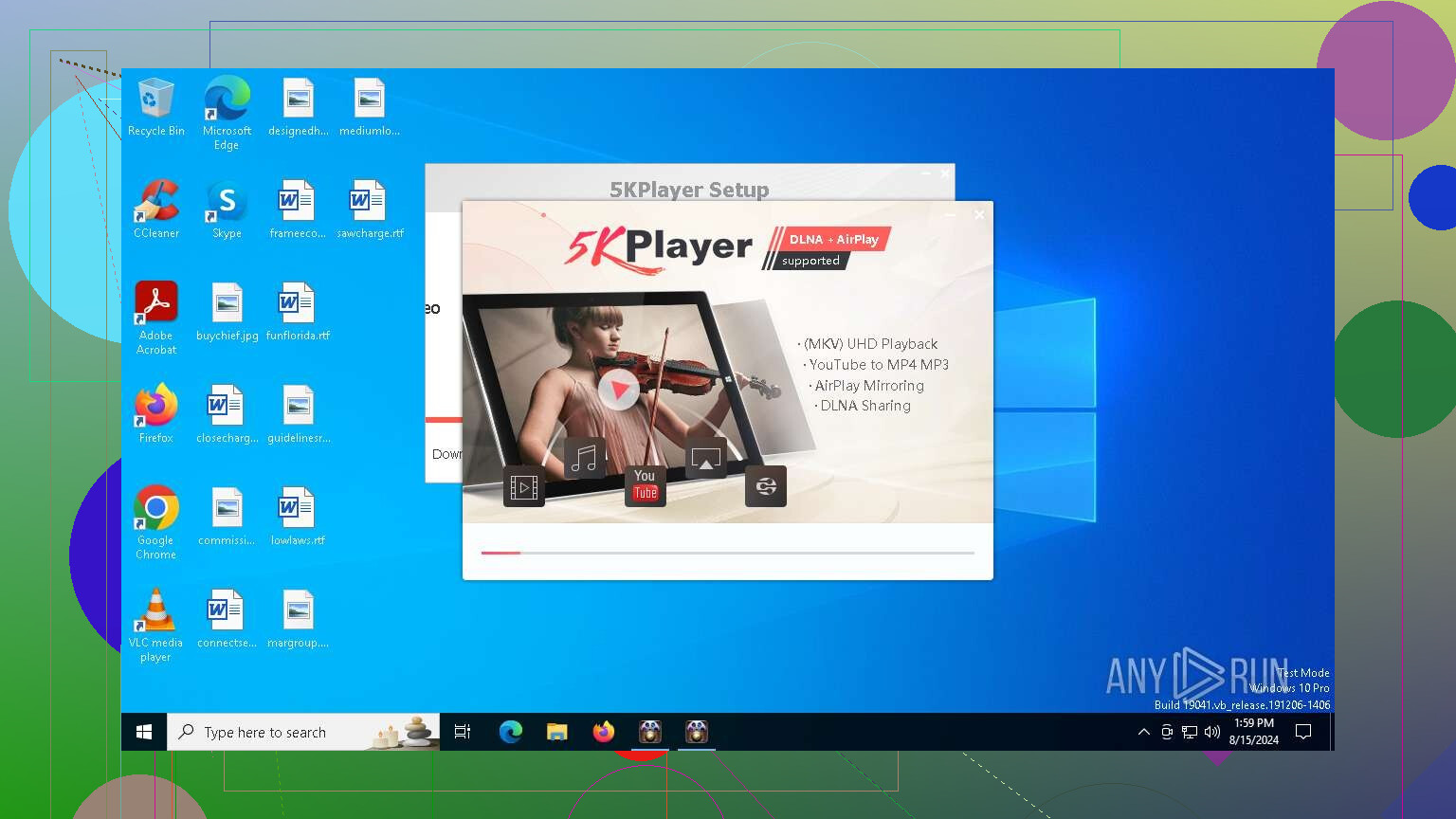
5KPlayer
A player with broad format support including FLAC. It also includes extras like AirPlay receiving and online video downloading. The interface is straightforward and format compatibility is one of its strengths.
Windows Media Player
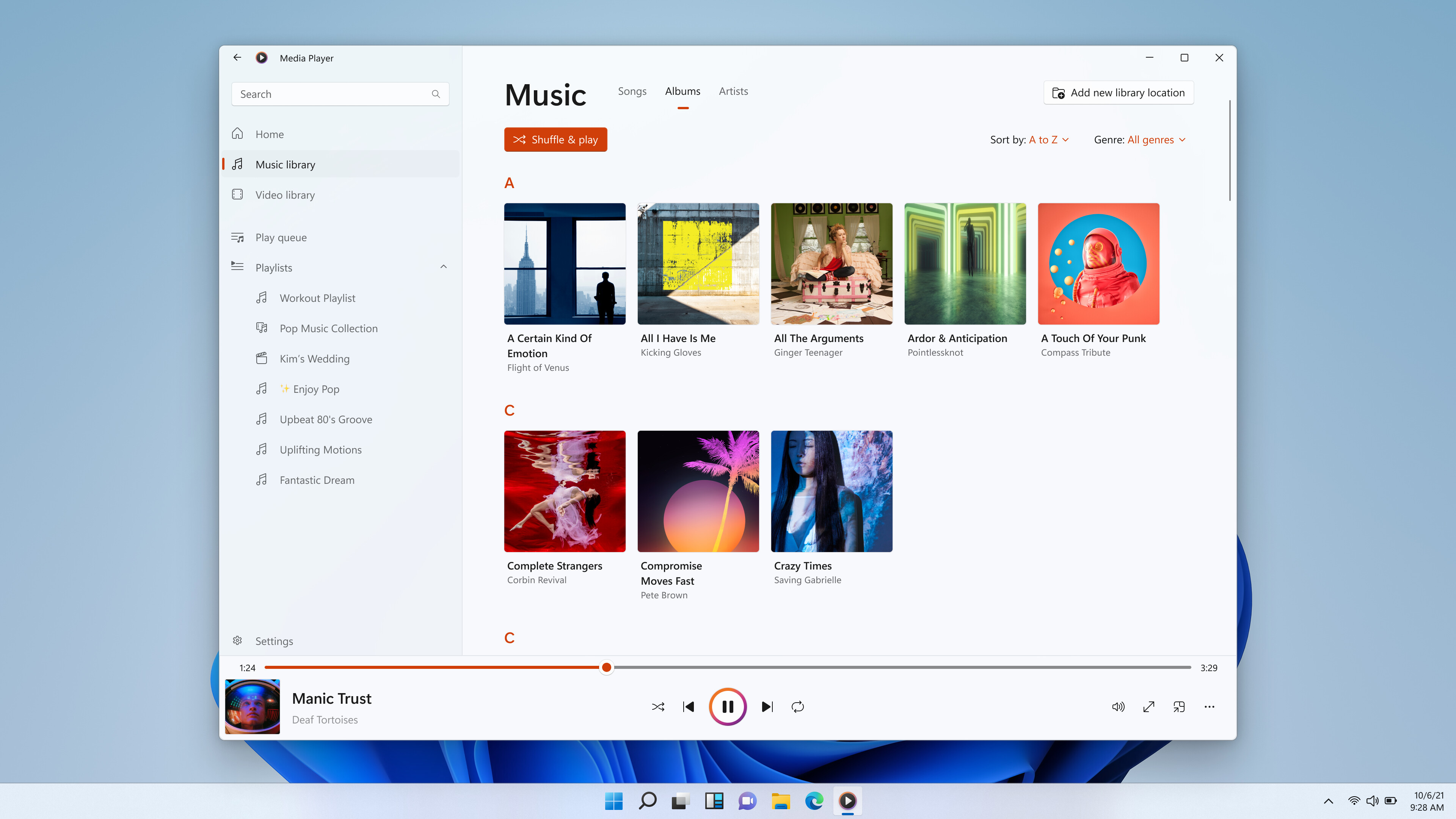
The classic built-in option. Reliable and familiar, with decent support for common formats. Newer versions of Windows have better FLAC support than older ones, though older setups sometimes need extra codecs or configuration.
Use FLAC if you care about preserving your music collection or want a high-quality master copy. For everything else, convenience formats still have their place. Most experienced collectors end up using a mix rather than just one format.
7 Likes
Short answer for everyday listening on typical gear: FLAC is often overkill, but it is great to have in your setup.
Where I slightly disagree with @mikeappsreviewer is the split between “archive” and “daily” use. I think you can be lazier if you want.
Here is a simple way to decide.
-
What to rip to
• If you still have the CDs, rip once to a lossless format.
• FLAC if you use mixed devices.
• ALAC if you live inside Apple stuff.
Sound quality between FLAC and ALAC is identical. It is just support and workflow. -
What to listen to daily
Ask yourself two things:
• Are you using Bluetooth a lot
• Do you often listen in noisy places
If yes to either, you will not hear a benefit from FLAC on most tracks. Bluetooth codecs and background noise wipe out the tiny differences.
Use this instead:
• AAC 256 kbps or 320 kbps
• Or MP3 256 or 320 kbps if your devices like MP3 more
ABX tests and blind tests put good 256–320 kbps AAC or MP3 below audible difference for most people on normal gear. File size drops to about one third of FLAC. That means more albums on your phone and less syncing pain.
- Simple workflow that avoids re-ripping later
Slight tweak to what @mikeappsreviewer does:
• Rip everything to FLAC or ALAC on your computer. Treat this as your “do not delete” master.
• Set up a converter profile for AAC 256 or 320 kbps.
• When you load your phone or DAP, convert on the fly or in batches from that master. Delete and redo any time. No quality loss from re-ripping.
- When FLAC makes sense for daily use
Use FLAC on your listening device if:
• You have plenty of local storage.
• You use wired headphones or a good home setup.
• You sit in a quiet room and actually focus on the music.
Even then, do not expect night and day changes compared to a good AAC/MP3 rip. You might hear it on some tracks, you might not. It is more about peace of mind and a clean signal path.
-
Device support tips
• Android, Windows, most streamers: FLAC is safe.
• Apple Music, AirPlay, older iPods: prefer ALAC or AAC.
• Cars: many newer ones read FLAC from USB, older ones often want MP3. -
Player choice
If you are on macOS and want something that plays FLAC and pretty much everything else without fiddling, Elmedia Player is a solid option. It handles FLAC, ALAC, MP3, AAC, and video, and tagging and playback feel smoother than the stock QuickTime stuff.
So, practical answer for your ripping project:
• Rip once to FLAC (or ALAC if you are Apple focused).
• Store that on a main drive plus backup.
• For everyday listening, export to AAC 256 or 320 kbps, especially for phone and Bluetooth.
• Use FLAC locally only where storage and quiet listening justify it.
You get long term safety, good sound, and you avoid doing this whole ripping job again.
Short version: FLAC is the best source, not automatically the best everyday format.
Where I agree with @mikeappsreviewer and @codecrafter:
You absolutely want a lossless archive. If you are ripping a collection and you care at all about not doing this stupid job twice, rip to a lossless format once and be done. FLAC or ALAC, pick what fits your devices.
Where I slightly push back on them:
You do not have to overthink the “daily listening vs archive” split if your library is normal sized and your storage is decent. If you have, say, a few hundred albums and a phone with 256 GB, just keeping everything as FLAC (or ALAC on Apple) on your home machine and selectively syncing what you actually listen to is often fine. People talk like FLAC will eat your entire existence. It wont. A couple hundred FLAC albums is not some unmanagable monster in 2026.
Real world sound quality:
On normal gear, in normal places:
- FLAC vs 256–320 kbps AAC or MP3
Most people will fail blind tests, same as they mentioned. - If you listen over Bluetooth a lot, the Bluetooth codec is usually the bottleneck, not FLAC vs AAC.
- The times FLAC might matter: quiet room, wired decent headphones or speakers, and you are actually focusing on the music instead of scrolling your phone.
So for “everyday listening”:
- If you are lazy and storage is fine:
Just use FLAC everywhere your devices support it. Simpler, less libraries to manage. It will not magically sound better all the time, but you also do not waste time converting stuff. - If you are cramped on storage or stuck in Apple’s world:
Use AAC 256 for phone / portable, keep FLAC or ALAC as your archive on a PC/NAS.
Format choice breakdown:
- Mixed devices, not Apple‑locked:
• Archive: FLAC
• Everyday: either FLAC (if storage plenty) or AAC/MP3 256–320 if you want 3x more music on the device - Fully Apple setup (iPhone, Mac, Apple Music, AirPlay):
• Archive: ALAC
• Everyday: ALAC or AAC 256 depending on storage
In that world, FLAC is mostly extra friction.
One thing not hammered on enough: workflow tools.
If you are on macOS and have FLACs, Elmedia Player is honestly a nice “I don’t want to fight codecs” solution. It handles FLAC, ALAC, MP3, AAC, and a ton of video formats too. Good if you want to double‑click anything and it just plays, instead of wrestling with QuickTime’s random limits.
Practical answer to your actual “what should I do”:
- Rip everything to FLAC (or ALAC if you are deep in Apple). That is your master. Back it up. Twice.
- For now, try this: copy a few albums to your phone as FLAC and the same ones as 256–320 kbps AAC/MP3, do a quick blind A/B on your real gear.
- If you genuinely cannot tell a difference and storage is tight, use the lossy copies for everyday listening.
- If you prefer keeping it simple and you have space, just keep using FLAC as your daily format and ignore the theoretical “overkill” talk.
So: FLAC is the best insurance policy and a perfectly fine daily format if your devices and storage allow it. It is not some magical sauce that always sounds better than a good AAC/MP3, and for commuting and Bluetooth it usually does nothing audible at all.
Short version: FLAC is “best” for owning the music, not automatically best for hearing the music.
Where I see it a bit differently from @codecrafter, @ombrasilente, and @mikeappsreviewer:
They split archive vs daily pretty sharply. You can do that, but for a lot of people the real bottlenecks are:
- Where you listen (noisy vs quiet)
- How much you move files around
- How often you change devices
So I’d decide this way:
1. Think in years, not file types
CDs, downloads, box sets: that is your one chance to grab full quality. Rip to a lossless format once, keep it forever. After that, your future self can create whatever portable format makes sense. On this point I fully agree with all three: re-ripping an entire collection is misery.
2. Don’t fetishize FLAC for commute listening
If 80 percent of your listening is:
- Bluetooth earbuds
- Car stereo with road noise
- Office / public transport
Then 256–320 kbps AAC or MP3 is functionally transparent. You are far more limited by background noise and Bluetooth than by “FLAC vs AAC”. I am a little stricter here: for that use case, FLAC on the phone is mostly wasted storage.
3. When FLAC actually pays off
Use FLAC (or ALAC) on the playback device if most of these are true:
- Quiet room
- Wired headphones or decent speakers
- You sit down to listen, not multitask
- You enjoy tweaking gear or doing ABX tests
In that scenario, lossless is at least rational. Still not a night and day shift over a good 320 kbps encode, but it removes second guessing and avoids weird artifacts on difficult tracks.
4. Apple vs everything else
Here I’m a little more ruthless than some:
- All Apple, no plans to leave: just use ALAC as your lossless master and AAC 256 for portable. FLAC inside that world adds friction for no real benefit.
- Mixed ecosystem: FLAC is safer for archive, then convert to ALAC/AAC for Apple devices when needed.
5. You don’t have to maintain two full libraries
Where I disagree slightly with the “always archive + separate lossy library” approach: if your collection is a few hundred albums and you have a decent desktop drive, you can:
- Keep only a lossless library on the main machine (FLAC or ALAC)
- Let your phone / DAP sync as lossy on the fly or via simple export folders
You avoid managing two “real” libraries and just treat lossy copies as cache files you can blow away anytime.
6. Playback tools: Elmedia Player in the mix
If you are on macOS and mixing formats:
-
Elmedia Player is handy because it just eats FLAC, ALAC, MP3, AAC and a pile of video formats without chasing codecs.
Pros:
- Plays FLAC natively, helpful if you do not want to convert everything to ALAC just for Apple’s Music app
- Handles big folders and mixed libraries comfortably
- Useful equalizer and playback controls for quick A/B between FLAC and AAC
- Good “drop anything in” behavior, which makes testing formats less annoying
Cons:
- Not as tightly integrated with iCloud Music / Apple ecosystem as the stock Music app
- Overkill if you only ever play one format and live inside streaming services
- Another app to install and learn if you prefer a single all-in-one library manager
Compared with the workflows hinted at by @codecrafter, @ombrasilente, and @mikeappsreviewer, Elmedia Player is more about painless local playback than about library management. Their advice focuses more on how to rip and structure your collection, while Elmedia is a good “does it actually sound different?” testing tool and everyday player.
7. Practical suggestion for you
- Rip everything once to FLAC (or ALAC if you are fully in Apple).
- Store that on a computer plus at least one backup.
- For the phone and noisy listening: export to AAC 256 or 320 kbps and do not feel bad about it.
- Keep FLAC on any device where you have space and actually care about focused listening.
So no, FLAC is not “the best audio format for everyday listening” in every situation. It is the best safety net, and a perfectly fine daily format when storage and device support are not issues. For buses, gyms, and cars, good AAC/MP3 wins purely on practicality.