My Insignia remote suddenly stopped working with my TV, even after I changed the batteries and tried resetting it. The buttons do not respond consistently, and I need help figuring out if this is a pairing issue, sensor problem, or if the remote needs to be replaced.
If your Insignia remote quit on you, I’d start with the boring fix first. Swap in fresh batteries. I’ve had remotes look dead when the old batteries still had a little life left, but not enough to send a clean signal.
Then pull the TV’s power cord, wait about 60 seconds, and plug it back in. I’ve seen Insignia sets act weird after sleep mode or a small software hiccup, and a full power reset cleared it.
After that, check the front of the TV. If the sensor is covered by dust, a soundbar, decor, or anything else, the remote might miss the signal. Stand closer too. I had one set where the remote worked fine from 5 feet away and failed from the couch.
Alternative option
Use your phone as the remote.
If the physical remote still does nothing, this is the fastest workaround I found. One universal app worth trying first is TVRem. It works with a lot of smart TVs, including many Insignia models. You can change volume, switch channels, move through menus, and control playback from your phone.
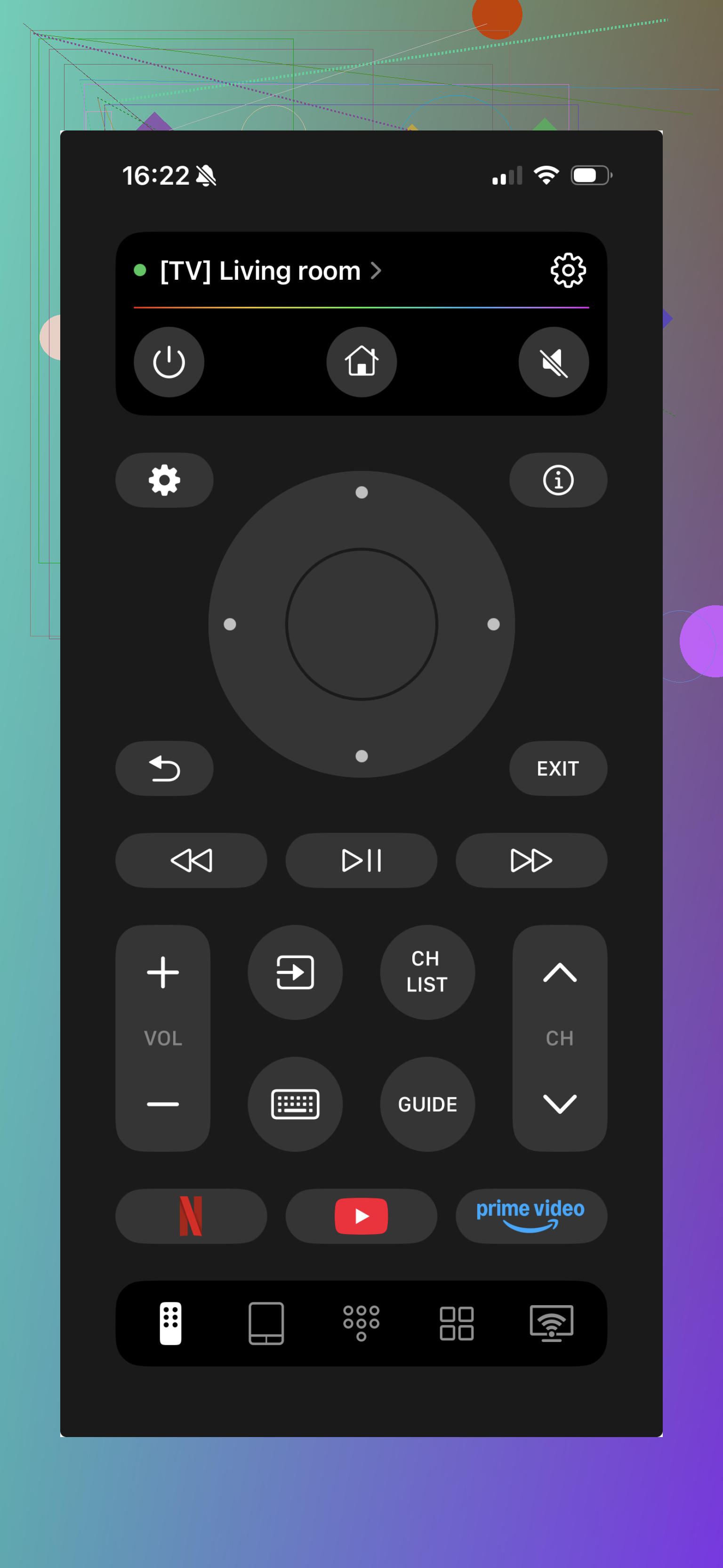
If your Insignia TV uses a specific platform, use the matching app instead.
If it runs Fire TV, use the Amazon Fire TV app.
If it runs Roku, use the Roku mobile app.
Your phone and TV need to be on the same Wi-Fi network. Open the app, let it find the TV, and you should be back in control without the original remote.
If you want one quick fix without figuring out whether your Insignia is Fire TV or Roku, TVRem is the best option for the least hassle.
31 Likes
If the buttons work inconsistently, I’d look at the remote itself before blaming pairing. Pairing failures are usally all-or-nothing. Random button response points more to bad contacts, weak IR output, or stuck keys.
Try this:
-
Test the remote with your phone camera.
Open the camera, point the remote at it, press buttons. If it’s an IR remote, you should see a flashing light on the screen. No flash means the remote board or contacts are failing. -
Press every button a few times.
If one key feels mushy or stuck, it can block other inputs. I’ve seen volume keys get wedged and make the whole remote act broken. -
Clean the remote inside.
Pop the batteries out. Open the remote if you can. Wipe the rubber button pad and contact points with 90 percent isopropyl alcohol. Let it dry fully. This fixes a lot of “some buttons work, some don’t” cases. -
Re-pair only if it’s Bluetooth.
Many Insignia Fire TV remotes need Home held for about 10 seconds near the TV. If it’s plain IR, pairing is not the issue. -
Rule out TV-side failure.
Use the physical buttons on the TV. If those lag too, the TV software is the problem, not the remote.
I slightly disagree with @mikeappsreviewer on distance testing as a main clue. If it fails from normal couch range but works up close, thaat often means the remote is weak, not only sensor blockage.
If the camera test fails and cleaning does nothing, replace the remote. At tht point repair costs more time than it’s worth.
I’d check one thing neither @mikeappsreviewer nor @byteguru really leaned on much: interference.
A lot of Insignia remotes act “half broken” when the TV’s IR receiver is getting blasted by sunlight, LED strips, holiday lights, or even a nearby lamp. Sounds dumb, but I’ve had a remote seem dead in the daytime and work fine at night. Try this:
- dim the room or block direct light hitting the TV sensor
- turn off nearby LED bulbs/light strips for a minute
- move anything glossy or reflective sitting right in front of the TV
- test from straight on, not at an angle
Also, if only certain buttons fail, it can be the conductive pad wearing out under those keys. That’s not really a pairing issue at all. Pairing problems are usually more complete failure, not “volume works, arrows dont, power works sometimes.”
One more thing: if you have another Insignia or Fire TV remote nearby, hide it in another room while testing. I’ve seen weird cross-talk before.
If the TV responds normally to its physical buttons/app control, and lighting changes don’t help, I’d toward remote hardware failure over the TV sensor itself. At that point, replacement is probly the least annoying fix.