I lost my TV remote and now I can’t change channels. The buttons on the TV are limited, and I’m not sure if there’s another way to switch channels without buying a new remote right away. Looking for simple ways to change TV channels without a remote, including button controls or phone app options.
Losing the remote sucks, but you still have a few workable options.
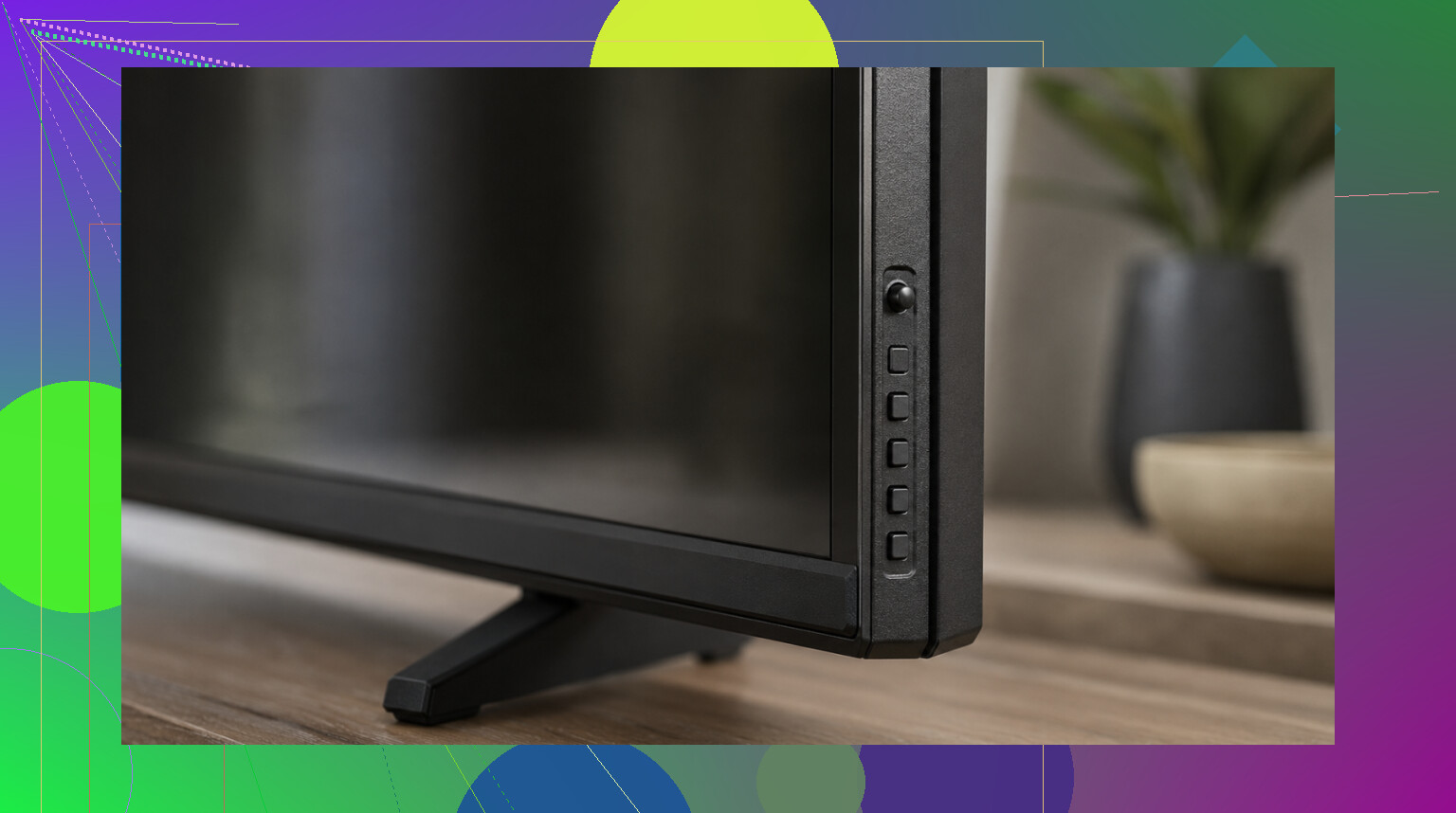
First, check the TV itself. I’ve had sets where the buttons were tucked on the side, hidden around the back, or stuck underneath the bottom edge. Some newer models don’t even give you normal buttons, it’s one small joystick thing. Annoying, yes. Still enough for volume, input, and channel changes when you’re stuck.
What worked fastest for me was using a phone instead. If your TV is a smart TV and connected to Wi-Fi, your phone usually handles the job fine. The part people miss is simple: both devices need to be on the same Wi-Fi network. I’ve seen people spend 20 minutes assuming the app was broken, then notice the phone was on mobile data or a guest network.
If you want an app for it, I’d start here: TVRem remote app
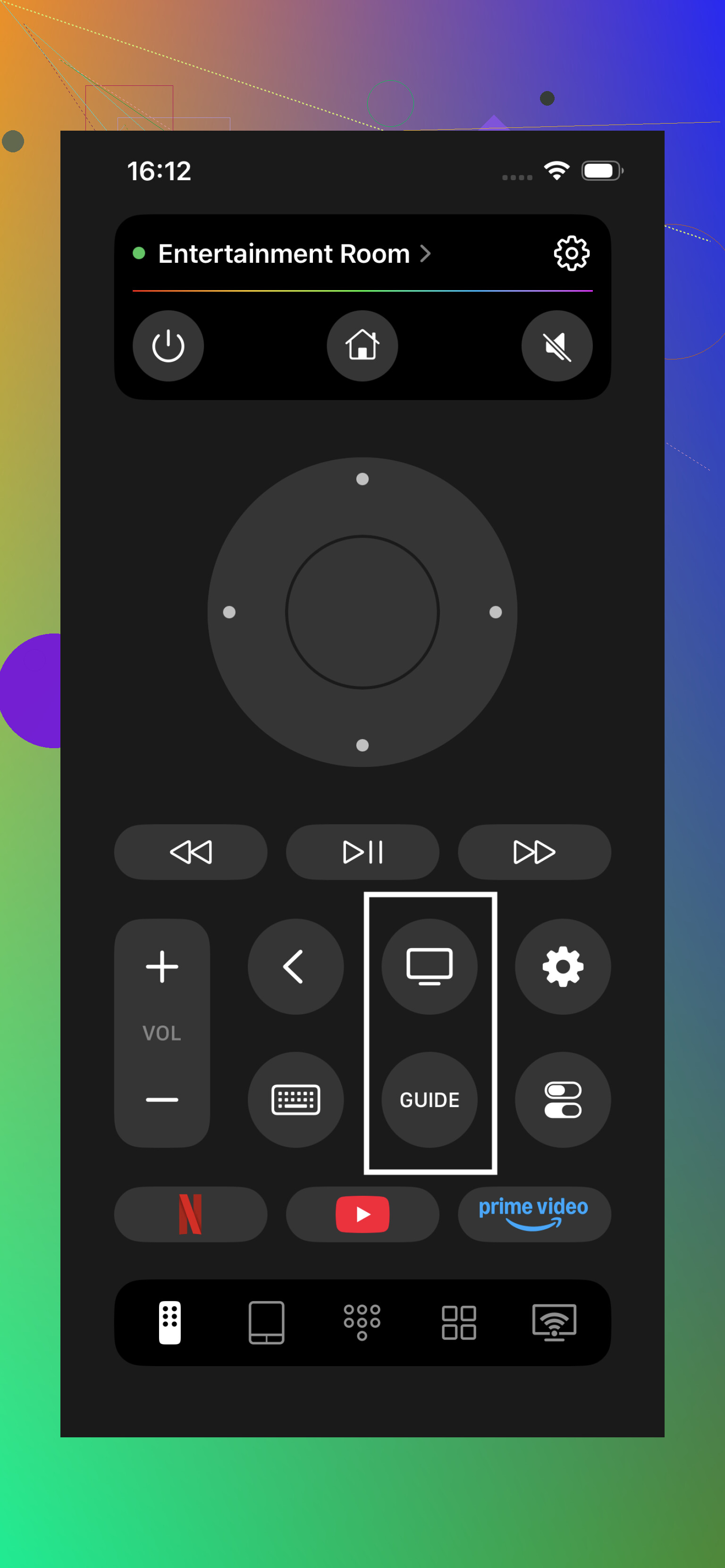
Setup is pretty plain. Connect your phone to the same Wi-Fi as the TV, open the app, and it should give you the usual remote controls. Volume, channel switching, guide, navigation, the normal stuff. What stood out to me is it isn’t tied to one TV brand. It works with Samsung, LG, Roku, Fire TV, Android/Google TV, and Apple TV, which helps if your place has a weird mix of screens.
I also noticed people keep pointing out the same things in reviews. No subscription wall, no ad mess, and you get phone keyboard input plus voice search, which feels way better than tapping letters one by one on the TV screen. It’s sitting at 4.8 stars with a few thousand ratings, so it doesn’t look like some random abandoned app.
More info: https://mac.eltima.com/tvrem-universal-tv-remote/
One catch, and this matters. A phone remote app only works if the TV is a smart model with Wi-Fi support. If your TV is older and not on your network, don’t waste time forcing it. Use the physical buttons or pick up a cheap universal remote instead.
If you share your TV model, it gets easier to narrow down what will work.
23 Likes
One more option people skip, use the box remote instead of the TV remote.
If you watch through cable, satellite, Roku, Fire Stick, Apple TV, or a digital antenna box, the channel controls often live there, not on the TV. The TV only shows the picture on the right input. So if your cable box remote is still around, change channels with that and leave the TV on HDMI 1 or whatever input it uses. Same idea for a DVR box.
I’d also check for HDMI-CEC in your TV menu if you still have menu access from the side buttons. Brands call it Anynet+, Simplink, Bravia Sync, VIERA Link, stuff like taht. When it’s on, a streaming device remote sometimes controls basic TV functions too. Not every set plays nice with it, so I kinda disagree with @mikeappsreviewer on phone apps being the fastest answer for everyone. If your Wi-Fi is off or the TV was never paired, the box remote route is quicker.
Last cheap fix, many pharmacies and dollar stores sell universal remotes for like $8 to $15. Faster than fighting menus for an hour, tbh.
One thing I’d add that neither @mikeappsreviewer nor @caminantenocturno really leaned on: if your TV has a menu button, you may be able to change the tuner mode and use the on-screen channel list even without a full remote. A lot of TVs let you open Menu, then use volume buttons as left/right and channel buttons as up/down. Clunky, but it works.
Also, if you have a keyboard or mouse with USB, try plugging it into the TV. Sounds dumb, but some smart TVs actually respond to basic arrow keys, Enter, or mouse clicks. Not universal, but worth 30 seconds before spending money.
Another weird fix: if you have a game console connected, some TV apps can be opened through that instead of changing actual channels at all. So if you mostly watch stuff through apps, you can kinda sidestep the whole remote problem.
I slightly disagree with the “just use your phone” angle because if the TV wasn’t already on Wi-Fi, that method can become a pain real fast. Same with hidden side buttons, sometimes they’re so bad they feel like a prank lol.
If it’s live over-the-air channels, check whether your TV has a favorites/recent channels screen in the menu. Older sets espicially had that. Not ideal, but better than being stuck on channel 4 forever.