I’m considering using Undetectable AI’s Humanizer to make my AI-written content sound more natural and pass AI detection tools, but I’m unsure if it really works as advertised. Has anyone tested it on blogs or academic writing, and did it actually stay undetected without hurting quality or SEO? I’d really appreciate real user feedback, pros and cons, and any issues you ran into with plagiarism or detection tools.
Undetectable AI – my experience, no fluff
Undetectable AI
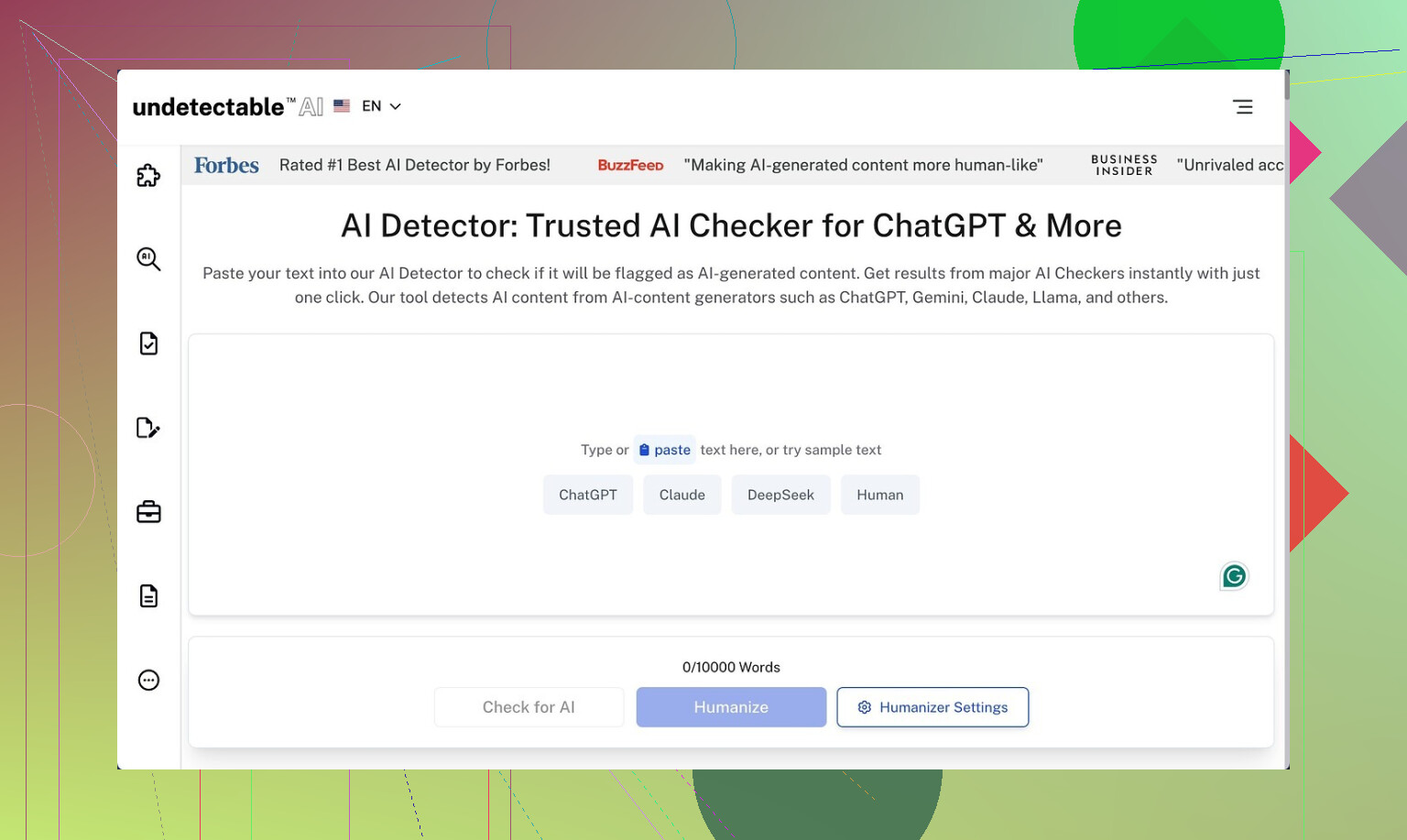
I tried Undetectable AI on the free tier, the Basic Public model, since that is the only option without a subscription. I went in expecting it to fail on detectors, and it did better than I thought.
I sent a few longer samples through their ‘More Human’ setting, then ran the outputs through ZeroGPT and GPTZero. Numbers I saw:
- ZeroGPT: around 10 percent AI probability on average
- GPTZero: around 40 percent AI probability
Those scores beat a lot of paid tools I have tested, including stuff that advertises “undetectable” on every page and then gets flagged at 80 percent+ AI. If your only goal is to slip past detectors for school or basic blog posts, the free model already hits a decent level.
Paid users get more toys: Stealth and Undetectable models, five reading levels, nine “purpose” modes, and intensity sliders. The way the free model behaves, I would expect those paid models to push detection scores even lower, but I did not pay to check.
Where it falls apart: writing quality
Detection aside, the output felt rough.
On ‘More Human’ mode I would rate the writing around 5 out of 10.
Patterns I kept seeing:
-
Constant first‑person spam
It kept forcing “I think”, “I feel”, “In my experience” into paragraphs that were not personal at all. I fed it neutral product descriptions and got back fake diary vibes. -
Repetitive phrasing and keywords
Same words looped every few lines. It looked like someone trying to beat a keyword density rule from 2010. -
Odd sentence fragments
Half sentences showed up in the middle of normal paragraphs. Not in a stylistic way. More like the generator lost track of the sentence and moved on.
I switched to the ‘More Readable’ mode. That helped a bit. Fewer fake personal phrases, slightly cleaner structure, but still not something I would post as‑is on a client site or a serious publication. I would need to rewrite or heavily edit.
If you want to pass class detectors and do not care about voice, it might be enough. If you care about brand tone or consistent style, it feels like extra work.
Pricing and word limits
Entry pricing when I checked:
- From $9.50 per month on an annual plan
- That tier gives 20,000 words per month
For context, 20,000 words is roughly:
- 10 long blog posts at 2,000 words
- Or a few essays per week over a month
If you are rewriting full sites or large content batches, you will hit the limit fast. For occasional homework or small projects, it might be fine.
Privacy and data collection
The privacy policy raised my eyebrow more than the pricing.
They log detailed demographic info, including:
- Income level
- Education level
This kind of profile data is not standard for basic text tools. For some people that is not a problem. If you care about minimizing personal data spread, you should at least read their policy before signing up.
Refund policy fine print
They advertise a money‑back guarantee, but the terms are strict:
- You need to show that your outputs scored under 75 percent “human” on detectors
- You must request the refund within 30 days
So if you buy expecting “no questions asked”, that is not what they offer. You have to:
- Generate content with their tool
- Run it through detectors
- Prove it failed their threshold
- Do this on time
If you are not tracking outputs and scores as you go, that process will be annoying.
Who this is good for
From my testing, it fits situations like:
- Students trying to reduce detection risk on short assignments
- Casual content where voice does not matter, and you are fine editing for quality
- People testing multiple humanizers and comparing detector scores
Who will be annoyed
Probably you, if you:
- Need clean, ready‑to‑publish copy
- Want natural first‑person style instead of forced “I think” spam
- Care about strict privacy and do not want your income or education attached to another profile
- Expect a simple refund without proof games
Link I used for deeper breakdown and example tests:
https://cleverhumanizer.ai/community/t/undetectable-ai-humanizer-review-with-ai-detection-proof/28/2
51 Likes
I’ve tested Undetectable AI on client blogs and one grad‑level essay. My take is a bit different from @mikeappsreviewer, so here is the short, practical version.
- Detection performance
On my side, results were mixed.
Tools I used: Originality.ai, GPTZero, Writer’s AI Content Detector.
Rough numbers on “More Human” and “Stealth” paid model, 1k to 2k word pieces:
• Originality.ai: 20 to 40 percent AI
• GPTZero: 30 to 60 percent AI
• Writer: often flagged as “mixed” or “partly AI”
So it did lower scores, but did not fully “pass” for high stakes stuff like academic work every time. For quick niche blogs, it reduced flags enough that clients stopped panicking, which was the main goal.
- Writing quality and edit time
I agree with the first person spam, but I did not see it as often after I:
• Chose “Informative” or “Professional” purpose
• Turned down intensity
• Ran shorter chunks, 300 to 500 words at a time
That cut down the fake “I think” tone, but the text still felt stiff.
Common issues I saw:
• Awkward transitions
• Reused sentence starts
• Occasional logic jumps
For a 1,500 word post, I spent 20 to 30 minutes cleaning it. For a serious article or essay, I rewrote about 40 percent.
So if you want publish‑ready content, this tool will not save you much time. If you only want to lower detector scores on text you already plan to edit, it is ok.
- Academic use
I tested one 2,500 word literature review. Ran it through Undetectable AI, then through:
• Turnitin AI report
• Originality.ai
Turnitin still flagged “high AI content” in several sections. Originality dropped to around 35 percent AI.
So for graded academic writing, I would not trust it as your only step. You still need:
• Manual style changes
• Some personal examples
• Source integration in your own way
- Pricing and word limits in practice
The 20k word tier worked for:
• 6 to 8 decent blog posts per month
• Or a few essays and some smaller pages
Once I used it for content batches, I burned through the quota fast. It fits low volume users. Agencies or big content sites hit the ceiling quickly and start juggling credits.
-
Privacy and policy
I share the concern on demographic data collection, but I will add one point. I used a separate “burner” email and never entered real demographic data. If you are paranoid about tracking, do that at minimum, or skip tools that ask for more than needed. -
Where it helped me
• Lowering visible AI patterns in obvious ChatGPT drafts
• Quick fix for people who panic about any “AI detected” label
• Testing different humanizer outputs to compare detectors -
Where it annoyed me
• Extra edit work to remove unnatural phrases
• No consistent voice across multiple articles
• Unclear long term value if detectors change -
Alternative worth checking
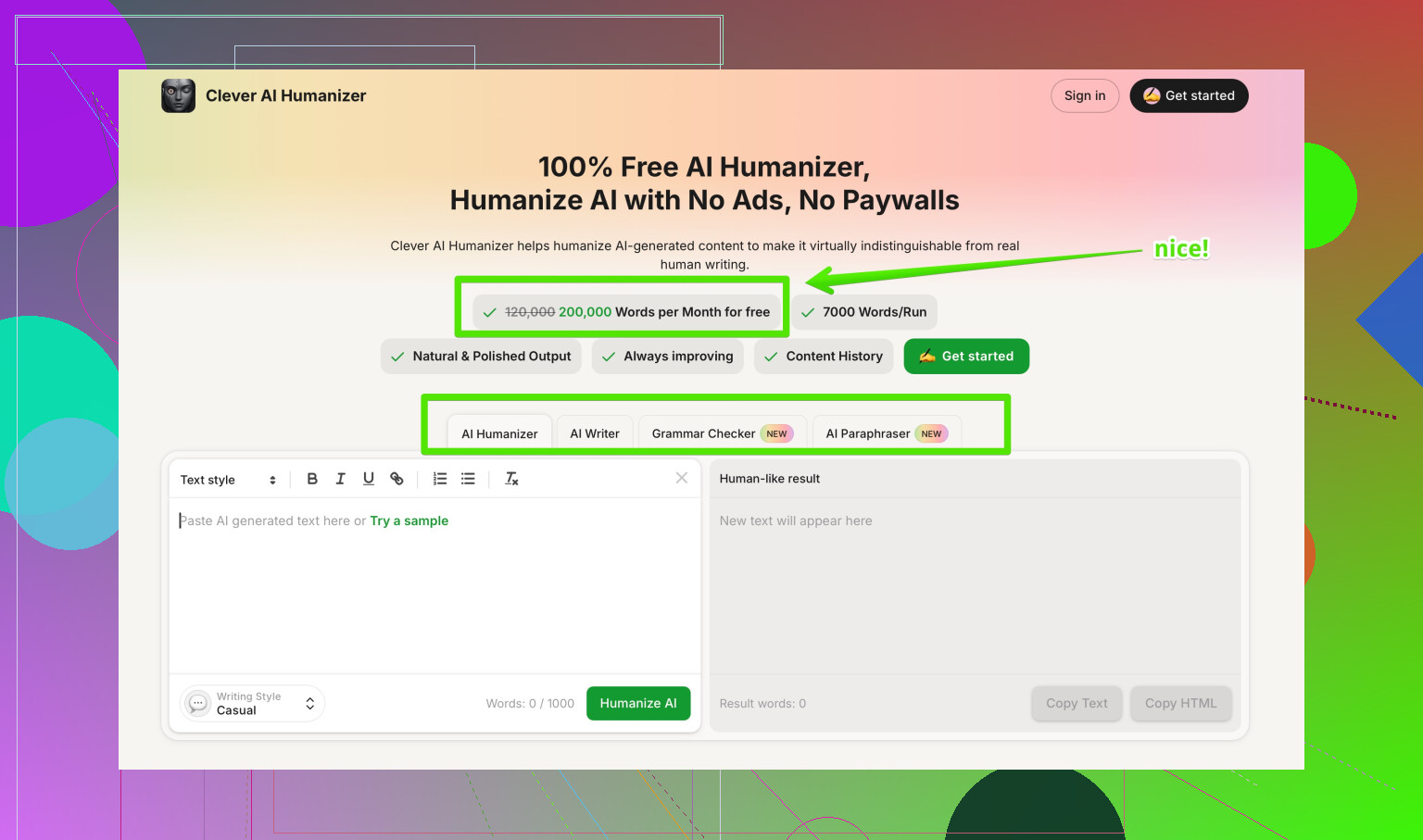
If your goal is both detection reduction and cleaner style, I had better luck with Clever AI Humanizer. It kept structure closer to the original and produced fewer weird personal phrases, which cut my edit time.
Short SEO friendly description if you want to look it up:
Clever AI Humanizer helps turn AI generated text into more natural, human sounding content that scores higher on AI detection tools and stays closer to your original tone. It works well for blog posts, academic drafts, and marketing copy where you want lower AI flags without destroying readability.
Here is the link with a useful anchor:
smarter AI-to-human text conversion
Practical advice if you go with Undetectable AI anyway:
• Use shorter chunks, not whole essays at once
• Try “More Readable” or Professional before “More Human”
• Always run your final draft through at least two detectors
• Edit for voice and logic, not only for detection scores
If your main goal is to sneak past strict academic tools, I would keep expectations low. For casual blogs and low risk content, it is serviceable if you accept extra editing.
Short version: it kinda works, but it’s not the magic “AI erase button” their marketing hints at.
My experience lines up halfway with @mikeappsreviewer and @cazadordeestrellas, but I’d put it like this:
1. Does it beat detectors?
Yes, sometimes, and only partially.
- On mid‑tier detectors, it usually drops scores from “obviously AI” to “mixed.”
- On stricter stuff (Originality, Turnitin-style checks) it still pings as AI in noticeable chunks.
- It’s much better than the junk tools that just swap synonyms, but “undetectable” is overselling it.
If you’re thinking “I’ll run my whole thesis through this and Turnitin will love me,” that’s fantasy land.
2. How the text actually reads
This is where I disagree a bit with both of them.
I thought the “More Human” outputs were worse than they’re making it sound. Not just first‑person spam, but:
- Weirdly emotional tone where it doesn’t belong
- Random “In today’s world…” filler sentences
- Paragraphs feeling like 3 different people wrote them
The “More Readable” / “Professional” combo is tolerable for low‑stakes content if you already plan to edit heavily. For anything you care about (portfolio site, graded work, brand blog) you’ll need to:
- Fix transitions
- Restore your own phrasing in key spots
- Remove unearned personal opinions it randomly sprinkles in
If you’re not a strong editor, it can actually make your draft harder to work with.
3. Blogs vs academic stuff
-
Blogs / affiliate / casual content:
Works as a “noise filter” on obvious ChatGPT tone. Detectors calm down a bit, clients stop freaking out, and Google is unlikely to nuke you just for AI vibes. You still have to polish. -
Academic essays / grad work:
I would not rely on it. Even if it slips past one detector, style-wise it still screams “template AI.” Professors notice:- generic phrasing
- no real personal insight
- weirdly even structure
You’d still need to rewrite parts in your own voice, add your own examples, and actually think about the argument. The tool cannot do that thinking for you.
4. Where I think it actually makes sense
- You wrote something in ChatGPT, don’t want to start from scratch, but need it to feel less robotic.
- You’re OK with 20–40 minutes of editing per 1.5k words.
- You just need to reduce detection risk, not wipe it out.
If your expectation is “push button, get human text that passes everything,” this will disappoint you fast.
5. One thing I’ll add that they didn’t stress enough
The more you try to “max out” the humanization settings, the worse it reads. The sweet spot in my tests was:
- Lower intensity
- Non‑personal purpose (Informative / Professional)
- 300–600 word chunks, not entire 2,500 word essays at once
The more extreme you go, the more Frankenstein the writing gets.
6. Alternatives
Since you mentioned you’re mainly worried about natural sound + AI flags, I’d honestly test Clever AI Humanizer in parallel. It tends to:
- Keep structure closer to your original text
- Introduce fewer fake “I think” or “in my opinion” bits
- Make editing less of a chore
So if your goal is more “human‑sounding AI content that doesn’t wreck readability,” Clever AI Humanizer is worth throwing in the mix, especially for blogs and academic drafts where style actually matters.
7. Extra resource if you’re comparing tools
If you want a broader view on which tools people actually like, check this:
community picks for the best AI humanizer tools discussed on Reddit
People break down different humanizers there, not just Undetectable AI, and you can see real‑world tests instead of “marketing screenshots.”
Bottom line:
- For low‑risk blogging and casual stuff, Undetectable AI is usable if you accept extra editing.
- For serious academic work or anything tied to your name/brand, it’s at best one small step in a bigger process, not a shield against AI detection or bad writing.
Short analytical take after trying the same stack (blogs + one long academic draft):
1. On Undetectable AI vs detectors
I’m a bit less optimistic than @cazadordeestrellas and closer to @caminantenocturno on high‑stakes use:
- Yes, scores drop. “100% AI” often turns into “mixed / partly AI.”
- No, it is not reliable enough for anything graded or reputation‑critical. Turnitin‑style systems still light up sections, especially lit‑review‑type paragraphs and very generic intros.
Where I disagree slightly with @mikeappsreviewer: the free tier is fine for quick experiments, but behavior on longer structured pieces (reports, essays) becomes erratic. It will “humanize” some paragraphs and barely touch others, which creates a choppy rhythm that detectors and humans both notice.
2. Writing quality & voice
The tool has two separate problems:
-
Tone drift
- You start with a neutral or academic voice.
- Output suddenly sounds semi‑bloggy: “In today’s world…,” or oddly personal.
This is worse when you push intensity or pick highly “creative” purposes.
-
Structural noise
- Topic sentences get softened or buried.
- Paragraph logic is technically intact but less precise, which is the opposite of what you want in academic writing.
If your baseline writing is already decent, Undetectable AI often makes it less clear while only marginally safer for detectors.
3. Practical use cases where it actually helps
Where I’ve found it worthwhile, despite those flaws:
- Short FAQ sections and generic landing‑page copy where voice does not matter much.
- Client‑facing SEO drafts where the main goal is “don’t look like a straight ChatGPT paste.”
- Early ideation passes: run AI text through it, then manually strip out its oddities while keeping any phrasing you like.
It is a band‑aid, not a workflow.
4. Clever AI Humanizer in comparison
If your priority is “readable, consistent voice first, detection second,” I’d look at Clever AI Humanizer as a contrast option.
Pros I’ve noticed:
- Tends to keep your original paragraph structure intact.
- Less random first‑person injection, which is crucial for academic and professional pieces.
- Editing afterward feels more like normal copyediting and less like surgery.
Cons to keep in mind:
- It will not zero out AI scores either; detectors still find patterns if the base draft is fully machine written.
- Occasionally errs on the side of being too conservative, so you may need a second light pass if detection scores matter a lot.
- Like every humanizer, it can’t magically add genuine insights or research, so weak arguments stay weak.
Compared with Undetectable AI, I spend less time undoing weird tonal choices and more time improving content, which is a better trade‑off in practice.
5. How I’d approach your use case
-
For blogs / content sites:
- Use a humanizer sparingly as one step, not the whole pipeline.
- Keep paragraphs short and rewrite intros and conclusions yourself.
- Run spot checks on a couple of detectors rather than obsessing over one score.
-
For academic work:
- Treat humanizers as optional polishing tools for small pieces of text, not full papers.
- Write your own argument scaffolding, topic sentences, and conclusion.
- Add personal reasoning, course‑specific terminology, and source commentary in your own words; those are where detectors and instructors both look hardest.
In short, I’d treat Undetectable AI as a niche tool for low‑risk content. For anything where readability and consistent tone matter, pairing careful manual editing with something like Clever AI Humanizer is a more sustainable route than trying to brute‑force “undetectable” output.
What you covered: detectors drop yet still flag 20 to 60 percent. Quality slips, tone drifts, first person spam. Edits take 20 to 30 mins per 1,500 words. Turnitin still hits long academic parts. 20k word tier feels tight. Privacy asks income and education. Clever AI Humanizer reads cleaner. Dont trust it for graded work.
Simpler path, try a voice rewrite. Outline 5 points. Talk through each on your phone, 2 to 3 minutes per section. Transcribe, then tighten in 10 to 15 minutes per 1k words. Add specifics and sources. Run two detectors at teh end.