I misplaced my TCL TV remote and need a free TCL remote app that actually works. I tried a couple of options, but they either would not connect or kept asking for payment. I need help finding a reliable free TCL TV remote app so I can use my TV again.
If you need a free remote app for a TCL TV, I’d keep it simple and stop worrying about the exact model first. TCL has shipped sets with Google TV, Android TV, Roku, and a few other smart TV setups. In my experience, a universal remote app is the fastest place to start.
The first one I’d try is TVRem - Universal TV Remote.
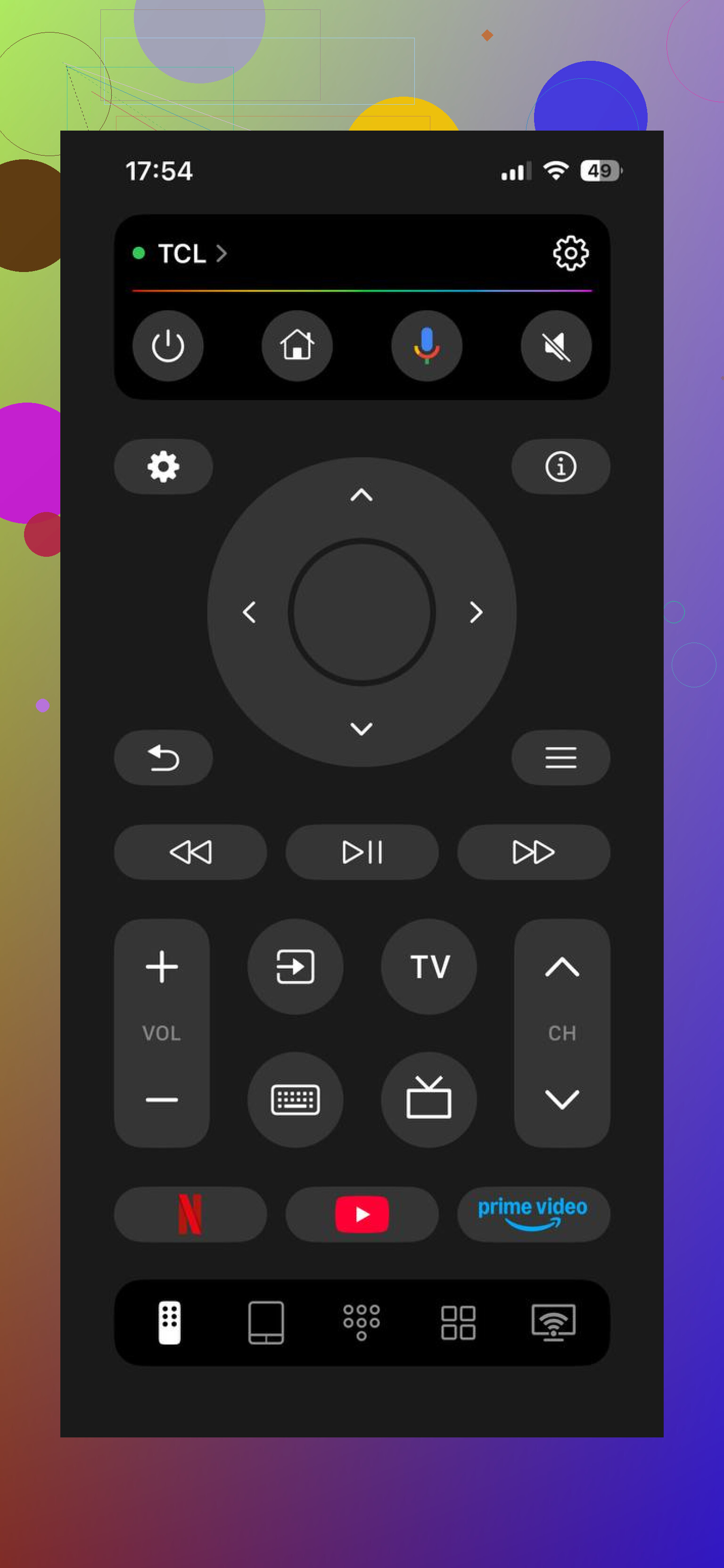
It runs over Wi-Fi, so your phone and TV need to be on the same network. I opened it, let it scan, and my TV showed up without much fuss. One tap to pair, done. After pairing, it handled the usual stuff fine. Menu movement, volume, app launching, text input from the phone keyboard. For day to day use, that part mattered more to me than the branding.
What stood out is the wider support. It isn’t locked to one TCL platform. If your TCL happens to be Google TV, Android TV, Roku TV, or another smart TV variant, this app is often enough. So if you don’t feel like digging through settings menus to figure out what OS your TV uses, this is the low-effort route.
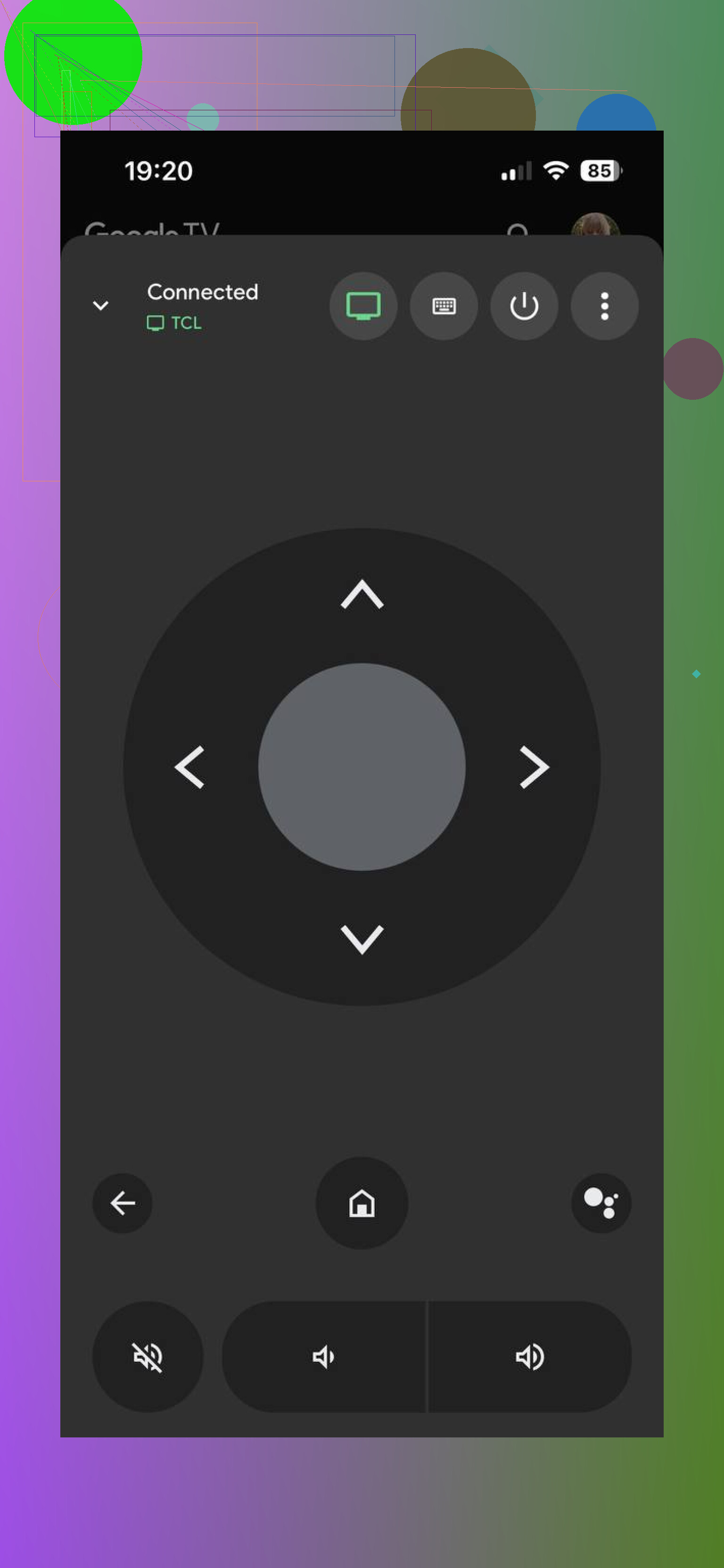
If your TCL is running Google TV, the official Google TV app is worth keeping in mind too. I found it steadier on Google TV sets, which makes sense. Setup is the same basic idea. Install it, open the remote feature, connect on the same Wi-Fi, and it usually finds the TV by itself. The remote layout is clean and covers the normal controls you’d expect.
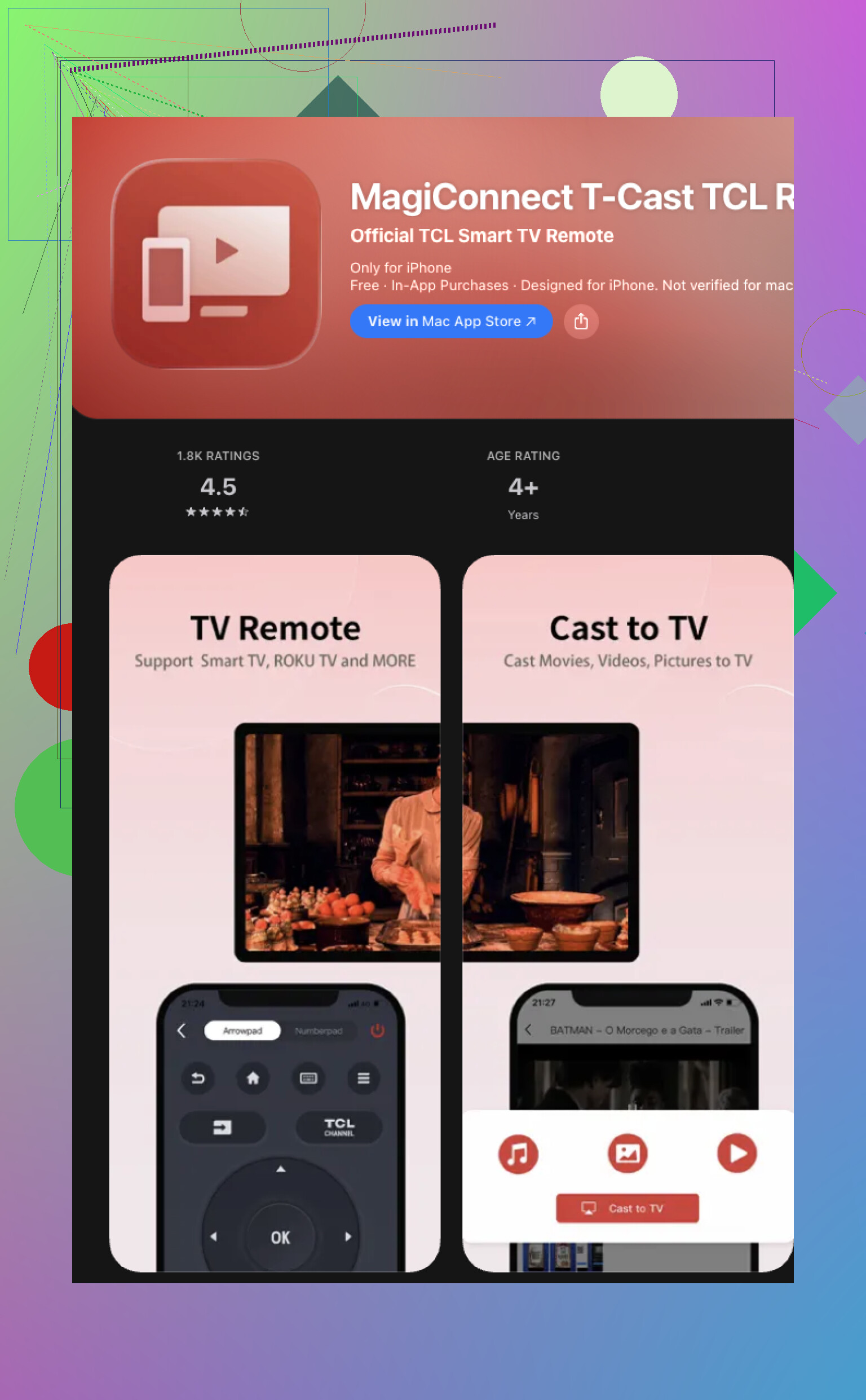
There’s also TCL’s own app, MagiConnect, also called T-Cast on some models. I tried it before and felt mixed about it. On one TV it worked fine for casting, then on another it felt spotty as a full-time remote. Some parts are okay. Some parts feel built more for pushing content than replacing the remote on your couch every night.
If you want the short version, start with TVRem is the easiest and most universal option . It covers the common TCL setups, including Google TV, Android TV, Roku TV, and others. So you skip the whole trial and error phase with three different apps. If your set is Google TV and you want an official fallback, use the Google TV app too. For the least hassle, I’d start with TVRem first.
22 Likes
If you want free first, skip the generic apps and match the app to your TCL system.
TCL Roku TV:
Use the official Roku app. Free. Stable. Remote works over Wi-Fi. Private listening is nice if your phone supports it. This one worked better for me than most universal apps.
TCL Google TV or Android TV:
Use Google TV on iPhone or Android. Also free. Pairing is fast if the TV is already on your network.
Older TCL sets:
Try TCL Home or MagiConnect. I kind of disagree with @mikeappsreviewer on this part. T-Cast/MagiConnect is hit or miss, but on some older TCL models it connects when the universal apps dont.
One catch, if your TV was never connected to Wi-Fi before you lost the remote, app control usually fails. The TV needs network access first. In tht case, a cheap physical universal remote from Walmart ends the headache faster than testing 8 apps.
Fast check:
Look at the TCL home screen.
If you see Roku, use Roku app.
If you see Google Play, use Google TV.
If you see Android TV branding, use Google TV.
If you see TCL Home or older menus, try MagiConnect.
Most ‘free’ remote apps turn into paywalls after 3 taps. The official apps are the safest bet, imo.
I’d actually add one option neither @mikeappsreviewer nor @mike34 really leaned on much: Apple TV Remote in Control Center, but only if your TCL is an Android/Google TV with HDMI-CEC hooked to an Apple TV box. Not a true TCL app, yeah, but for some people it ends up being the free workaround that saves the day. Kinda niche, but worth mentioning.
For a more direct TCL answer, I’d be careful with “universal” apps in general. A lot of them do connect, then suddenly the volume button is premium or you get ad spam every 10 seconds. Super annoying.
My rule is:
- Roku-based TCL = Roku app
- Google/Android TCL = Google TV app
- Older weird TCL firmware = MagiConnect only as a last resort
One thing I disagree with a bit: people say “just use Wi-Fi” like it’s automatic. It isn’t. If the TV lost network, changed routers, or was never paired before, the app may be totally usless. At that point, borrowing any IR universal remote for 2 minutes to reconnect the TV is often faster than testing 6 apps.
Also check if your phone has an IR blaster. Most iPhones don’t, but some older Android phones do. If yes, apps like Mi Remote can control the TV without Wi-Fi at all, which is way more reliable tbh. That’s the sneaky fix nobody mentions enough.