I need help figuring out how to take professional business headshots that actually look polished. I tried taking my own for LinkedIn and my company profile, but the lighting looked harsh, the background was distracting, and the photos came out awkward. I need advice on camera settings, lighting, poses, and simple setup tips so I can get a clean, professional headshot without hiring an expensive photographer.
Business Headshots Without Booking a Photographer
I did this the cheap way, and it worked better than I expected. If you want a business headshot that looks clean and put together, you do not need a full studio setup. A few small choices matter more than fancy gear.
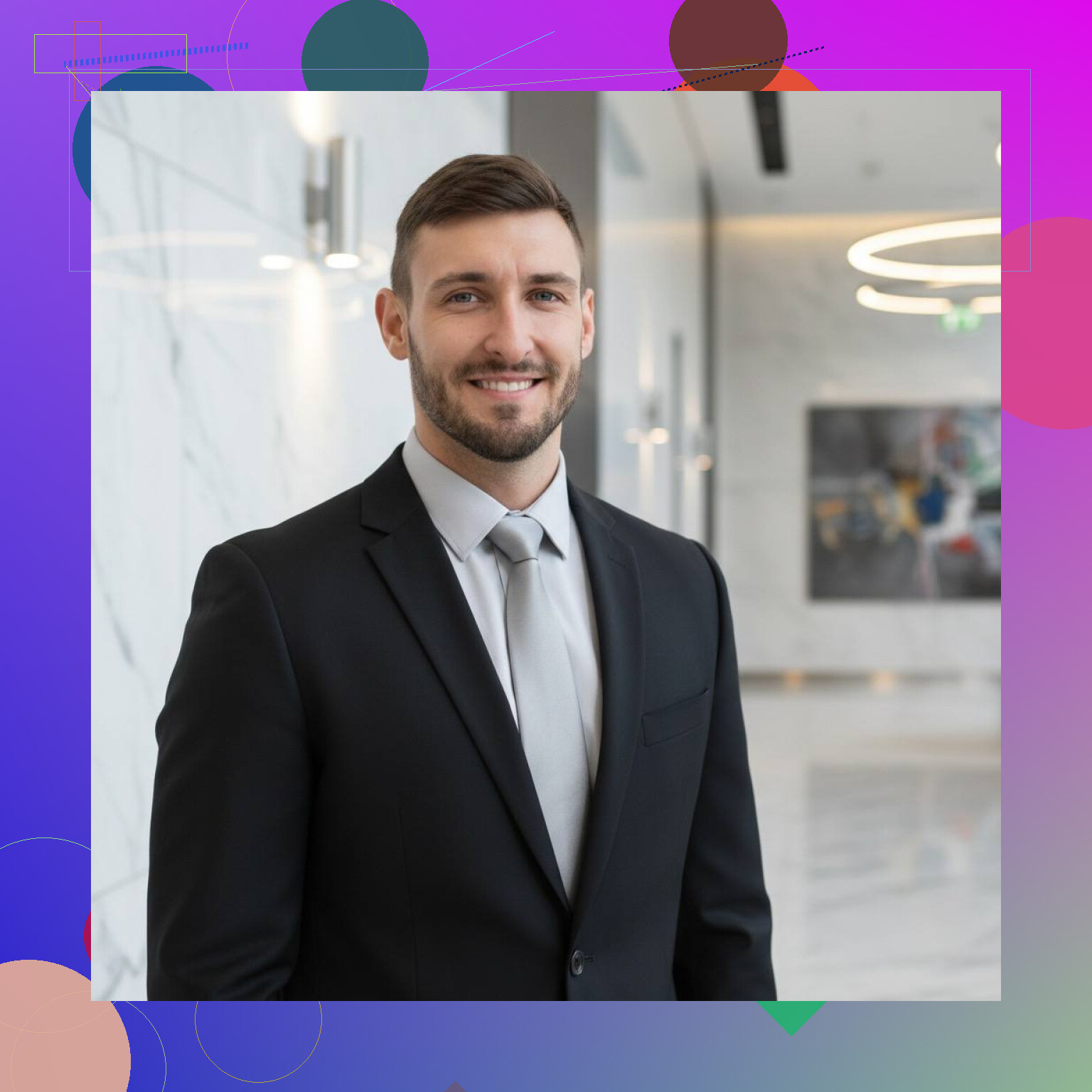
Start with light, or the photo falls apart
This part matters most. I got the best shots standing near a window with the light hitting my face straight on. Soft daylight hid a lot of problems. Ceiling lights made me look tired. Side light gave me weird shadows under one eye.
If you try this at home, face the window. Keep the light even. Skip hard sunlight if it is cutting across your face.
Background matters more than people think
I ruined a bunch of photos with dumb stuff in the frame. A chair in the corner. Jacket on a hook. Random kitchen junk. It all pulls attention away from your face.
Plain wall works. Office background works if it is tidy. A soft blurred background works too. Busy patterns look bad fast.
Wear what fits your job
I would keep clothes simple. Solid colors came out best in my tests. Navy, gray, black, white. Those were safe. Loud prints looked messy on camera, even when they looked fine in person. Same with logos.
If your field is formal, dress formal. If your workplace is more relaxed, go one step down, not five.
Frame it like a headshot, not a vacation pic
Most business photos look right when cropped from the chest up or shoulders up. Put the camera at eye level. I noticed low angles made me look off, and high angles looked too casual.
Stand or sit straight. Relax your shoulders. If you stiffen up, it shows.
If your selfie is decent, AI cleans up the rest
This was the part I doubted, then I tried it. I took a few clear selfies and ran them through Eltima AI Headshot Generator. The results looked closer to a studio portrait than a phone selfie. Not magic. Still, good enough for LinkedIn and profile pages.
Here I generate with AI:
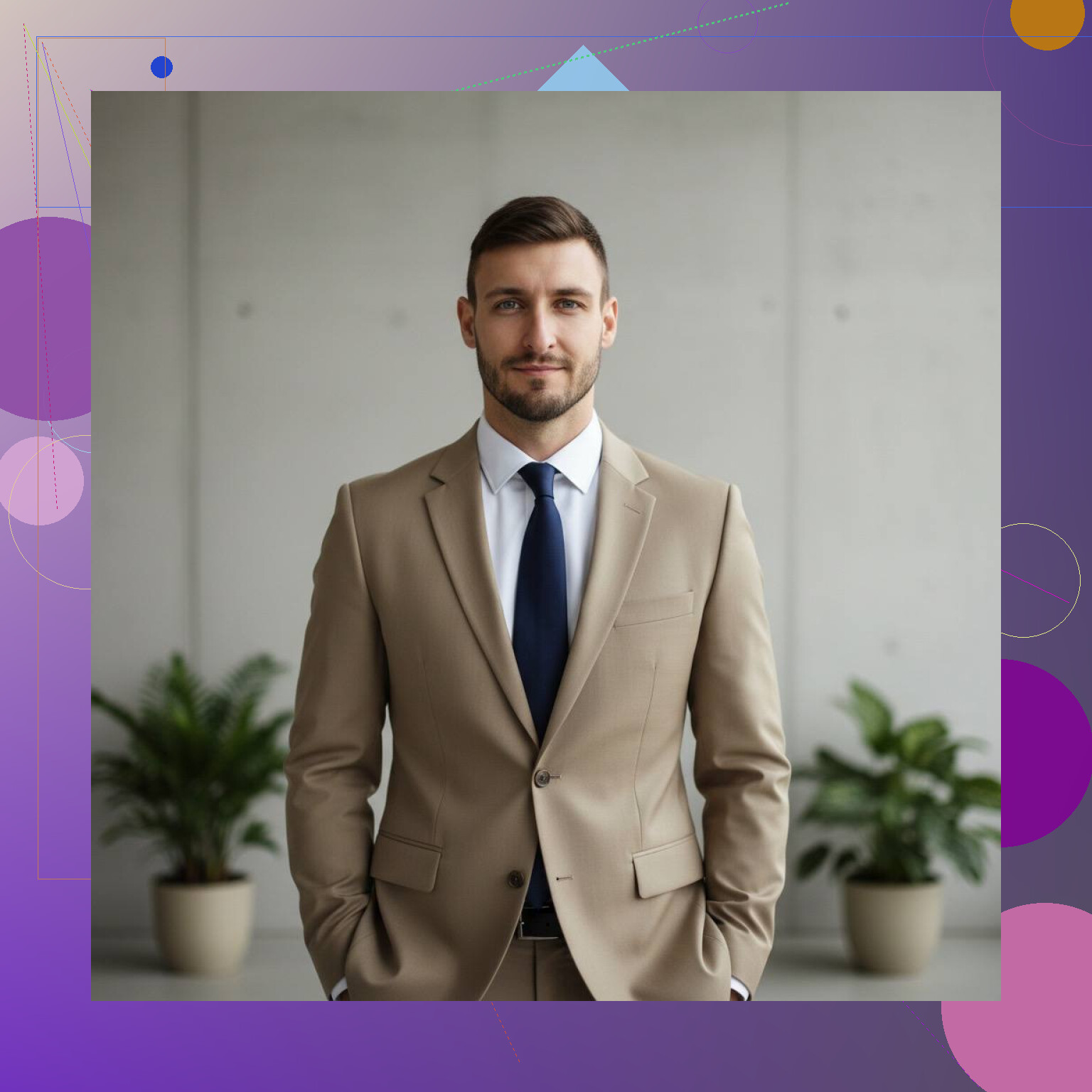
I also checked AI tools in general, and the useful parts were pretty clear:
What AI headshot tools fix well
- Lighting looks more even
- Skin tone usually comes out cleaner
- Backgrounds shift into office or studio style
- You get different versions, formal or more relaxed
- It saves time if you need a few options fast
Where this helps
I would use this for:
- Resume profiles
- Company team pages
- Business site bios
If you need a polished photo and do not want a full shoot, this route is easier than I thought.
You can also read this article on Medium and learn more tips on how to take good business pictures.
Small tip from messing this up first
Use 1 to 3 clear selfies to start. Good light helps a ton. Keep your face neutral. If the source photos are bad, the AI output gets weird fast. I saw this myself. Better input, better result. Simple as taht.
Watch the video below:
10 Likes
I agree with @mikeappsreviewer on one thing, bad source photos ruin the result. I disagree on selfies though. Front camera pics often warp your face a bit, especially close up. A phone on a shelf or tripod with the rear camera usually looks better.
Try this setup.
Put your phone 4 to 6 feet away.
Use portrait mode only if the edge blur looks clean.
Set a 3 or 10 second timer.
Step back and leave a little space above your head.
Turn your body about 30 degrees, then face your eyes toward the lens.
Use burst mode or Live Photo. Pick from 30 shots, not 3. Pros do this for a reason. Tiny changes in chin angle matter.
For expression, do not force a huge smile. Think ‘approachable coworker.’ Slight smile. Relaxed jaw. Tongue on the roof of your mouth helps avoid the double chin thing. Sounds dumb, works tho.
Edit lightly after. Lower highlights, lift shadows a bit, trim background clutter, and keep skin texture. Overedited headshots look fake fast. If you print it or zoom in and your face looks smeared, you went too far.
If you own a blazer, bring one. Take 2 versions, one formal, one less stiff. Most people pick the one they did not expect.
You can also read this article on LinkedIn to learn more tips on how to take great business photos.
I’d add one thing neither @mikeappsreviewer nor @himmelsjager really stressed enough: lens choice and distance matter a lot. A lot of “bad headshots” are not just lighting, they’re distortion. If your face looks a little wide, nose looks bigger, or forehead looks odd, that’s usually the camera being too close.
Use the rear camera, not the selfie cam, and don’t stand right up on it. Back the phone up and zoom in a little if needed. That gives a way more natural face shape.
Also, I actually disagree a bit with the “plain wall only” advice. Sometimes a plain wall looks kinda dead and passport-photo-ish. A clean office, bookshelf, or softly out-of-focus workspace can look more credible for LinkedIn if it fits your role. Just make sure there’s nothing stupid in frame. Lamp growing out of your head, half-open closet door, weird wall art, all that stuff.
A few extra things that help:
- Matte skin a little before shooting if you get shine
- Check flyaway hairs, collar shape, and glasses glare
- Shoot slightly farther back than you think, crop later
- Take photos after you’ve been up a while, not first thing in the morning when you look half alive
Best trick imo: open the photo small, like thumbnail size. If your face still stands out and looks approachable, it works. If the background grabs your eye first, retake it. Tiny test, but super usefull.