I ran into this with a Canon SD card a while back, and the first move matters more than the recovery app.
Power the camera off. Pull the SD card out. If the card has the little lock tab, slide it to locked. Do not shoot more photos. Do not record video. Do not format the card again.
When a photo gets deleted on an SD card, the file usually is not wiped right away. The card marks the space as free. Your old images often stay there until new data lands on top of them. Once you keep using the card, your odds drop fast. I learned this the dumb way.
Before you start recovery software, check the easy places first.
- image.canon: If you had sync turned on, look there first. Canon keeps cloud copies for a limited time, often up to 30 days.
- Trash or Recycle Bin: If you deleted the files from a Mac or Windows PC while browsing the card, they might still be sitting there.
- Auto backups: Look at Google Drive, Backblaze, Time Machine, or whatever backup tool you use. Sometimes it grabbed the folder when you connected the card earlier.
If those come up empty, use recovery software on a computer. And use a real SD card reader. Plugging the camera in by USB is hit or miss because many cameras expose the card through a transfer mode, not in a way recovery tools like best. A direct card reader worked better for me.
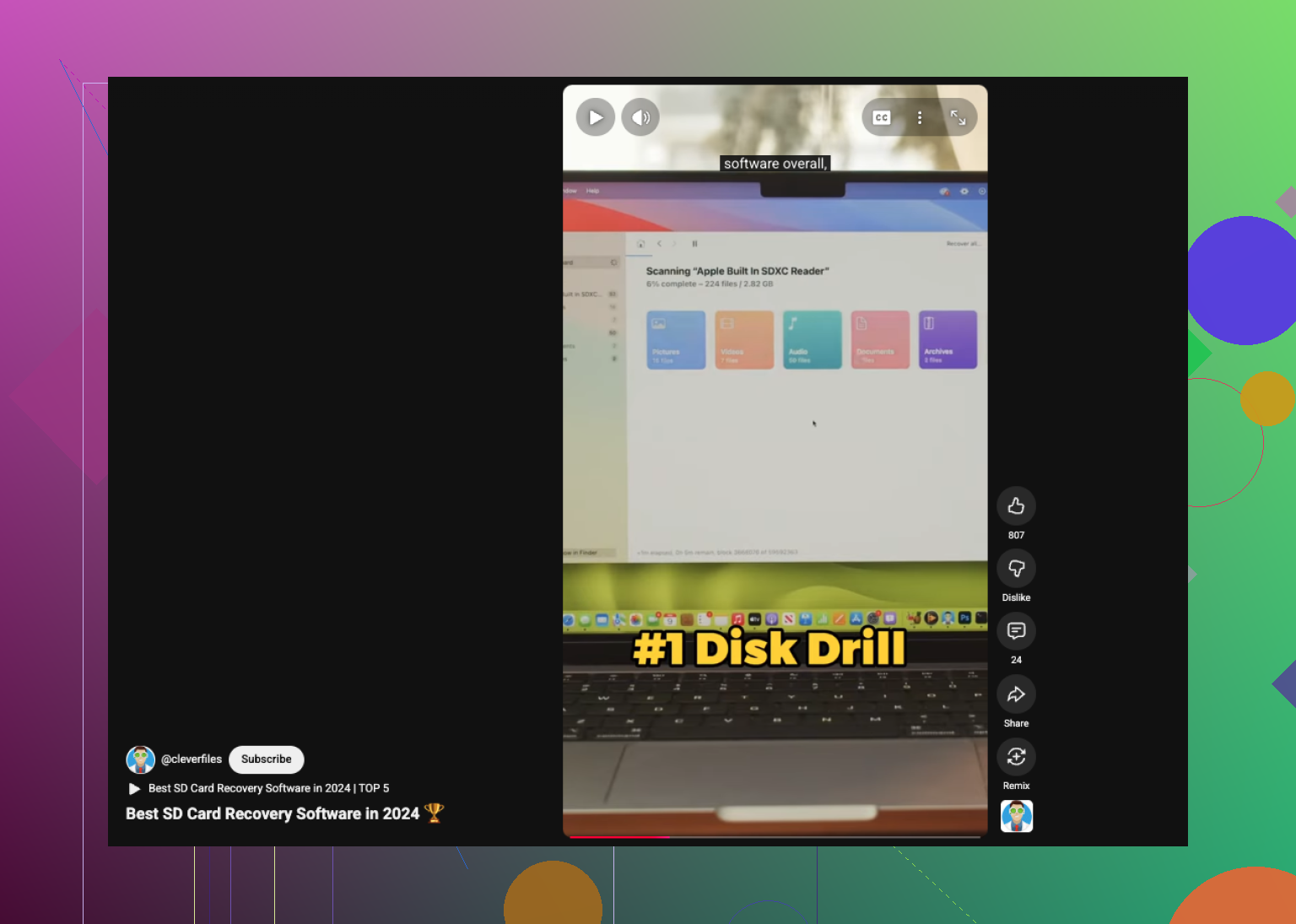
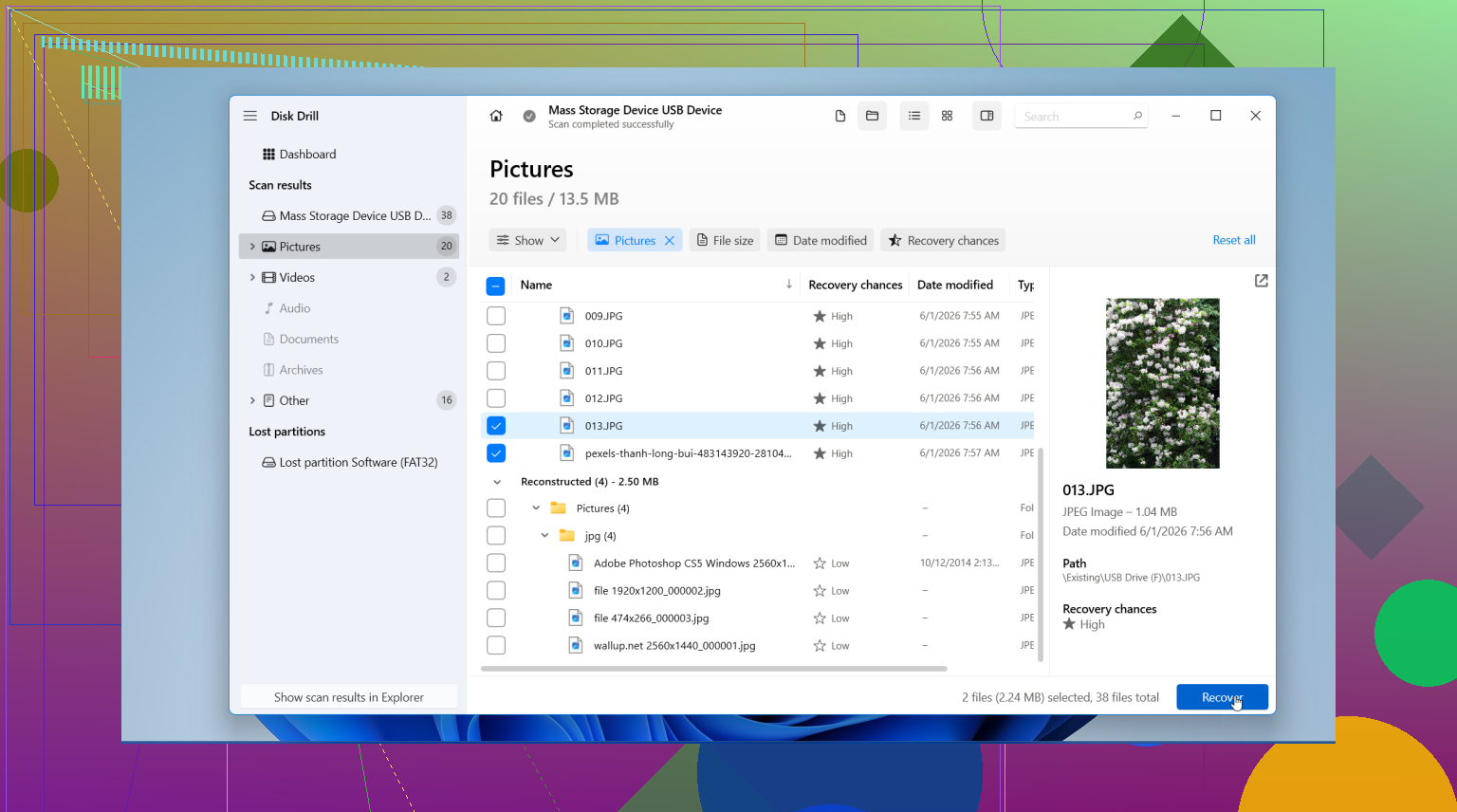
I had decent results with Disk Drill. It picked up Canon RAW files, CR2 and CR3, plus JPEGs and video clips. The preview pane helped because I could see which files were intact before restoring them. On Windows, there is also a small free recovery allowance, 100 MB last I checked, so you can test before going further.
If you want a free route, PhotoRec still does the job for a lot of people. It feels old school. Text interface, not much hand-holding, and it tends to recover files without original names or folders. You end up sorting a pile of files afterward. Annoying, but usable.
The workflow is pretty simple.
- Install the app on your computer: Put it on your internal drive. Do not install anything onto the SD card.
- Insert the card with a reader and run a deep scan: Pick the SD card in the recovery tool and let it scan fully. Large cards take a while.
- Preview what it finds: Filter by image files if the tool supports it. Check the previews before restoring.
- Recover to a different drive: Save the recovered files to your computer or an external drive. Never write them back to the same Canon card during recovery.
After you copy the rescued photos somewhere safe and confirm they open, put the card back in the Canon and format it in-camera. I do this instead of formatting on the computer because the camera writes the file system the way it expects. Fewer weird issues later.
If you stopped using the card right after deletion, your chances are still pretty good. If you kept shooting on it, some files might be gone or come back damaged. Still worth scanning. I’ve seen cards look cooked and still give back most of the set.
One small pushback on @ombrasilente, @viaggiatoresolare, and @mikeappsreviewer: if the photos are truly irreplaceable, I would not keep this as a DIY-only project for too long if the card shows any weird behavior at all. Slow reads, disconnects, card not mounting cleanly, or capacity showing wrong are red flags. That is where a recovery lab can save more than software can.
If the card behaves normally, then yes, software recovery is the right lane. I’d add one practical thing people skip: check the card’s physical health before trusting any scan result. On Windows, tools like H2testw are useful after recovery, not before, to see whether the card itself is counterfeit or failing. On Mac, Blackmagic is not the right tool for this, so avoid random speed-test apps as “health checks.”
About Disk Drill specifically:
Pros
- Very easy to sort Canon JPEG, CR2, CR3 results
- Good preview support
- Cleaner interface than a lot of recovery apps
- Usually faster to triage what is worth restoring
Cons
- Preview can make damaged RAWs look better than they really are
- Not the cheapest option if you need full recovery
- Deep scans can return lots of file fragments with generic names
- If the filesystem is badly damaged, sometimes a second tool finds different leftovers
So my take is: use Disk Drill first for a sane recovery pass, especially if you want something less messy than PhotoRec, but do not treat its preview as the final verdict. Open recovered RAWs in proper Canon or Adobe software and zoom in. Corruption often hides in the last third of the file.
Also, if the deleted photos were shot in burst mode, recover everything around that time range, not just the exact images you remember. Canon cards often hold related sidecar or sequence data patterns that help you spot missing frames.