I tried using a few apps to turn my selfies into an AI portrait, but the results either don’t look like me or come out blurry and overedited. I’m hoping to find the best way to create a realistic AI portrait from selfies and figure out what kind of photos, settings, or tools work best.
How I’ve been turning selfies into AI portraits
I tried a few of these apps this year, and the process stayed mostly the same across all of them. You feed the app a batch of clean selfies, usually from a few angles, and it builds a model of your face. Then it spits out new portraits in different styles. When I used dim photos or a bunch of near-identical shots, the output got weird fast. Better source pics helped. I had the best luck with daylight, plain backgrounds, and a mix of neutral and slight smile shots.
If you want the short version, this worked best for me:
Eltima AI Headshot Generator app
What stood out with Eltima was consistency. I uploaded a small set of selfies and the results still looked like me across different portrait types. Not some polished stranger with my haircut. I got office-style headshots, casual lifestyle shots, glam edits, and a few artsier ones without the face drifting all over the place. It felt closer to doing several themed photo sessions with the same person than tossing one selfie through a filter.
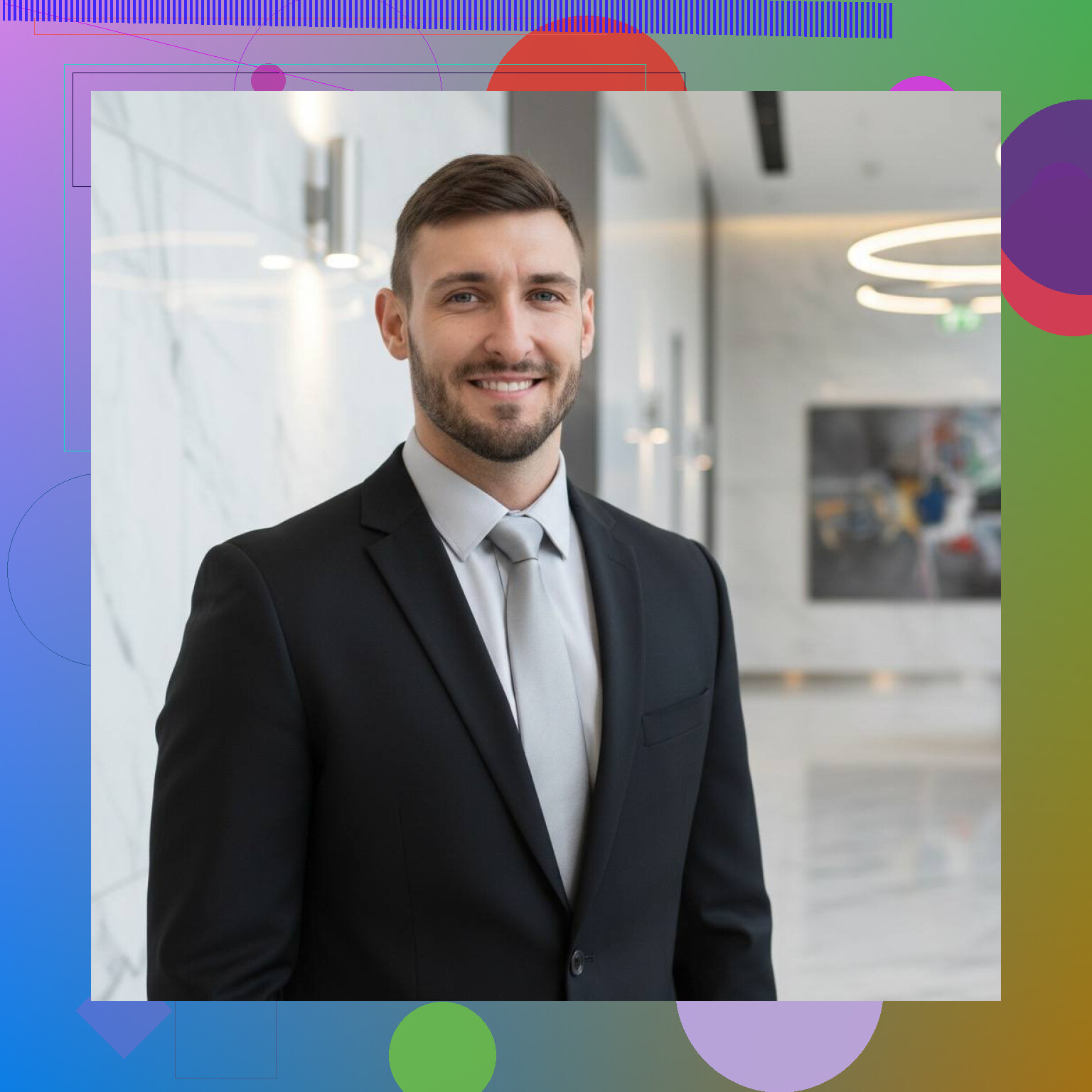
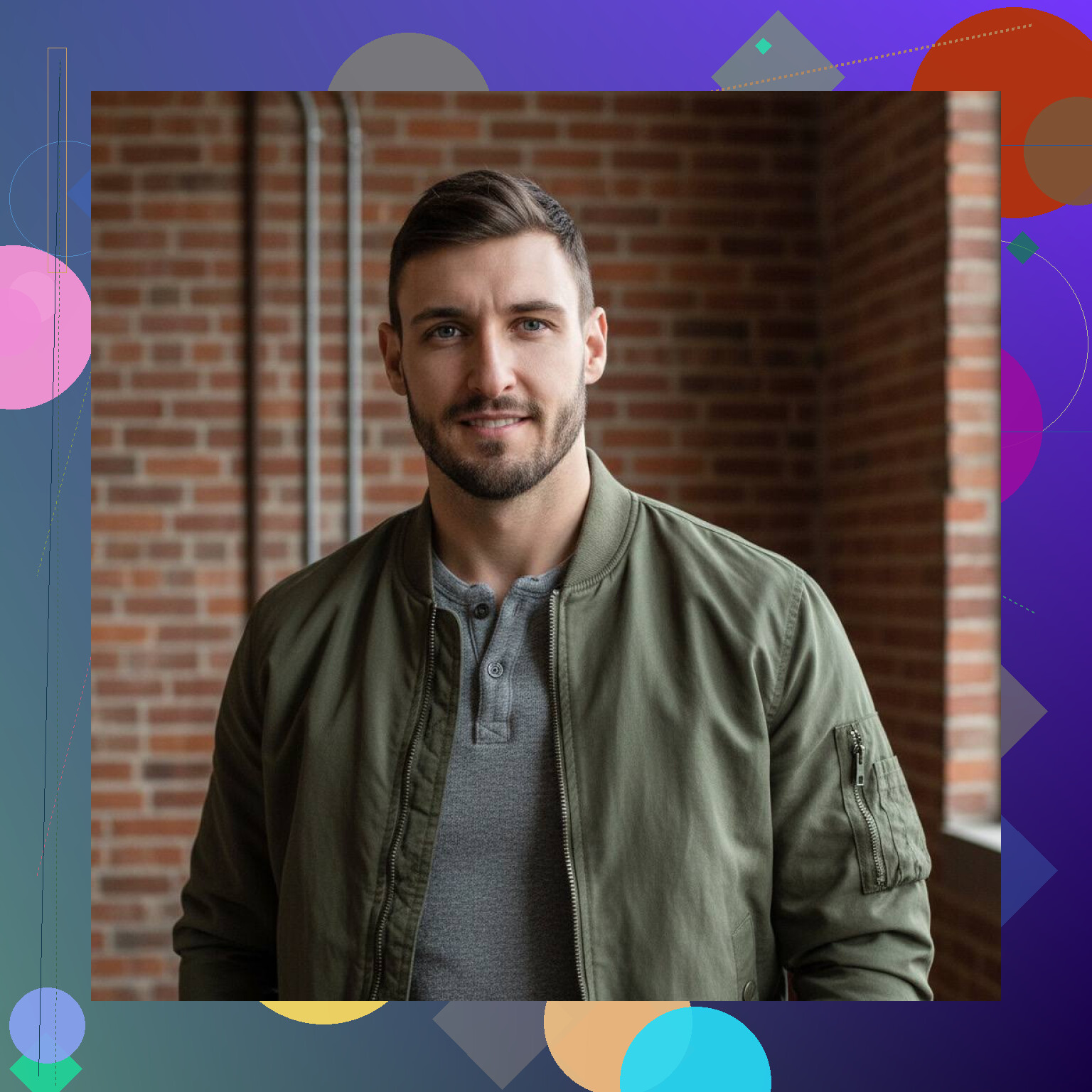
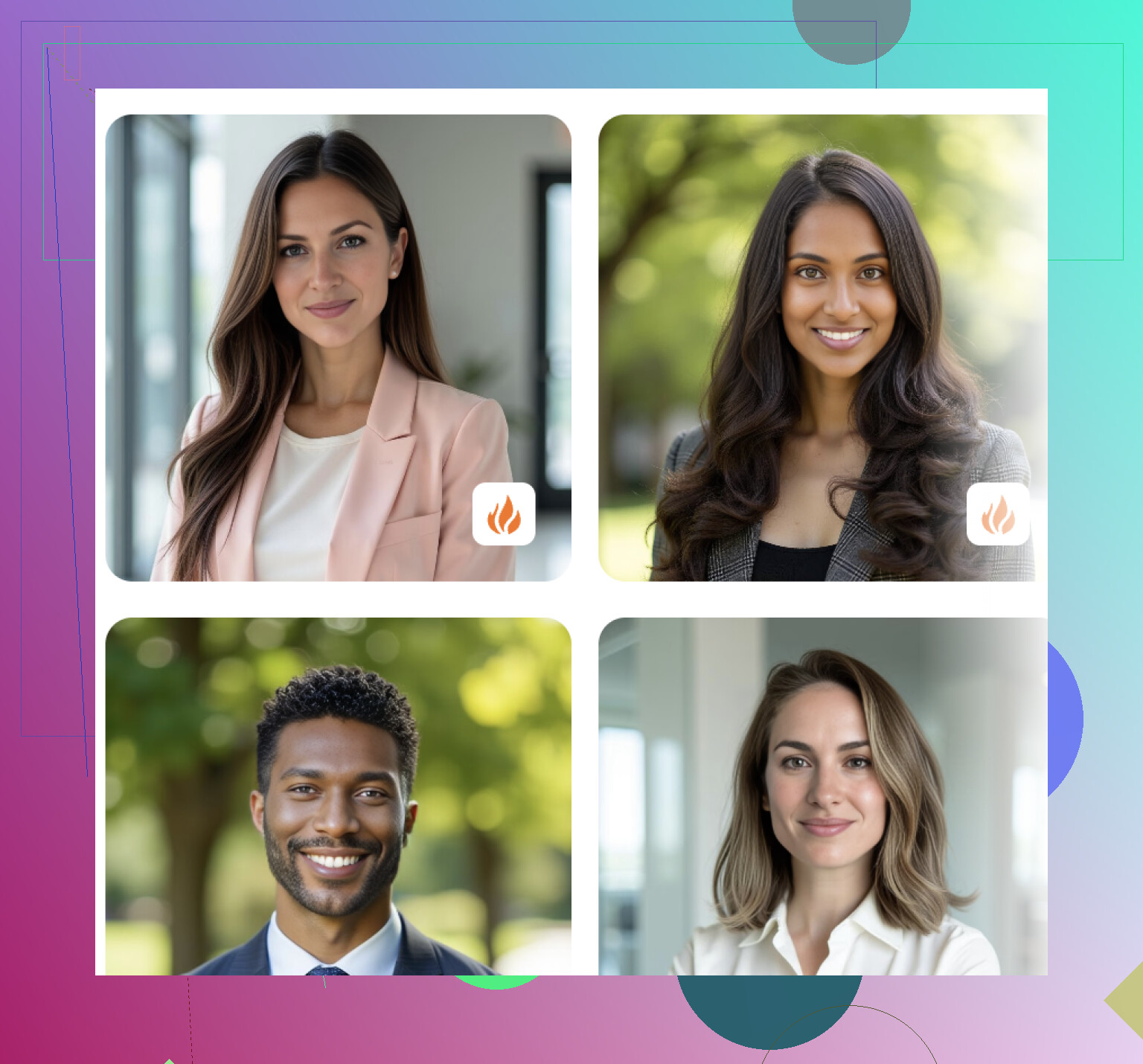
Aragon AI felt narrower, though in a useful way. It leans hard into professional portraits and business headshots. If your goal is LinkedIn, a resume, a company bio, stuff like that, it does the job well. The images I saw looked clean and polished. The tradeoff is style range. You get less room to mess around.
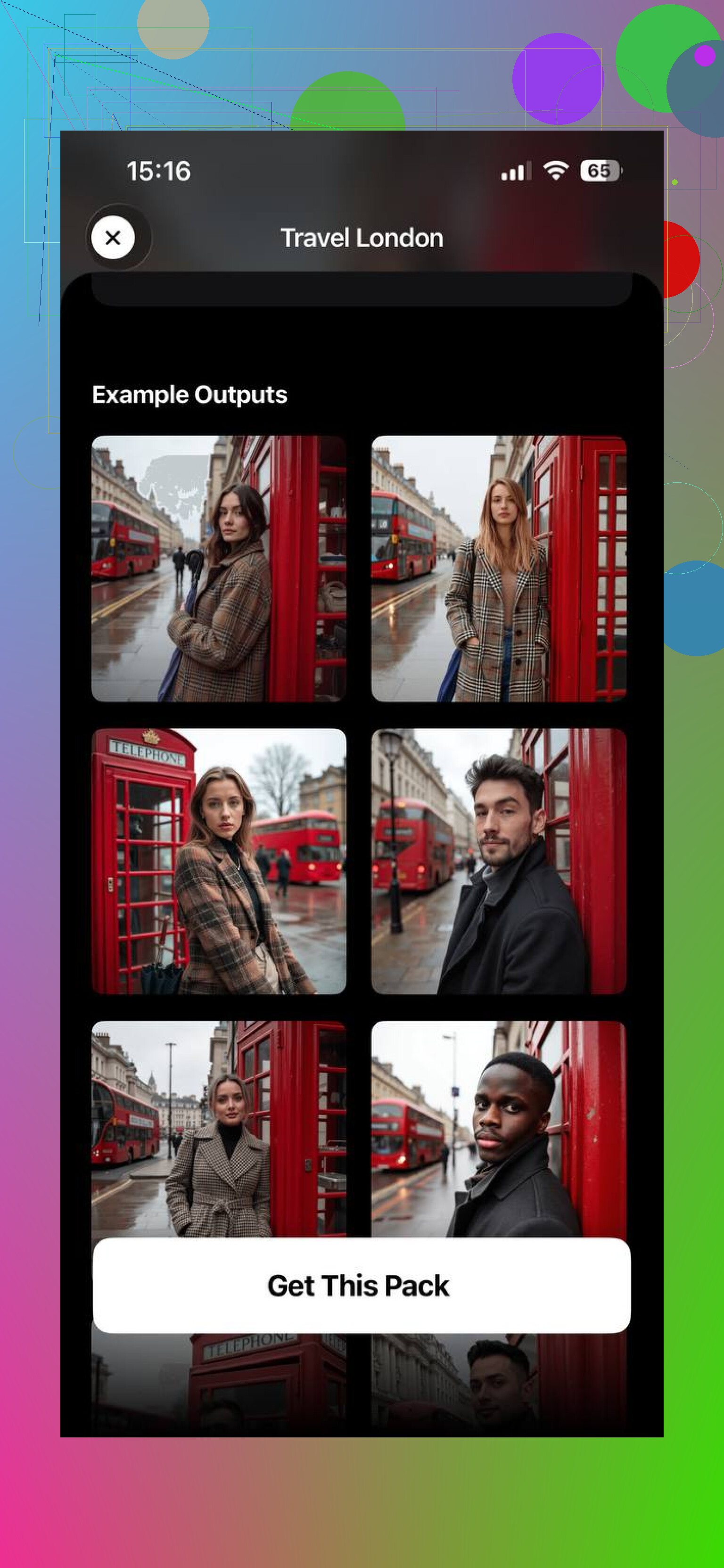
MoMo AI goes in a different direction. More trendy, more aesthetic, more social-style output. It was quick, and I get why people use it for experimenting. Still, I noticed it pushed the face toward a stylized version of me instead of staying locked on the real one. If you care more about vibe than accuracy, you might like it. If you want people to say yep, that’s you, it felt less steady.
What I’d do if you’re starting from scratch
- Pick 8 to 15 selfies.
- Use clear shots, no heavy shadows.
- Include front-facing, slight left, slight right.
- Mix expressions a bit. Don’t upload twenty copies of the same face.
- Skip sunglasses, heavy filters, and crowded backgrounds.
- Start with the tool most likely to keep your face intact.
For me, that last part points to Eltima AI Headshot Generator. It gave the best mix of realism, variety, and face retention. Aragon AI made more sense for corporate use. MoMo AI felt better for trend-heavy portrait packs.
If your goal is one clean business headshot, Aragon is fine. If you want to test different looks for fun, MoMo works. If you want one app for a broader spread of portrait styles without losing your face in the process, I’d start with Eltima.
15 Likes
Blurry and overedited usually means the app is guessing too much from weak input, or it is pushing a beauty filter on top of the face model. I disagree a bit with @mikeappsreviewer on one point. More selfies is not always better. After around 10 to 12 solid photos, extra near-matches often make outputs drift.
What worked for me was fixing the source set first. Use photos from the same 6 month window. Same haircut, similar facial hair, no extreme makeup changes. Mix 3 indoor shots with soft window light and 5 outdoor shade shots. Phone portrait mode often hurts training, so I skip it. Standard camera, full-res, no edits.
Then choose a tool with low stylization settings first. If the app offers prompts, keep them plain. “natural skin texture”, “realistic lighting”, “35mm portrait”, “minimal retouching”. Avoid words like “cinematic” or “beauty”. Those often make you look like an airbrushed cousin, lol.
One more thing people miss. Crop matters. Head and shoulders works better than tight face crops. Ears, hairline, jawline. The model needs all of it.
If an app keeps smoothing skin or changing your nose or eyes, I’d ditch it fast. Face retention is the main metric. Style comes second. Eltima seems decent from what @mikeappsreviewer posted. If you test any app, run one batch with plain prompts first and compare 10 outputs side by side. Pick the tool with the least identity drift, not the flashiest pics.
I’d add one thing both @mikeappsreviewer and @himmelsjager only kinda touched on: a lot of these apps fail because they are trying to “improve” your face, not reproduce it. That’s why you get the waxy skin, random jawline edits, and that cursed “looks like me but from another timeline” vibe.
My take: stop chasing the app first and check whether it lets you control retouching strength. If there’s no way to turn beauty edits down, I usually skip it. Realistic AI portrait tools should preserve skin texture, under-eye shape, and asymmetry. If it erases every tiny imperfection, it’s probly going to erase likeness too.
I also slightly disagree with the idea that plain backgrounds always matter a ton. They help, sure, but lighting consistency matters more in my experiance. A sharp selfie in normal light with a messy room behind you usually trains better than a “perfect” background with bad indoor yellow lighting.
If you want a simple option, Eltima AI Headshot Generator is worth trying because it seems better at keeping identity stable across different styles. Aragon is more boxed into business headshots. MoMo is fun, but yeah, it can drift.
One underrated trick: after generation, compare the portrait to your real selfies flipped horizontally. People are used to their mirror face, so this catches weird eye/nose shifts fast. If the app won’t let you stay close to your real features, ditch it. That’s the whole game tbh.