I tried using an AI Facebook photo generator to create a realistic profile picture, but the results looked blurry and didn’t fit Facebook’s size requirements. I need help finding a tool that makes high-quality Facebook photos fast because I’m updating my page and want it to look professional.
I messed with a few AI photo apps after getting tired of my old Facebook pic from, I think, 2021. Some were fine. Some made me look like my own wax figure. These three were the ones I kept coming back to.
1. Eltima AI Headshot Generator
This one felt the most focused. It is built for headshots, so the output fits Facebook better than those all-purpose editors where you have to fight the crop tool for ten minutes.
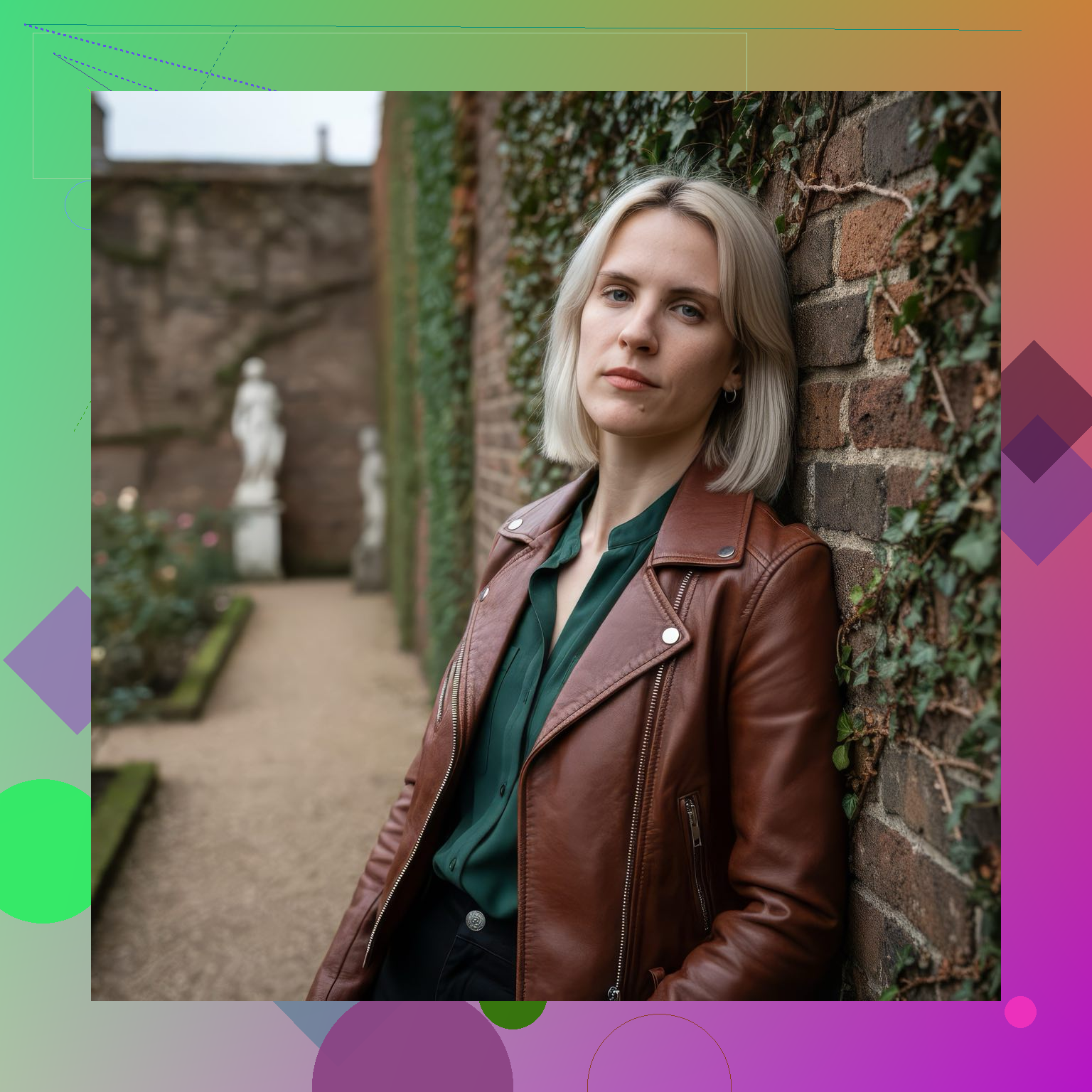
What I did:
Upload 1 to 3 clean selfies, with different angles if you have them
The app uses those photos to train a personal model
Pick a look, casual, outdoor, studio, work profile, lifestyle, whatever fits your page
Generate the image and save it, then drop it straight into Facebook
What stood out for me:
It usually kept my face structure intact, which is the first thing I check
There are enough style options so your profile photo does not end up looking copied from everyone else
It gives you different image sizes, which helped when I tested both profile and cover photo layouts
There is a photo-to-video tool too, useful if you post Stories
You get daily free generations for the first 10 days, so you are not forced into paying on day one
New styles show up pretty often
Stuff I did not love:
Most of the deeper access sits behind a subscription
2. Remini
If your main issue is an old blurry photo, this one is still worth a try. I used it on a low-light picture and it cleaned it up fast. It leans more toward enhancement than making a fresh portrait from scratch.
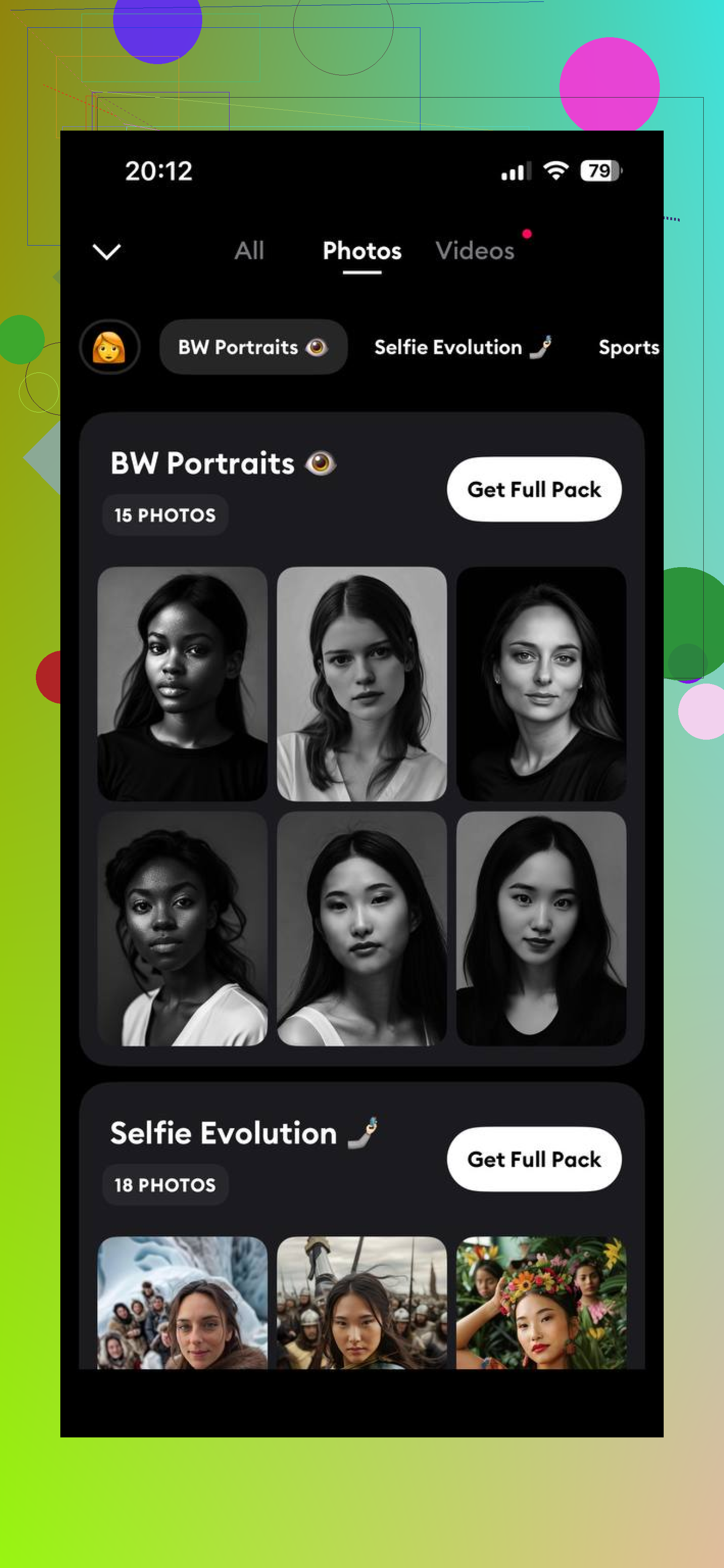
Why people keep using it:
Sharpens soft images well
The editing flow is easy, tap, wait, save
Works fine for casual Facebook pics where you do not need a full studio-style result
Where it fell short for me:
It is more enhancer than portrait generator
The skin cleanup sometimes goes too far and starts looking fake-ish
The free tier runs into limits fast
3. Fotor
Fotor felt like the toolbox option. You get portrait generation, resizing, retouching, background removal, and a pile of other stuff. Good if you like tweaking things yourself instead of hitting one button and being done.
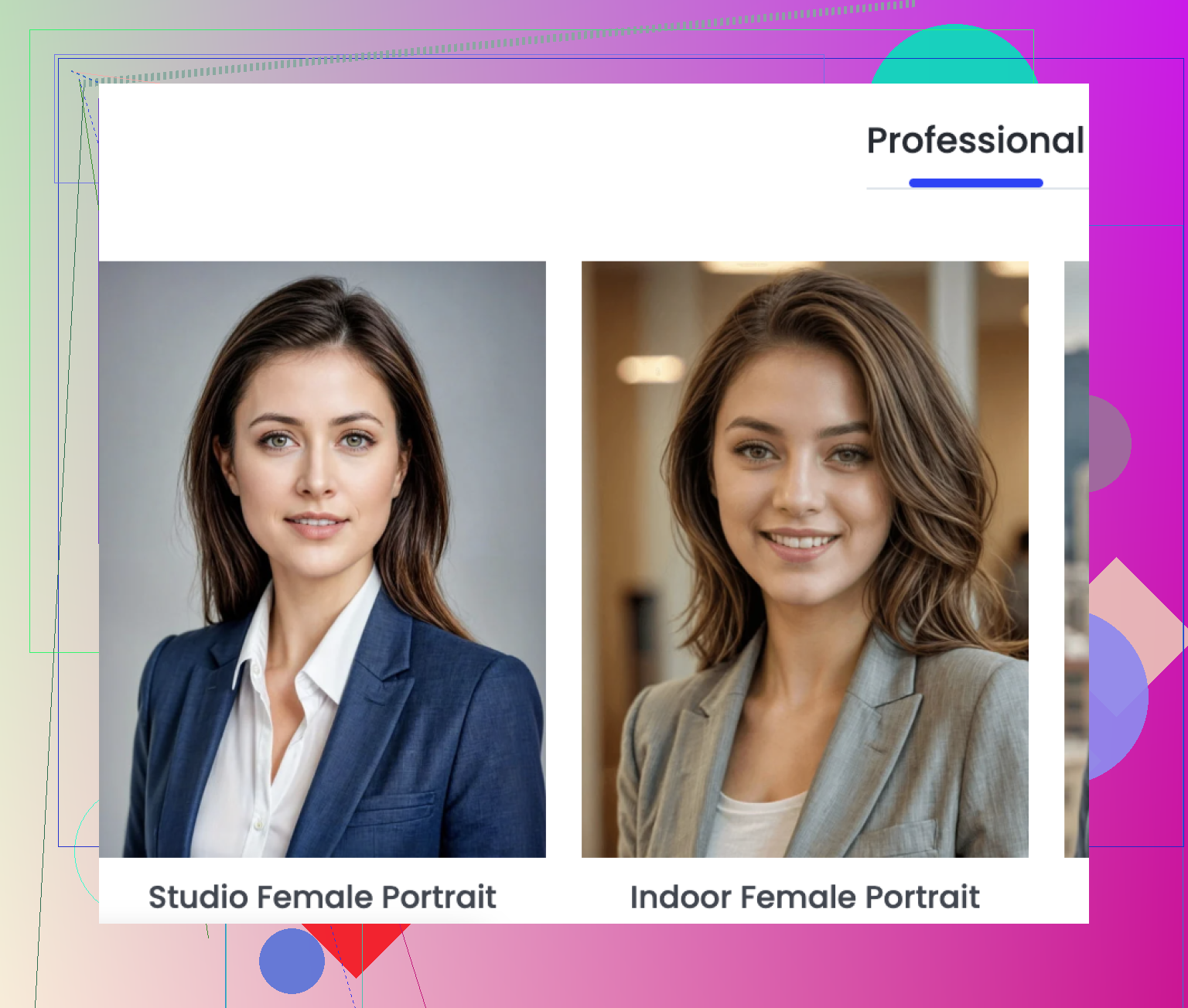
What it does well:
Decent spread of portrait styles and filters
Extra tools help if you want to clean up the photo for Facebook without switching apps
Works on phone and desktop, which I liked more than I thought I would
The annoying bits:
The portrait quality jumps around. Some outputs looked close to me, some did not
A lot of the better tools are paid
The screen feels busy at first, took me a bit to stop clicking the wrong thing
My take
If you want a Facebook profile photo where the face still looks like your face, Eltima AI Headshot Generator is the one I would start with. The big difference is it builds from your uploaded selfies instead of mostly polishing an existing shot. For profile pics, cover images, and even Story-ready content, it gave me the most usable results with the least fiddling.
8 Likes
Blurry results usually come from the wrong source photos, not only the app. If your selfies are soft, the AI guesses. Then Facebook compresses it again and it looks worse.
I’d look at a different route than @mikeappsreviewer suggested. Try Canva AI or Adobe Express. They’re better if size and export quality are your main issue. You get control over the canvas from the start, so you can set 2048 x 2048, keep your face centered, and export PNG before uploading. That helps a lot.
A few practical tips:
Use 3 to 5 sharp selfies, front-facing, daylight.
Avoid heavy filters.
Export square, at least 1080 x 1080.
Keep your face around 60 percent of the frame.
Upload from desktop if possble, Facebook tends to mangle mobile uploads more.
If you want realism, I’d skip apps that oversoften skin. That “AI beauty” look ages badly lol. Remini fixes blur well, but for a full profile pic workflow, Adobe Express felt more consistant for me.
I’d actually split this into two problems: generating the face, and prepping it for Facebook. A lot of “AI Facebook photo generator” apps try to do both and kinda fail at both.
I partly disagree with @mikeappsreviewer on using headshot-only apps as the first stop. They can look polished, sure, but sometimes too polished, like LinkedIn cosplay. And @kakeru is right about export size mattering way more than people think.
What worked better for me was this combo:
- Use Leonardo AI or Playground AI for the portrait
- Then resize/crop in Pixelcut or Picsart
- Export as PNG, square, 2048 x 2048 if possible
If you want realism, use prompts like:
“natural daylight portrait, realistic skin texture, front-facing, centered composition, DSLR quality”
Also important:
- do not upscale a tiny blurry gen and expect miracles
- avoid super smooth skin filters
- keep the face large in frame
- test the pic on desktop before making it live
Facebook is gonna compress it anyway, so starting with a crisp oversized image helps a ton. Most ppl blame the generator when Facebook itself is doing some of the damage tbh.