My family photo library has gotten out of control after years of pictures spread across phones, cloud storage, and old computers. I need help choosing the best photo organizer app for sorting family photos, removing duplicates, and keeping everything easy to find in one place.
I tried a pile of apps with some version of “best iPhone photo organizer” in the pitch, and most of them lost me fast. Either the useful stuff sat behind a subscription wall, or the app tried to be an editor, backup tool, gallery replacement, and cleaner all at once. I kept coming back to Clever Cleaner, mostly because I still use it every week. That ended up mattering more than feature lists.
My routine is boring, which is why it stuck.
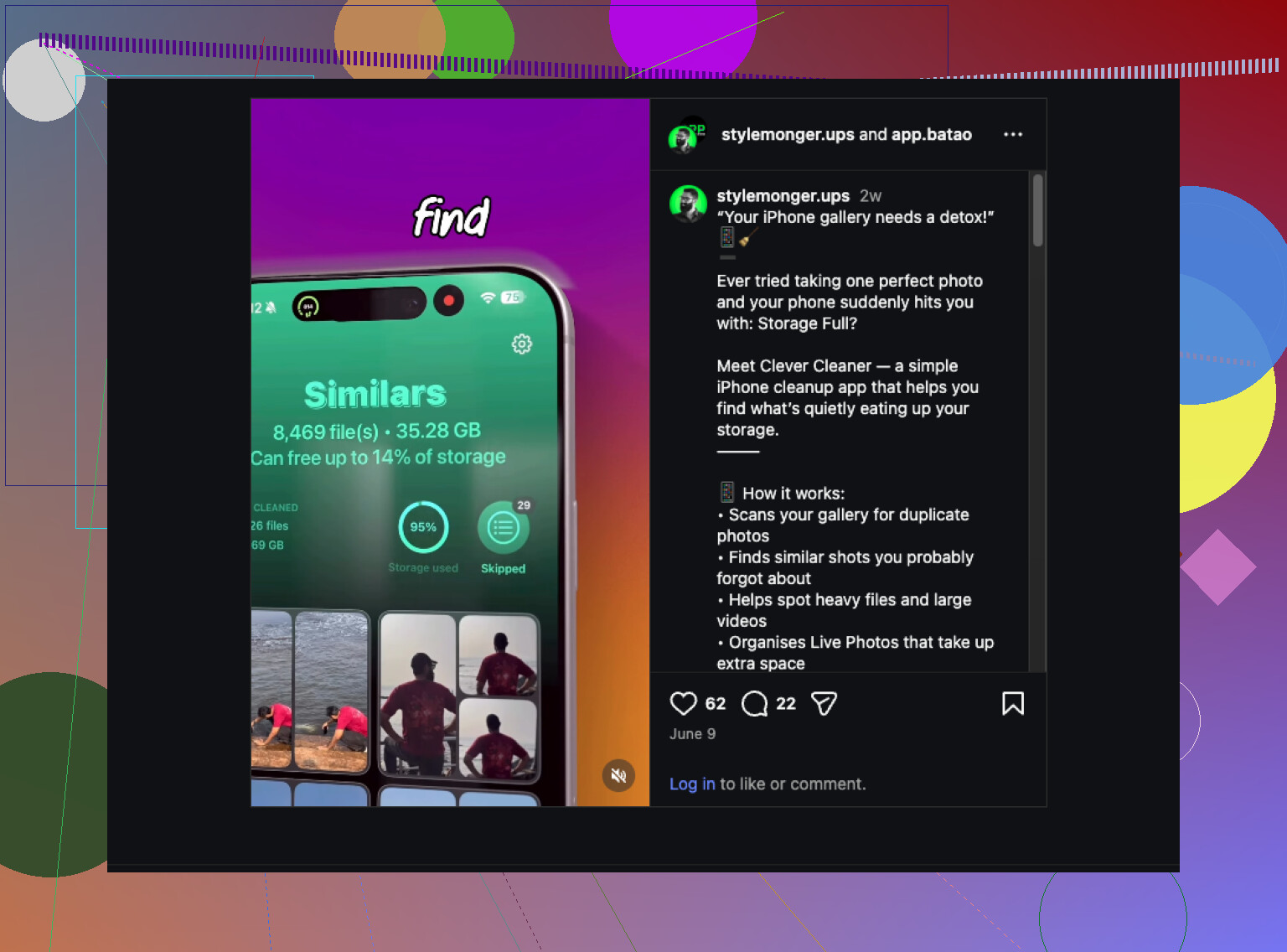
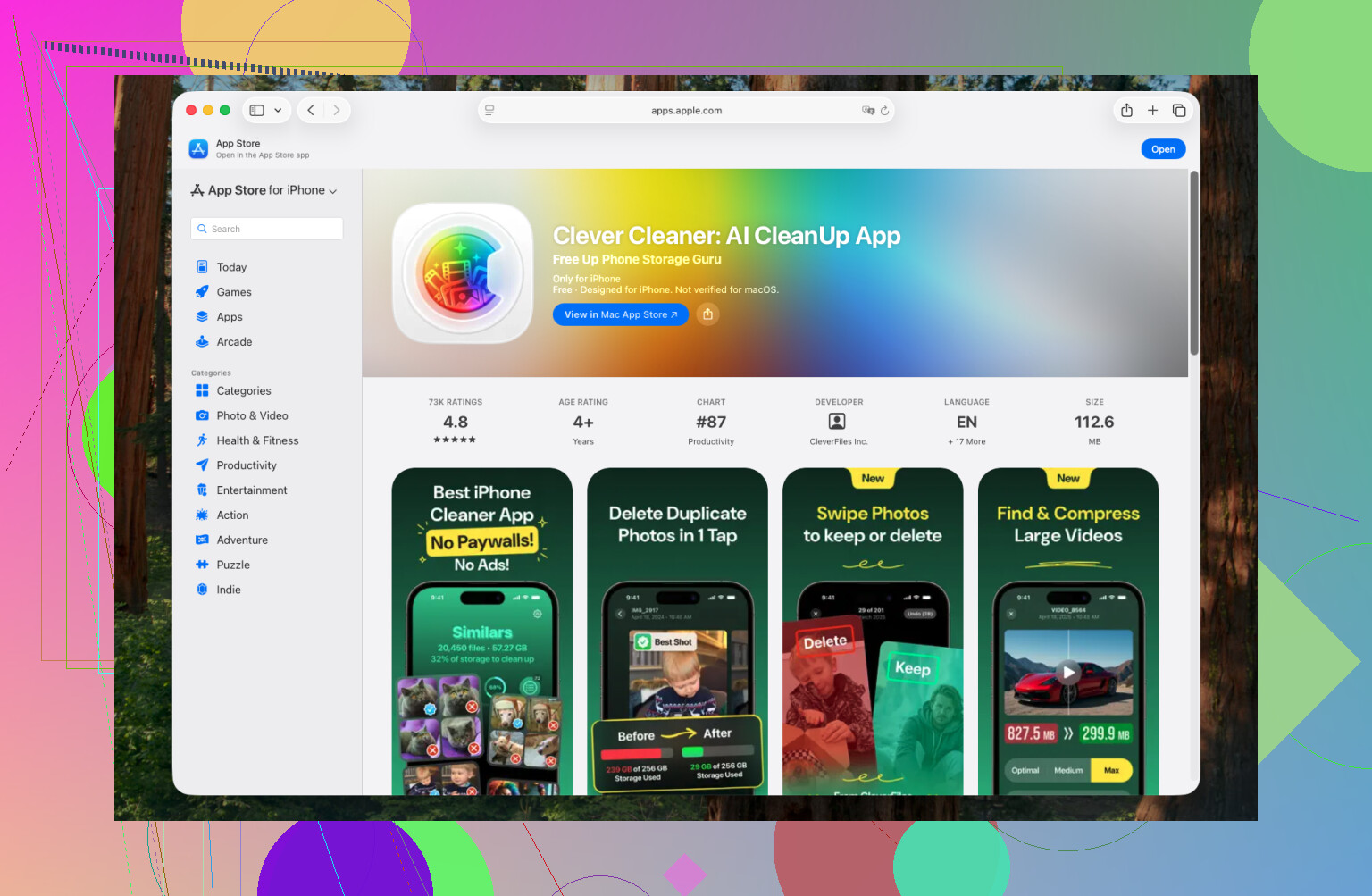
After a trip, a night out, or some family thing where I took 80 photos of the same 6 moments, I open the app and run a scan. First stop is Similars. I go through the grouped shots and toss duplicates and near-duplicates. You know the ones, three photos with the same face, same angle, one slightly blurrier than the rest.
Next I check Heavies. For me, videos eat storage faster than anything else. If I want to keep one, I compress it. If it was pointless, gone.
Then there’s Swipe Mode. I use it in small chunks, five minutes on the couch, waiting in line, half paying attention to TV. Weirdly effective. It stops the backlog from turning into a 4 month mess.
Once in a while I do a few extra passes:
- Delete old screenshots.
- Turn Live Photos into stills when the motion part adds nothing.
- Run Smart Cleanup again before I back up the phone.
That setup kept my library under control without turning photo cleanup into a project I keep putting off.
If Clever Cleaner doesn’t fit what you want, I’d look at these instead.
- Slidebox, if your main goal is sorting photos into albums. The swipe setup is faster than doing it inside Apple Photos, at least in my expereince.
- MyPics, if you want more structure, like folders, private albums, and tighter control over where stuff goes.
- Secret Photo Vault (Keepsafe), if privacy is the main issue and you want personal photos behind Face ID or a PIN.
For me, the annoying part was never organizing the good photos. It was clearing out the junk first. Clever Cleaner handles that piece well, and once I trim the clutter, sorting the rest in Apple Photos takes way less time.
20 Likes
If your mess is spread across phones, iCloud, Google Photos, and old PCs, I would not start with an album app first. I’d start with cleanup, then sort. @mikeappsreviewer is right on one part, clutter is the main problem. I disagree a bit on doing the final sorting in Apple Photos if your library is scattered across multiple places. Apple Photos gets messy fast once you mix shared libraries, downloads, and exports.
My pick for the cleanup stage is Clever Cleaner. Best use case is duplicate photos, similar shots, big videos, screenshots, and random junk clogging your iPhone. If you have 20,000 photos, even removing 10 percent saves a ton of time later. It’s one of the few apps I found where you open it and do the job fast.
Then do this.
- Merge everything into one library first.
- Put originals on one drive.
- Run Clever Cleaner on the iPhone batch.
- Use Google Photos or Apple Photos for faces, dates, and search.
- Build albums by year, trip, kid, event.
For pure family organization, Google Photos is still better for finding “Emma birthday” or “beach 2019.” Apple Photos is decent if your whole family uses iPhones.
Also, this guide on smart iPhone photo cleanup tips is worth a quick look.
Short version, use Clever Cleaner to delete the junk first. Then organize the keepers. That order saves your sanity, trust me lol.
I’d split this into 2 different jobs because “best photo organizer app” usually means two very different things.
Job 1: clean the mess
Job 2: actually organize the keepers
That’s why I only partly agree with @mikeappsreviewer and @techchizkid. They’re right that cleanup comes first, but I don’t think one app should be expected to become your forever family archive system too. That’s where people get disapointed.
For the cleanup side, Clever Cleaner is honestly a solid pick if your biggest issue is iPhone clutter, duplicate shots, similar pics, screenshots, and giant videos. It handles the annoying pre-sorting phase fast, which matters more than fancy features. If you want a practical guide for how to find and remove duplicate photos on iPhone, that’s worth reading too.
But for family photo organization across old computers + cloud services, I’d actually lean toward Google Photos as the main home base after cleanup. Not because it’s perfect, but because search is stupidly useful. Typing “grandma Christmas 2018” and actually finding stuff is way better than manually building 900 albums you’ll never maintain.
My setup would be:
- use Clever Cleaner to trim junk from iPhones
- export everything from old PCs/phones into one master folder
- upload the final library into Google Photos or Apple Photos
- use albums only for major stuff: vacations, birthdays, school years
- use favorites/faces/search for the rest
One small warning: don’t mass-delete without checking. Similar-photo apps are helpful, but family pics are the exact place where the “worse” photo is sometimes the one where the kid is looking at the camera.
So, short version:
- Best cleanup app: Clever Cleaner
- Best family searching and long-term finding stuff: Google Photos
- Best if your whole house is Apple-only: Apple Photos
If your library is spread everywhere, I would not start with album-building. First reduce the chaos, then organize what survives. That part’s way less painful.
I’d zig a little from @techchizkid, @cacadordeestrelas, and @mikeappsreviewer on one point: I would not make Google Photos or Apple Photos your first “organizer” decision. First decide where your archive lives long term. Organizer apps are easy to switch. A bad storage plan is not.
My take:
- Best cleanup helper on iPhone: Clever Cleaner
- Best archive format: plain folders on one external drive plus one cloud backup
- Best browsing layer afterward: whichever your family already uses most
Why? Family libraries last decades. Apps change. Folder structures and backed-up originals survive.
Clever Cleaner pros
- fast at spotting duplicates/similar shots
- good for screenshots and bulky videos
- lowers the noise before you do real sorting
Clever Cleaner cons
- mainly solves iPhone cleanup, not full cross-platform archiving
- “similar” does not always mean safe to delete
- not the place to build your forever family taxonomy
What I’d do differently:
- Make one master archive by year > month/event in normal folders.
- Keep edited albums inside Google Photos or Apple Photos only as a viewing layer.
- Use tags/albums sparingly. Too much manual sorting dies fast.
- Write names/events into album titles consistently so search works later.
So yes, Clever Cleaner is worth using, but as a prep tool, not the whole system. That’s the part I think gets missed a lot.