I accidentally deleted important files from my iPad and I need to recover them. What is the best iPad recovery software out there? Looking for something user-friendly and reliable. Any recommendations would be greatly appreciated.
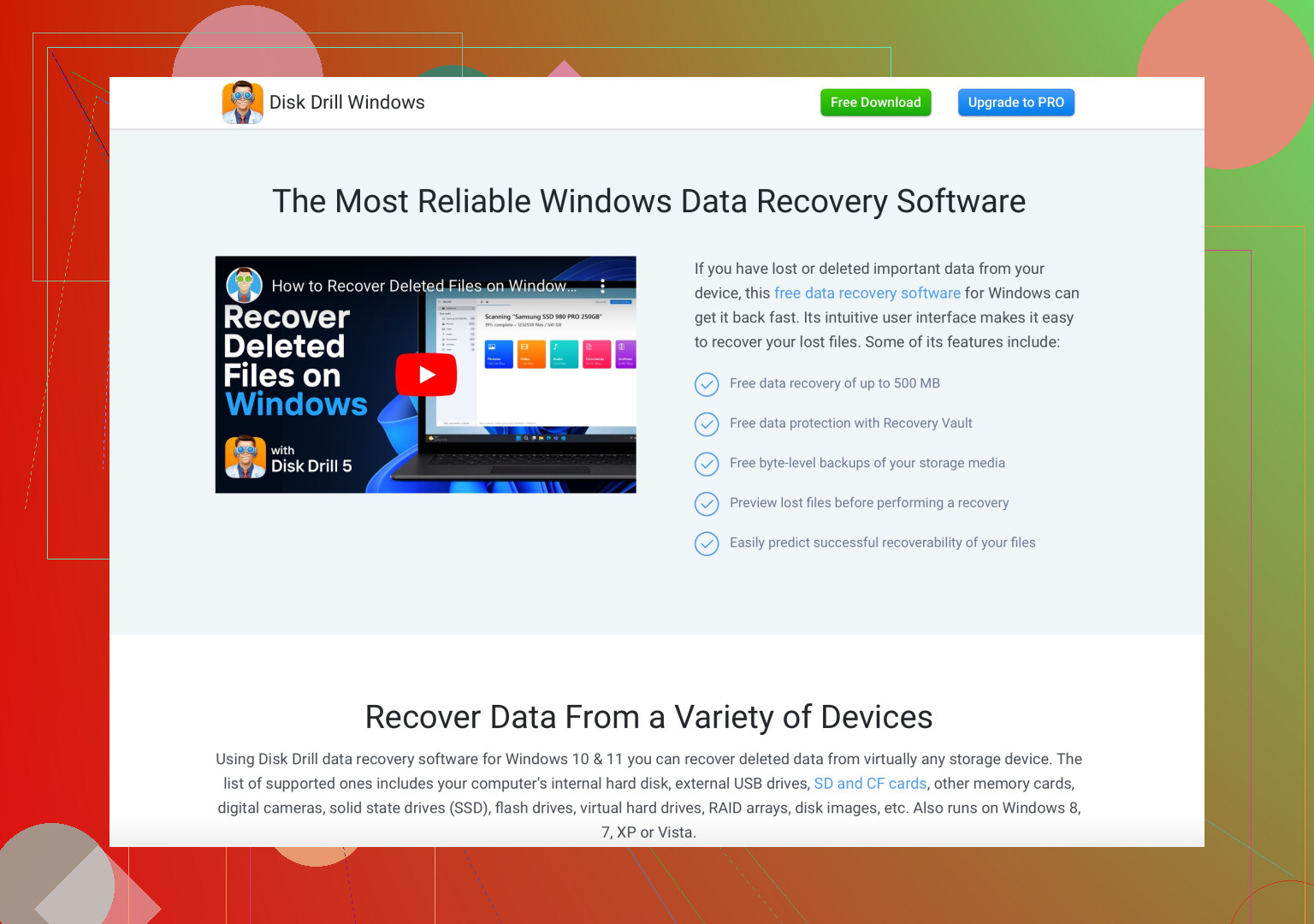
Dude, been there, done that, got the t-shirt. Losing important files can really sting. If you’re looking for the best iPad recovery software, I’d have to recommend Disk Drill. Super user-friendly and reliable—checks all the boxes. Just follow a few steps, and you can recover anything from lost photos to crucial documents. They even have a free version which might be all you need for your situation.
I’ve tried a few, and Disk Drill stands out because it’s not overly complicated—ideal for tech noobs like myself. Just download it on your computer, connect your iPad, and follow the prompts. Easy peasy!
So, yes. Give it a whirl. It might just be the lifesaver you need.
39 Likes
I totally feel your pain about losing important files! While @sonhadordobosque recommends Disk Drill (which is indeed super user-friendly and reliable), I’d like to throw another option into the mix—Tenorshare UltData.
I used it last year when I accidentally deleted some important files off my iPad, and it saved my bacon. The interface is pretty intuitive, and it supports a wide range of file types like photos, messages, contacts, etc. Just like Disk Drill, you hook your iPad to your computer, launch the software, and let it do its magic.
Honestly, both these tools are great, but sometimes having a couple of options doesn’t hurt. UltData offers a trial version as well, so you can see if it meets your recovery needs before committing. Plus, having multiple tools can increase your chances of a full recovery.
Give both a try and see which one works best for you. Don’t put all your eggs in one basket!
Before paying for recovery software, check Apple’s built-in recovery options. Open Photos, tap Albums, then Recently Deleted. Items stay there for up to 30 days. In Files, open Browse, then Recently Deleted.
Also check iCloud.com for synced photos, notes, contacts, and files. If the data is missing, restore an older iCloud backup through Settings after saving your current data elsewhere. Try these steps frist. They’re simpler, free, and often recover deleted items within minutes.
Stop using the iPad for anything until you’ve tried to get the files back. Every app that syncs, every photo you take, it all risks writing over the space where your deleted stuff lived. Sounds obvious but people keep browsing and taking screenshots while they research recovery tools, which quietly lowers their odds.
Here’s the part nobody in the thread said out loud though. iPad storage is encrypted and locked down way more than a normal hard drive, so those recovery apps can’t just scan the raw flash and pull deleted files like they can on a PC. What most of them actually do is dig through an iTunes or iCloud backup, or grab whatever’s still cached before it gets overwritten. So @techcloud8302 is right that the free Apple route should come first, because if the answer is sitting in Recently Deleted or an old iCloud backup, no paid tool is going to beat that.
Disk Drill and UltData are fine as a second pass, especially if you’ve got an older local backup on your computer to point them at. Just go in expecting the trial to show you a preview of what’s recoverable before you pay, and don’t assume it can magically resurrect something that was only ever on the device with no backup anywhere. If there’s no backup and it’s already gone from Recently Deleted, honestly your chances drop fast, so temper the expectations a bit.