I accidentally hit the wrong button and formatted my SD card before realizing it had important photos and videos on it. I need help figuring out if the data can still be recovered and what steps I should take right away to avoid making things worse.
I know this one. I formatted the wrong SD card once after a long shoot and felt sick the second I noticed it. First thing, stop using the card now. Take it out of the camera, phone, drone, whatever it’s in.
What usually happens with an SD card format is a quick format, not a full wipe. The card’s index gets cleared, so your device treats it like empty space. Your photos and video are often still sitting on the card until new data lands on top of them. So if you kept recording after the format, recovery odds drop fast. If you have not written anything new, your chances are still decent. I’d slide the little switch on the side of the SD card to Lock too, so your computer doesn’t write stray files onto it by accident.
Skip the Command Prompt fixes and terminal repair stuff. Tools like CHKDSK are for damaged file systems. They are not built for recovering media from a formatted card, and I’ve seen them leave things messier.
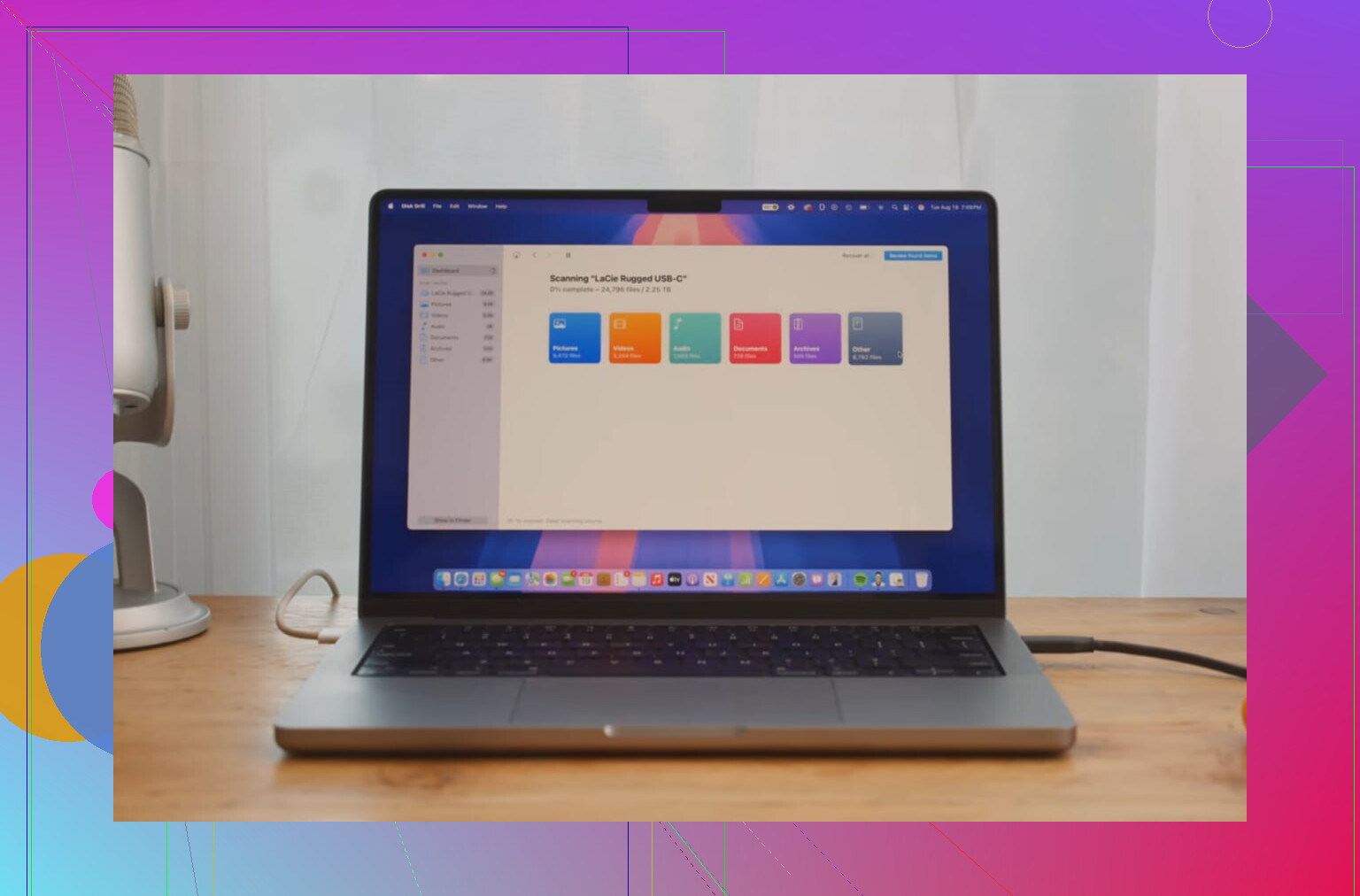
If you want the files back, use recovery software. I had the best results with Disk Drill. I tried a few options after messing up my own card, and this one pulled back more usable files, especially video. That part matters, because video clips on SD cards often get split up in chunks. Some free apps will find the pieces, then hand you a file your editor won’t open. Disk Drill’s Advanced Camera Recovery mode did a better job piecing clips back together. It also found RAW photos and regular files without much fuss.
What I did:
Used a decent card reader and connected the locked SD card to my computer.
Installed and opened Disk Drill.
Picked the SD card from the list and started the scan.
Waited for results, then checked previews. If a file previews fine, recovery odds are usuallly good.
One more rule, and this part matters almost as much as stopping use of the card. Do not save recovered files back onto the same formatted SD card. Save them to your computer’s internal drive or a separate external drive. If you recover onto the same card, you risk overwriting the files you’re trying to save. Brutal way to lose them twice.
If you stopped using the card right after the format, you’re still in decent shape. I’ve seen scans bring back a lot more than expected.
13 Likes
If it was a normal format, your files often still sit on the card until new data overwrites them. So time matters.
A few things I’d do right now, besides what @mikeappsreviewer already said.
-
Check what kind of format happened.
If the camera or phone did the format, it was often a quick one. Recovery odds stay decent. If you used a computer and picked a full format, odds drop a lot. -
Look at the card’s health.
If the SD card started throwing errors before this, the issue might be failing flash memory, not only formatting. In tht case, recovery software may miss files or freeze. If the card disconnects, shows 0 bytes, or asks to be inserted again, stop and move to a pro lab. -
Make an image of the card first.
I disagree a bit with jumping straight into file recovery. Best practice is cloning the SD card to an image file, then scanning the image. This keeps the original untouched if the card is unstable. On Linux or macOS, dd or ddrescue works. On Windows, some imaging tools do the same job. -
Expect file names and folders to be messed up.
Recovery after format often brings back files by signature. So you may get DSC_1044 gone, replaced by names like file000123.jpg. Photos usuallly survive better than long videos. -
Watch for fake previews.
A thumbnail preview is useful, but not perfect. Test recovered videos in VLC before calling it done.
Disk Drill is a solid pick for formatted SD card recovery, esp for camera media. If you want a broader read on SD card photo recovery tools, this guide is useful too:
best SD card recovery tools for deleted photos and videos
Big rule, save recovered files to another drive. Not back to the SD card. That part ruins a lot of recoveries.
If it was just a normal camera or phone format, recovery is still very possible. The part I’d add to what @mikeappsreviewer and @codecrafter said is this: pay attention to the card type and device.
If it’s a microSD used in an Android phone as internal/adopted storage, recovery gets way harder because of encryption. Same if the card came from some action cams that do weird file handling. A standard camera SD card is usally the best-case scenario.
I also would not keep retrying the card in multiple devices “just to check.” Every device loves writing tiny bits of data. That can hurt recoverable space more than people think.
One thing people skip is checking recovered files for corruption by size and duration. A recovered MP4 that says 2 GB but only plays 3 seconds is not really recovered. Disk Drill is a solid option here because it tends to handle media recovery better than a lot of bargain-bin tools, but I’d still verify the results manually.
If the files are irreplaceable, pro recovery lab > DIY. Expensive, yeah, but better than experimenting till the card is toast.
Also, for anyone reading more experiences, this formatted SD card photo and video recovery discussion is pretty relevant.