I need to navigate a trip with 7 stops without counting on mobile data. During a test in airplane mode, my saved place names were visible, but the maps wouldn’t load. What should I check when evaluating travel apps to confirm that maps and reservation details are actually available offline? Also please suggest some cool useful apps for trips.
The thing people get wrong about travel apps is assuming they’re all equally useful once you leave reliable internet behind. Some work offline. Others need a connection, and even being on Wi-Fi doesn’t necessarily mean they’ll work. I’ve found that distinction more useful than collecting another screen full of apps before a trip.
For walking around somewhere with poor reception, I mostly use Organic Maps. It works fully offline and includes trails I haven’t found on Google Maps. If the outing is an actual hike rather than me wandering farther than planned, AllTrails is worth having too. I treat those as different jobs instead of expecting my usual street map to handle everything.
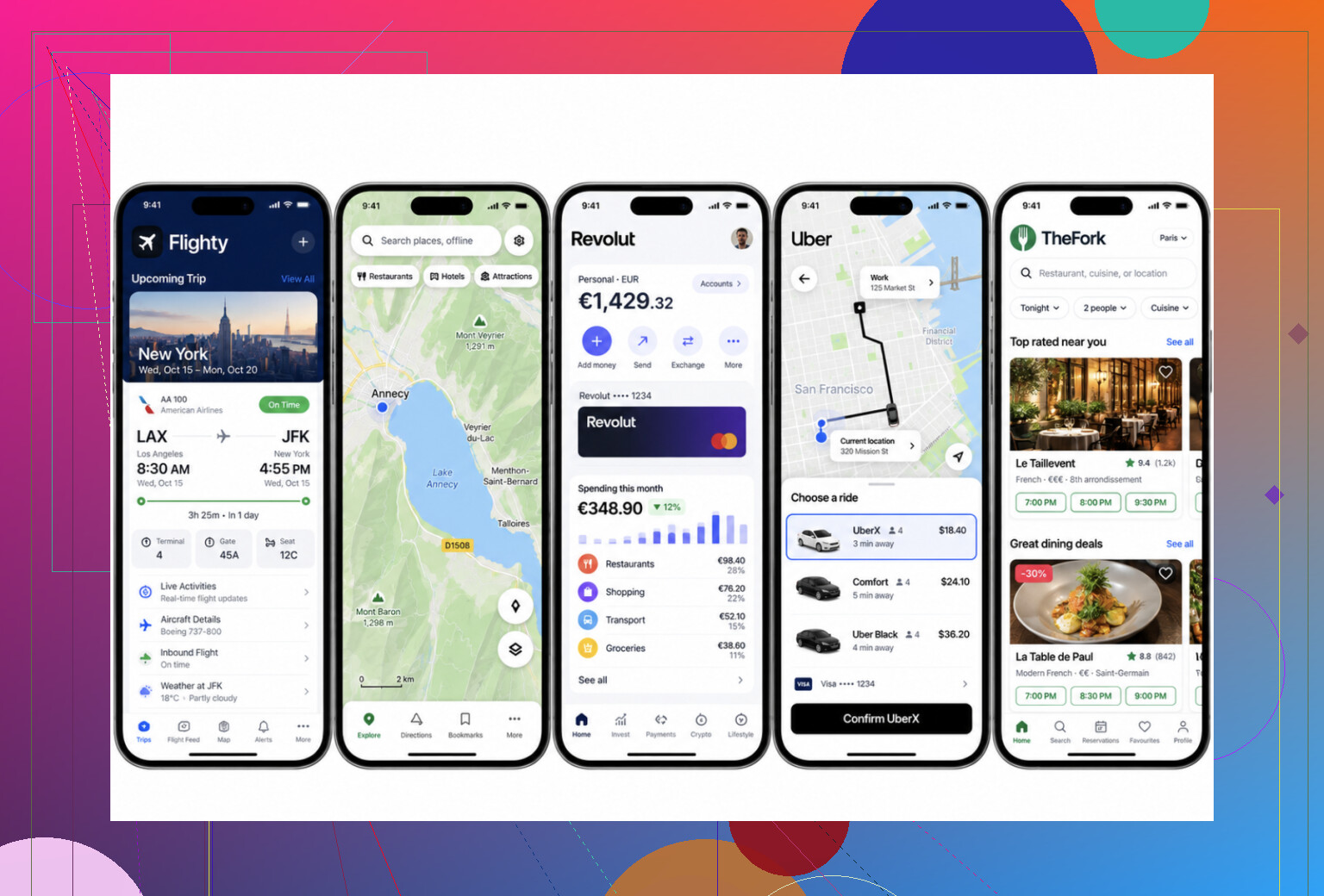
XE Currency fills a similarly unglamorous gap. Quick offline conversions are handy at markets, where I want to understand a price without turning the purchase into a mental arithmetic exam. Revolut is what I use for cards and currency, but that doesn’t replace a physical backup card in another bag. Losing my wallet would be annoying enough without also losing every way to pay.
That’s the part of my setup I’d sort out first: directions and money when reception is bad. Neither makes for a particularly interesting app recommendation, which is probably a point in their favor.
The apartment problem I hadn’t planned for
One of my less obvious additions came from an Airbnb in Krakow with no TV remote. The host said it should be somewhere. This was technically a location, but not a useful one.
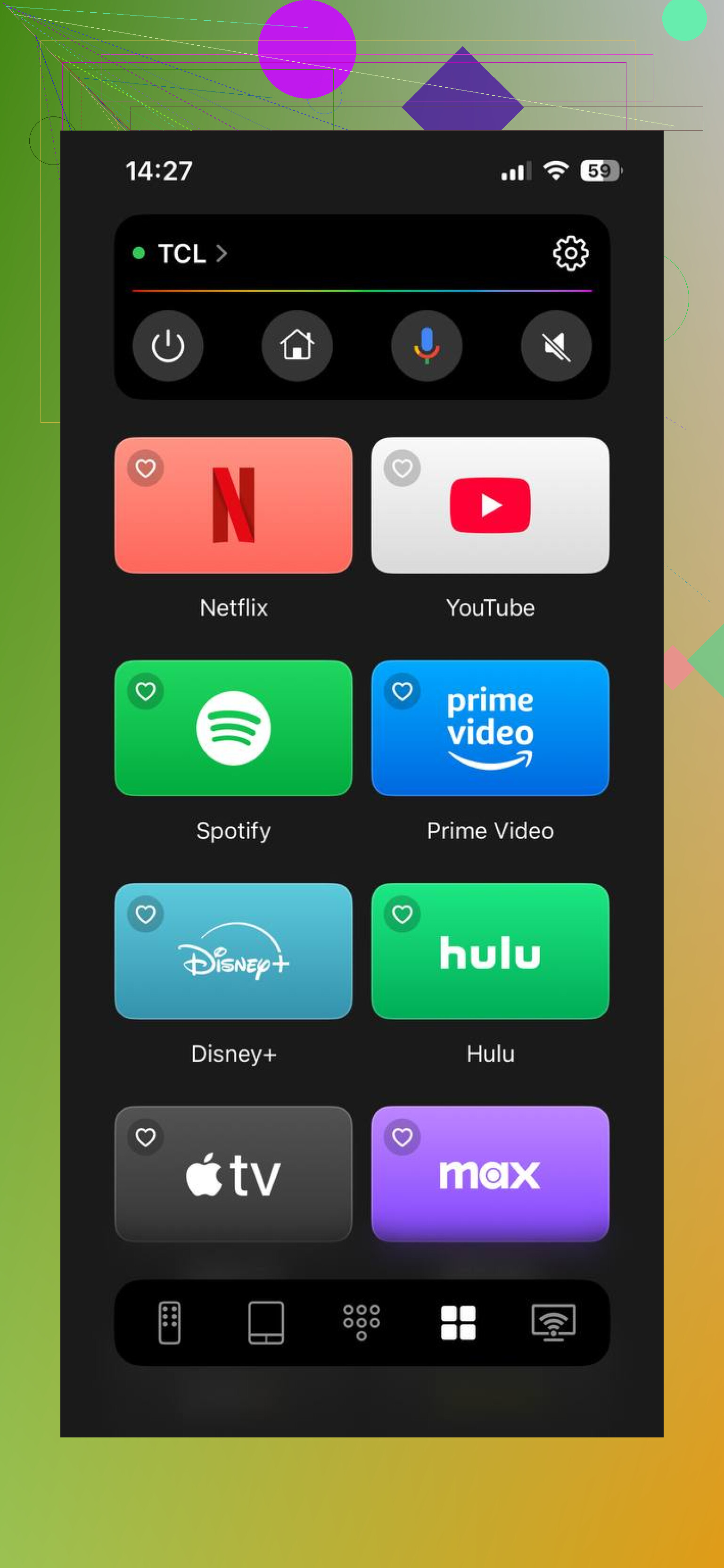
I ended up using the TVRem app to control the TV from my iPhone over the same Wi-Fi network. Since then, I’ve used it in other apartments where the remote was dead or barely functioning. It’s not something I would have thought to pack, digitally speaking, until I needed it.
Using the TVRem remote also lets me type with the phone keyboard when signing into my own Netflix or YouTube account on someone else’s TV. That saves the slow march through an on-screen alphabet with a directional pad.
It works with most smart TVs, including Samsung, LG, Android TV, Roku, and Fire TV. The limitation worth remembering is hotels. Their Wi-Fi often blocks devices from connecting to each other, so I wouldn’t count on this there. Being connected to the same network is necessary, but hotel networks can still stop the whole arrangement.
I’d put this in the “useful backup” category, not the “guaranteed solution” category. That distinction saves some disappointment when you’re tired and just want the television to cooperate.
Spend the rest of your attention on timing
Once those basics are covered, the apps I appreciate most are the ones that reduce waiting or awkward coordination.
For flights, I use Google Flights to find tickets and track prices, then Flighty to keep an eye on the journey. Flighty has sometimes warned me about delays roughly an hour before the airline, and seeing where the incoming plane is gives me a better sense of whether departure is likely to slip. Those are separate tasks, so I’m happy using separate apps.
On arrival, I check Bolt or Grab depending on the region. They’re usually cheaper than Uber in Europe and Asia, and I prefer that to negotiating a taxi fare at the airport.
For meals in France, Italy, or Spain, TheFork is useful for booking in English without calling. The restaurant deals can sometimes take 30-50% off, which is worth checking rather than assuming every booking will be discounted. With friends, Splitwise handles the less enjoyable follow-up: remembering who paid for dinner.
I still don’t have a good answer for finding laundromats on longer trips. Apparently my phone can help locate an incoming aircraft more easily than somewhere to wash socks.

Before relying on any of this, try the relevant tasks yourself. Turn off your connection and check your maps and currency conversions. Test the TV app on your own setup, without treating success at home as a hotel guarantee. Compare ride quotes where you’re staying, check restaurant deal conditions, and set up flight alerts before departure. Keep what actually saves you effort.
18 Likes
Those visible place names don’t tell you whether the app can actually get you between them. I’d push the airplane-mode test: close and reopen the app, skip a stop and have it request new directions to the next place. For a journey with multiple stops, I’d make off-line rerouting a requirement, not a nice-to-have.
Make the stop list portable.
I would agree to the requirement of rerouting while offline, but I would separate this feature from the itineration management. For a multi-stop trip, I would rather have a reliable map and local copy of the stop list than rely on one software to do everything. It is annoying enough to re-enter a location that I had previously entered; it is unforgivable for an entire itineration to be rendered useless until it can be reloaded.
My alternate test would be whether one can recover the itineration outside of the planning app. Save a text copy on the phone with the full address of every stop, the coordinates if known, and any notes about entry. The stops should also be in order, and just labelling the stop ‘Museum’ is not be enough. A booking confirmation or a shared link with the itinerator are not a substitute for me.
For the blank maps, I’d check the download controls rather than the saved-places screen:
- Does the app show a completed map download, with an area name and storage size?
- Does that area cover the roads between your destinations, including a possible detour, rather than just the places themselves?
- Does its offline support include your intended travel mode? Look specifically for walking or driving directions, whichever you need.
- Can you select a saved destination and calculate a route without searching for its name online?
Those are indeed separate criteria to consider before comparing other functions. As for the trip planning, I would prioritize changing the order over automatically finding the shortest path. A restaurant reservation, closing time, or a delayed departure could make the originally built sequence useless. During your test, try putting the following one before the current place and see if you can continue without rebuilding the whole plan. If not working, I would consider a note with numbers and separate routes to those places an acceptable compromise.
That would greatly limit the shortlisted options – those with downloadable maps and directions to the chosen mode of transport, and the ability to rearrange them. The ability to reserve, track expenses, and other tools are not essential to me.
Airplane mode is not an indicator that an app will function when offline if Wi-Fi is turned on. In the next step, you should purposefully turn off Wi-Fi as well to make sure that you are not using the app over your home network and assuming it will work for you in between stops.
Run the offline test from your Itinerary’s “Directions” button, not just the app itself. Pay attention to the process from hitting a stop to actually getting directions. Does the planner do it itself, pass control to another app, or open a webpage? Did it pass along the correct destination, or do you have to re-find the place you wanted to go without cell service? A pretty itinerary screen is great, but it doesn’t do you much good if it spins you into a loading circle.
I think you might be being a little too generous about the rerouting requirements to accept offline maps. You have to check that it actually passes control to the next app. After arriving at a stop, go back to your Itinerary and test opening directions to the next stop. Ideally, it will keep your place in the itinerary when you minimize it to return to the map app. Even better if it can pass along the exact destination so you don’t have to search again for the second you left the cafe. I wouldn’t necessarily object to separate planning and mapping apps, but I wouldn’t want to have to copy and paste addresses to my mapping app between every stop either. That’s the kind of extra work I’d want to test before shelling out for an “offline” upgrade.
Offline maps expire silently. Many apps automatically download a new version in the background, deleting the previous one after a few weeks, rendering the area you saved before departure outdated and useless by day three, with no warning. Before you depart, ask yourself how long your downloaded map is good for and refresh it the night before, not a month ahead.
A route to the entrance is useful. A route to the opposite side of a fenced property is a problem even if every offline feature works. I’d extend @darkwizard5’s handoff test to check exactly where the destination pin lands, especially for stations, parks, and large attractions. With the connection off, can you zoom in, identify the entrance you need, and move your destination there? I’d be skeptical of an app that preserves the itinerary beautifully but leaves you unable to adjust the actual arrival point. Getting directions to a saved place isn’t quite the same as getting to the door.
Test a place that you did not save. I would be careful about an app judging based on how it handles your stops. You should turn off the connection and try looking for a pharmacy or bathroom near you and ask for directions. See if you can search the area that you loaded as opposed to simply going to your saved places. I agree with testing the itinerary-sharing function, but I would want the flexibility of not knowing the address. That is the sort of offline experience that would influence me to pay for an upgrade.