If you’re struggling to mirror your iPhone to Firestick, finding a reliable screen mirroring app really matters. Many apps promise smooth mirroring but end up lagging, disconnecting, or breaking after updates — especially on Firestick, where native AirPlay support is missing.
DoCast Mirroring App
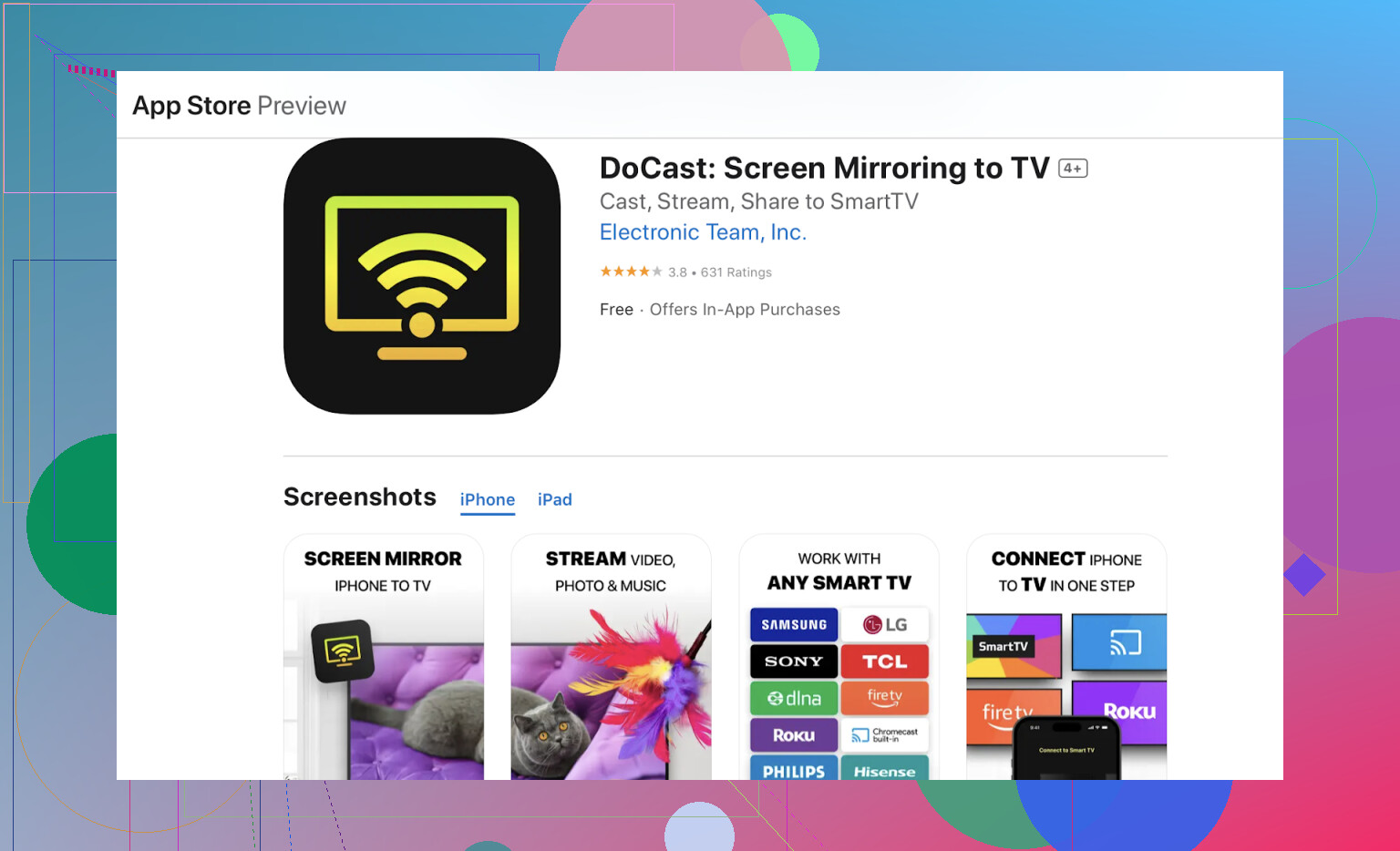
A popular choice for iPhone users. It supports Firestick, Roku, Chromecast, and many smart TVs. Easy to set up and works well for photos, videos, and full-screen mirroring.
- Set-up was a breeze — download on iPhone, pair up with Firestick in like, two steps.
- Photos/Videos: Streaming my pet memes or trip videos just worked with minimal lag.
- Zero ads. Free to try, but they’ll nudge you for premium if you’re into longer TV-athon mirroring.
- No weird pop-ups, no tracking my midnight snack searches (unlike some apps, ahem).
AirScreen
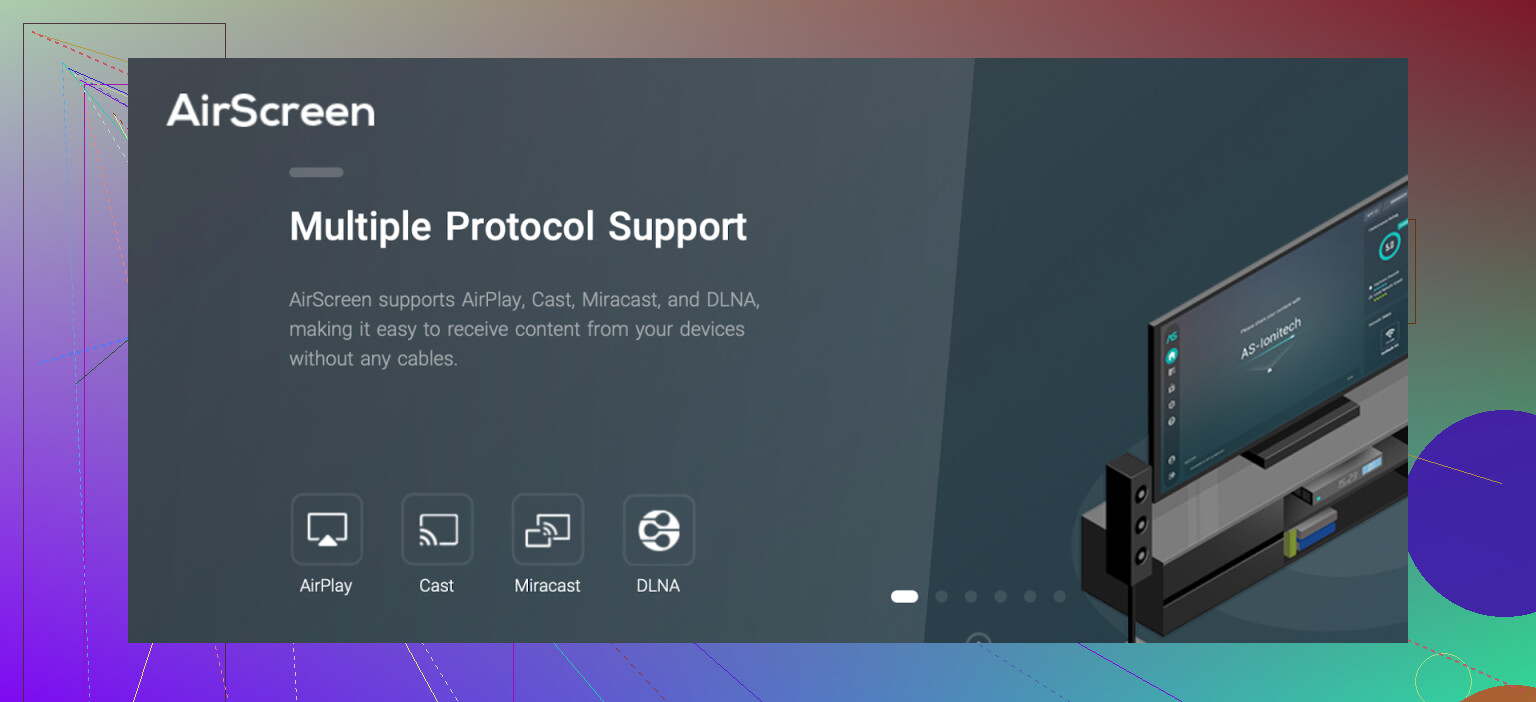
A versatile app that adds AirPlay, Google Cast, and Miracast support to Firestick.
- Virtually foolproof. Install on Firestick, and your iPhone recognizes it like it’s an Apple TV on the same network. (Cue: “It just works!”)
- No wires — just plain ol’ WiFi. Feels pretty “2025.”
- Ads show up on the free tier, but they’re mostly tolerable, and the paid option exists if you’re allergic to banners.
- Zero learning curve. Open on Firestick, fire up screen mirroring on your iPhone, that’s it. Even my skeptical uncle got it working.
ApowerMirror
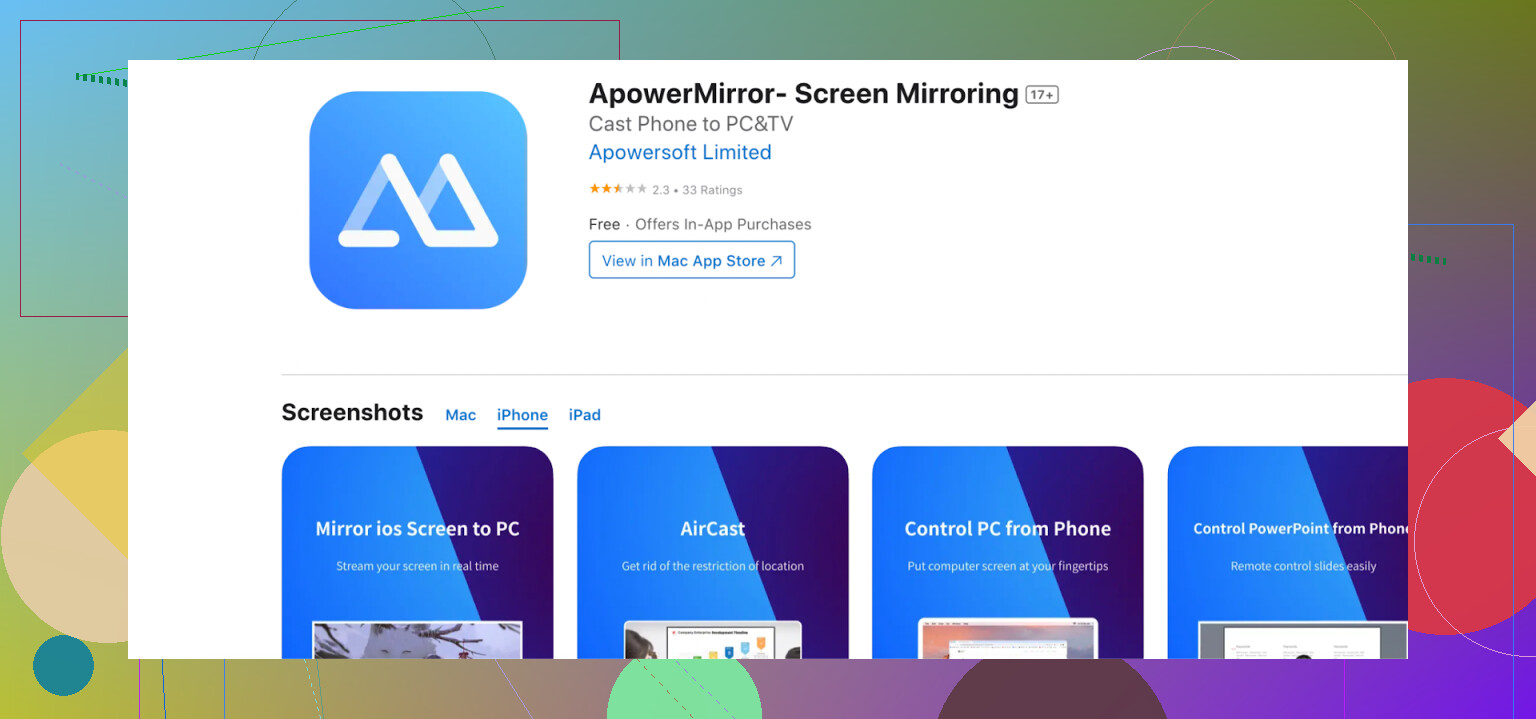
Lets you mirror iPhone screens to Firestick with additional features like recording or annotating your screen.
- Run it wireless or with a cable (in case your WiFi is acting like you didn’t pay the bill).
- Bonus: Mirrors with audio, can actually record what’s happening on your Firestick screen, even has doodling/whiteboard tools. Not all heroes wear capes.
- Best for presentations, interactive lectures, or showing someone how a mobile game works… if they’re into that.
Side note from personal experience :
One extra annoyance I keep running into isn’t mirroring-related at all — it’s losing the Firestick remote or realizing the batteries are dead. In those moments, I use a free universal remote app called TVRem. It lets me control Firestick directly from my iPhone: navigate menus, open apps, and adjust settings.
If you’ve had the same “where’s the remote?” problem, this is an easy backup worth trying.
Conclusions
DoCast is the best screen mirroring app for iPhone because it works across many TV platforms, not just AirPlay-supported ones. Unlike AirScreen, it doesn’t rely on AirPlay emulation, which makes it more stable. Compared to ApowerMirror, it’s lighter, simpler, and faster to set up.
If you want a solution that just works — without ads, unnecessary features, or compatibility headaches — DoCast is the most reliable choice for Firestick users.